Nintendo Switch controls
The Switch face buttons are the mirror of an Xbox pad — A is on the right, B at the bottom, with X and Y swapped too. The button map is identical on the Nintendo Switch 2.
See it on the Switch — Minecraft
Every binding on the console layout. Hover a button to read its action, then open the game for the full scheme.
Nintendo Switch game controls
Pick a game for its complete Nintendo Switch button layout.
-
 Minecraft Keyboard + Gamepad
 -
 Fortnite Keyboard + Gamepad
 -
 The Legend of Zelda: Tears of the Kingdom Gamepad
 -
 The Legend of Zelda: Breath of the Wild Gamepad
 -
 Mario Kart 8 Deluxe Gamepad
 -
 Super Smash Bros. Ultimate Gamepad
 -
 Vampire Survivors Keyboard + Gamepad
 -
 Apex Legends Keyboard + Gamepad
 -
 Overwatch 2 Keyboard + Gamepad
 -
 Stardew Valley Keyboard + Gamepad
 -
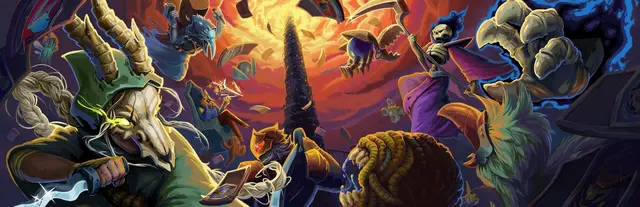
 Slay the Spire Keyboard + Gamepad
 -
 Balatro Keyboard + Gamepad
 -
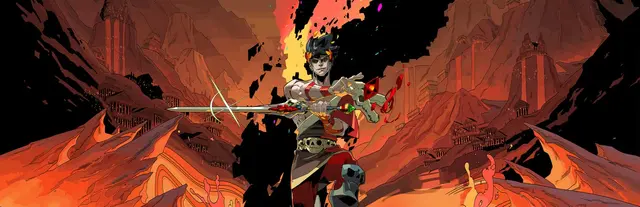
 Hades Keyboard + Gamepad
 -
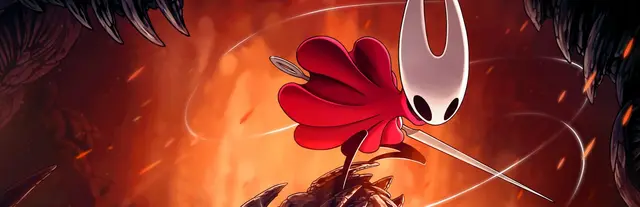
 Hollow Knight: Silksong Keyboard + Gamepad
 -
 Pokémon Scarlet and Violet Gamepad
 -
 Super Mario Odyssey Gamepad
 -
 Super Mario Bros. Wonder Gamepad
 -
 BioShock Keyboard + Gamepad
 -
 The Elder Scrolls V: Skyrim Keyboard + Gamepad
 -
 Pokémon Legends: Z-A Gamepad
 -
 Hades II Keyboard + Gamepad
 -
 NieR:Automata Gamepad
 -
 Pokémon Legends: Arceus Gamepad
 -
 The Binding of Isaac: Rebirth Keyboard + Gamepad
 -
 Animal Crossing: New Horizons Gamepad
 -
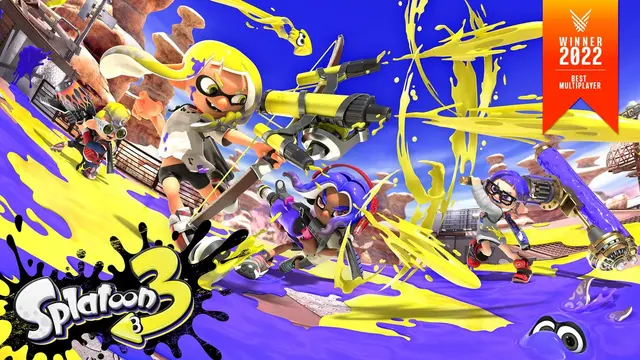
 Splatoon 3 Gamepad
 -
 Dave the Diver Keyboard + Gamepad
 -
 Super Mario 3D World + Bowser's Fury Gamepad
 -
 EA SPORTS FC 27 Keyboard + Gamepad
 -
 BioShock Infinite Keyboard + Gamepad
 -
 Disco Elysium Keyboard + Gamepad
 -
 Mortal Kombat 11 Keyboard + Gamepad
 -
 Portal 2 Keyboard + Gamepad
 -
 Metroid Prime Remastered Gamepad
 -
 The Witcher 3: Wild Hunt Keyboard + Gamepad
 -
 Warframe Keyboard + Gamepad
 -
 Divinity: Original Sin 2 Keyboard
 -
 Doom Eternal Keyboard + Gamepad
 -
 Stray Keyboard + Gamepad
 -
 Donkey Kong Country: Tropical Freeze Gamepad
 -

 EA SPORTS FC 26 Keyboard + Gamepad
 - Coming soon
 Super Mario Galaxy Gamepad
 -
 Rocket League Keyboard + Gamepad
 -
 The Legend of Zelda: Echoes of Wisdom Gamepad
 -

 Animal Well Keyboard + Gamepad
 -
 Portal Keyboard
 -
 Fire Emblem: Three Houses Gamepad
 -
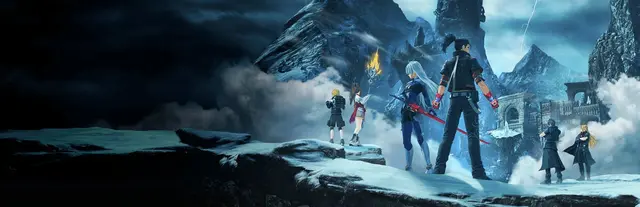
 Xenoblade Chronicles 3 Gamepad
 -
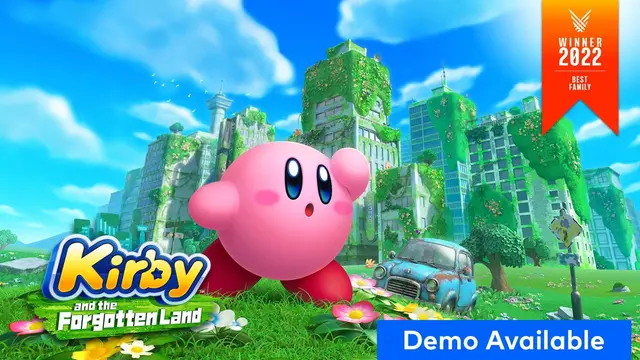
 Kirby and the Forgotten Land Gamepad
 -
 Super Mario Maker 2 Gamepad
 -
 Splatoon 2 Gamepad
 -
 It Takes Two Keyboard + Gamepad
 -
 Mortal Kombat 1 Keyboard + Gamepad
 -
 Luigi's Mansion 3 Gamepad
 -
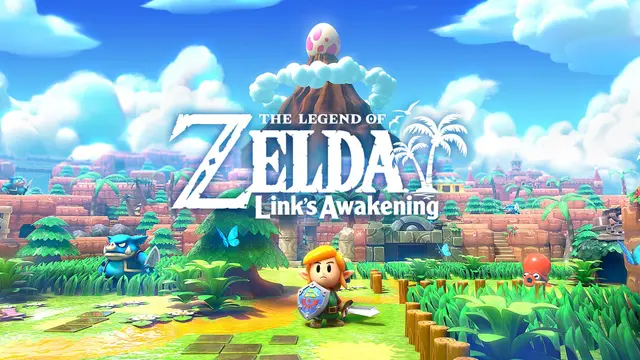
 The Legend of Zelda: Link's Awakening Gamepad
 -
 Borderlands 2 Keyboard + Gamepad
 -

 Borderlands 3 Keyboard + Gamepad
 -
 Assassin's Creed II Keyboard + Gamepad
 -
 Dying Light Keyboard + Gamepad
 -

 Terraria Keyboard + Gamepad
 -
 Brotato Keyboard + Gamepad
 -
 Kingdom Come: Deliverance Keyboard + Gamepad
 -

 Tomb Raider (2013) Keyboard + Gamepad
 -
 Metro 2033 Redux Keyboard + Gamepad
 -
 Don't Starve Together Keyboard + Gamepad
 -
 Persona 5 Royal Keyboard + Gamepad
 -
 DOOM (2016) Keyboard + Gamepad
 -
 Dead Cells Keyboard + Gamepad
 -
 Final Fantasy VII Keyboard
 -
 Risk of Rain 2 Keyboard + Gamepad
 -
 Darkest Dungeon Keyboard + Gamepad
 -
 Nine Sols Keyboard + Gamepad
 -
 Pikmin 4 Gamepad
 -
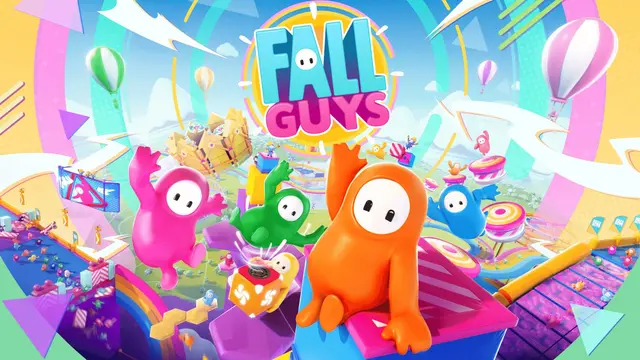
 Fall Guys Keyboard + Gamepad
 -
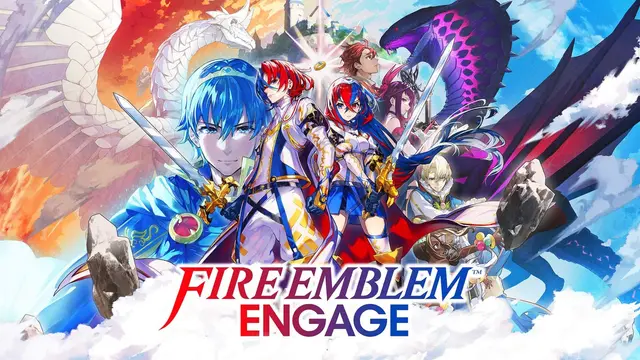
 Fire Emblem Engage Gamepad
 -
 The Long Dark Keyboard
 -
 Metro: Last Light Redux Keyboard + Gamepad
 -
 Metroid Dread Gamepad
 -
 Mario Party Superstars Gamepad
 -
 Sid Meier's Civilization VI Keyboard
 -
 Batman: Arkham City Keyboard + Gamepad
 -
 Cities: Skylines Keyboard
 -
 Xenoblade Chronicles 2 Gamepad
 -
 Dead by Daylight Keyboard + Gamepad
 -
 PAYDAY 2 Keyboard + Gamepad
 -
 Minecraft Dungeons II Gamepad
 -
 Hogwarts Legacy Keyboard + Gamepad
 -
 Monster Hunter Rise Keyboard + Gamepad
 -

 No Man's Sky Keyboard + Gamepad
 -

 Batman: Arkham Asylum Keyboard + Gamepad
 -

 A Plague Tale: Requiem Keyboard + Gamepad
 -
 Dying Light 2 Stay Human Keyboard + Gamepad
 -
 The Outer Worlds Keyboard + Gamepad
 -
 Hollow Knight Keyboard + Gamepad
 -
 Crow Country Keyboard + Gamepad
 -
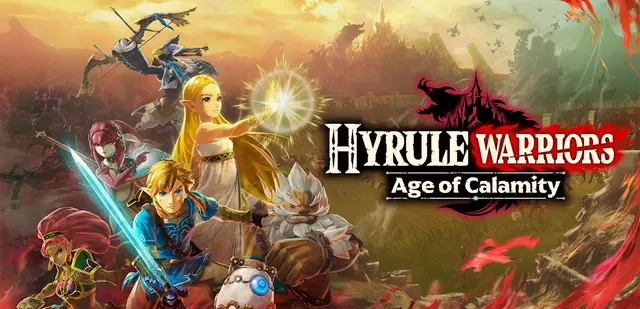
 Hyrule Warriors: Age of Calamity Gamepad
 -
 Pentiment Keyboard + Gamepad
 -
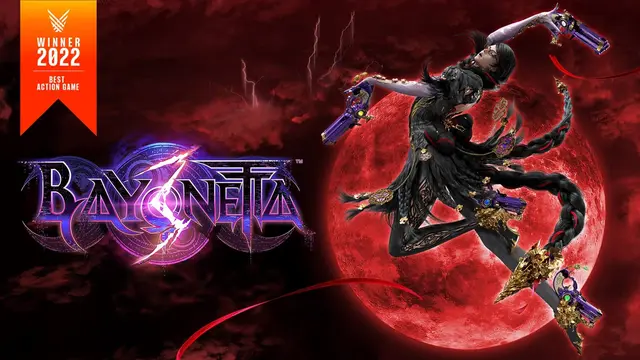
 Bayonetta 3 Gamepad
 -
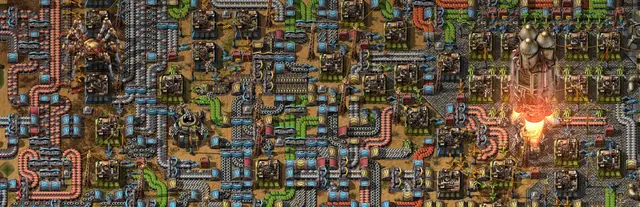
 Factorio Keyboard
 -
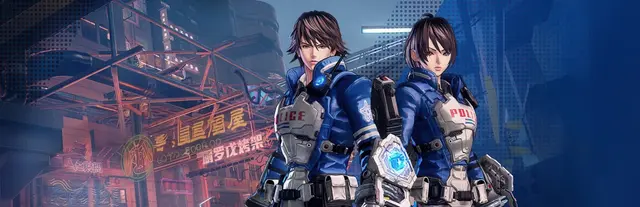
 Astral Chain Gamepad
 -
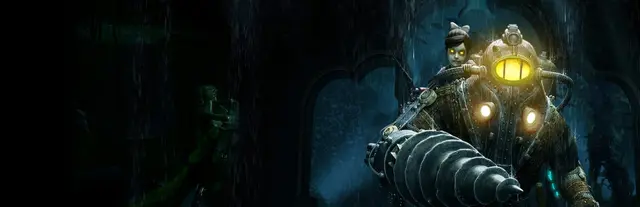
 BioShock 2 Keyboard + Gamepad
 -
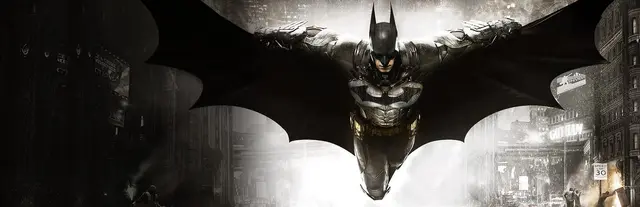
 Batman: Arkham Knight Keyboard
 -
 Diablo II: Resurrected Keyboard + Gamepad
 -
 XCOM 2 Keyboard
 -
 Dark Souls: Remastered Keyboard + Gamepad
 -

 Alien: Isolation Keyboard + Gamepad
 -

 Sid Meier's Civilization VII Keyboard
 -
 Don't Starve Keyboard + Gamepad
 -
 DOOM + DOOM II Keyboard + Gamepad
 -
 LEGO Star Wars: The Skywalker Saga Keyboard + Gamepad
 -
 A Plague Tale: Innocence Keyboard + Gamepad
 -
 Overcooked! 2 Keyboard + Gamepad
 -
 Subnautica Keyboard + Gamepad
 -
 Dragon Quest XI S: Echoes of an Elusive Age - Definitive Edition Keyboard + Gamepad
 -
 Persona 4 Golden Keyboard
 -
 Prison Architect Keyboard
 -

 Resident Evil Village Keyboard + Gamepad
 -
 Enter the Gungeon Keyboard + Gamepad
 -
 Cult of the Lamb Keyboard + Gamepad
 -
 Paper Mario: The Origami King Gamepad
 -

 Control Keyboard + Gamepad
 -
 Mario Tennis Aces Gamepad
 -
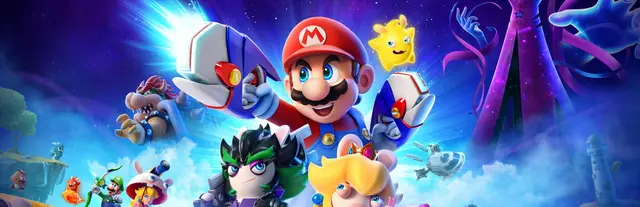
 Mario + Rabbids Sparks of Hope Gamepad
 -
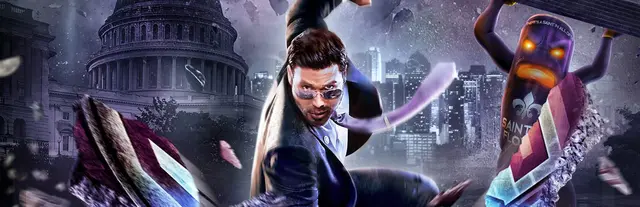
 Saints Row IV: Re-Elected Keyboard + Gamepad
 -

 GUILTY GEAR -STRIVE- Keyboard + Gamepad
 -
 Outer Wilds Keyboard + Gamepad
 -
 Wolfenstein II: The New Colossus Keyboard + Gamepad
 -
 Assassin's Creed III Remastered Keyboard + Gamepad
 -

 Quake Keyboard + Gamepad
 -
 Gunfire Reborn Keyboard
 -
 Slime Rancher Keyboard + Gamepad
 -
 Two Point Hospital Keyboard
 -
 Kirby Star Allies Gamepad
 -
 Pizza Tower Keyboard + Gamepad
 -
 Ghostrunner Keyboard + Gamepad
 -
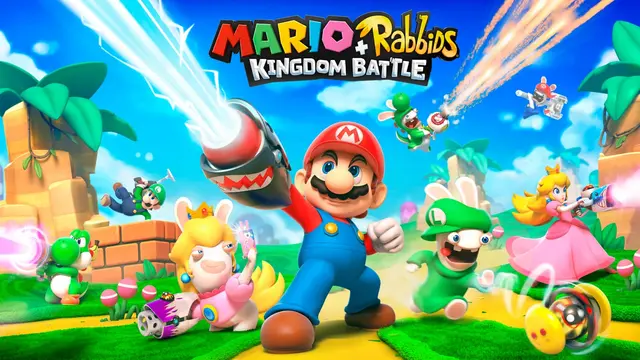
 Mario + Rabbids Kingdom Battle Gamepad
 -
 Tony Hawk's Pro Skater 3 + 4 Keyboard + Gamepad
 -
 Captain Toad: Treasure Tracker Gamepad
 -
 Content Warning Keyboard
 -
 Little Nightmares III Keyboard + Gamepad
 -
 Hellblade: Senua's Sacrifice Keyboard + Gamepad
 -
 Grounded Keyboard + Gamepad
 -

 SnowRunner Keyboard + Gamepad
 -
 Hotline Miami Keyboard
 -
 New Pokémon Snap Gamepad
 -
 Star Wars: Knights of the Old Republic Keyboard
 -
 Bayonetta 2 Gamepad
 -
 Subnautica: Below Zero Keyboard + Gamepad
 -
 Grand Theft Auto: San Andreas – The Definitive Edition Keyboard + Gamepad
 -

 Quake II Keyboard + Gamepad
 -

 Crisis Core –Final Fantasy VII– Reunion Keyboard + Gamepad
 -

 Sea of Stars Keyboard + Gamepad
 -

 Grand Theft Auto: Vice City – The Definitive Edition Keyboard + Gamepad
 -
 Borderlands: The Pre-Sequel Keyboard + Gamepad
 -
 Dragon Quest Builders 2 Keyboard + Gamepad
 -
 Grand Theft Auto III – The Definitive Edition Keyboard + Gamepad
 -
 Warhammer 40,000: Boltgun Keyboard + Gamepad
 -
 Resident Evil Keyboard + Gamepad
 -
 Alan Wake Keyboard + Gamepad
 -
 Dredge Keyboard + Gamepad
 -
 Pillars of Eternity Keyboard
 -
 Astroneer Keyboard + Gamepad
 -
 Tropico 6 Keyboard
 -
 DOOM 3 Keyboard + Gamepad
 -
 Call of Juarez: Gunslinger Keyboard + Gamepad
 -
 Dragon Quest III HD-2D Remake Keyboard
 -
 Octopath Traveler II Keyboard + Gamepad
 -
 Star Wars: Knights of the Old Republic II - The Sith Lords Keyboard
 -
 Trails in the Sky 2nd Chapter Keyboard + Gamepad
 -
 Core Keeper Keyboard + Gamepad
 -
 Wolfenstein: Youngblood Keyboard + Gamepad
 -
 Castle Crashers Keyboard + Gamepad
 -
 Saints Row: The Third Keyboard
 -
 METAL GEAR SOLID 4: Guns of the Patriots - Master Collection Version Keyboard + Gamepad
 -
 Against the Storm Keyboard
 -
 Dragon Quest VII Reimagined Keyboard + Gamepad
 -
 Two Point Campus Keyboard
 -
 Persona 3 Portable Keyboard + Gamepad
 -
 Tunic Keyboard + Gamepad
 -
 Spelunky Keyboard
 -
 Resident Evil 6 Keyboard + Gamepad
 -
 S.T.A.L.K.E.R.: Shadow of Chernobyl Keyboard
 -

 Sniper Elite 4 Keyboard
 -
 L.A. Noire Keyboard
 -
 Monster Hunter Stories 2: Wings of Ruin Keyboard + Gamepad
 -
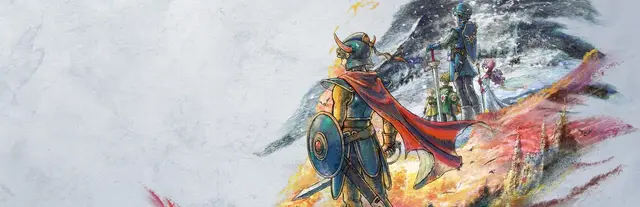
 Dragon Quest I & II HD-2D Remake Keyboard + Gamepad
 -
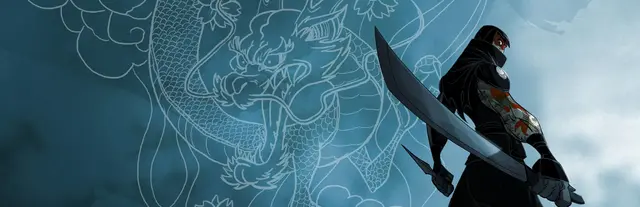
 Mark of the Ninja Keyboard + Gamepad
 -
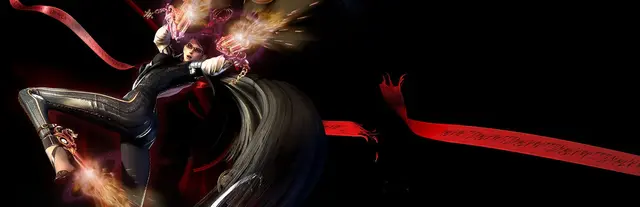
 Bayonetta Keyboard
 -
 Amnesia: The Dark Descent Keyboard
 -
 Jurassic World Evolution Keyboard + Gamepad
 -
 Dragon Quest Monsters: The Dark Prince Keyboard + Gamepad
 -

 DOOM 64 Keyboard + Gamepad
 -
 Ninja Gaiden 3: Razor's Edge Gamepad
 -
 Ninja Gaiden Σ Gamepad
 -
 Persona 5 Strikers Keyboard + Gamepad
 -
 Ninja Gaiden Σ2 Gamepad
 -
 Ninja Gaiden: Ragebound Keyboard + Gamepad
 -
 SOMA Keyboard + Gamepad
 -
 Star Wars: Republic Commando Keyboard
 -
 Sniper Elite 3 Keyboard
 -
 Absolum Keyboard + Gamepad
 -
 Dragon Quest Builders Keyboard + Gamepad
 -
 Darksiders II Deathinitive Edition Keyboard
 -
 Resident Evil 0 Keyboard + Gamepad
 -
 Star Wars: The Force Unleashed Keyboard
 -
 Dispatch Keyboard + Gamepad
 -
 Gothic 1 Keyboard
 -
 Darksiders Genesis Keyboard + Gamepad
 -
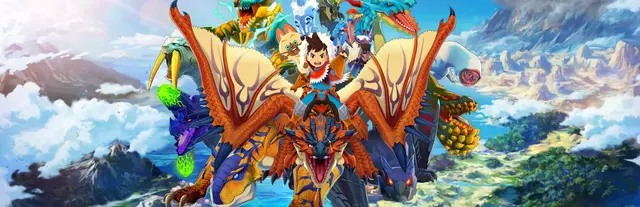
 Monster Hunter Stories Keyboard + Gamepad
 -
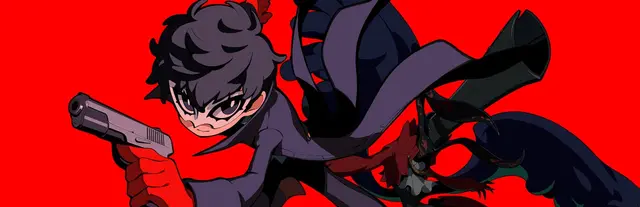
 Persona 5 Tactica Keyboard + Gamepad
 -
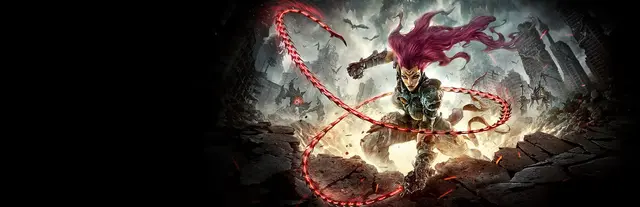
 Darksiders III Keyboard + Gamepad
 -
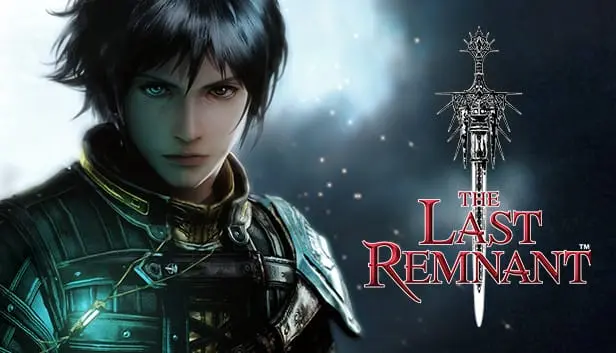
 The Last Remnant Keyboard
 -
 The Lord of the Rings: War in the North Keyboard + Gamepad
 -
 ANNO: Mutationem Keyboard + Gamepad
 -
 Tomb Raider IV-VI Remastered Keyboard + Gamepad
 -
 Metal Gear Solid (Master Collection Version) Keyboard + Gamepad
 -
 POSTAL Redux Keyboard + Gamepad
 -
 METAL GEAR SOLID: Peace Walker - Master Collection Version Keyboard + Gamepad
 -
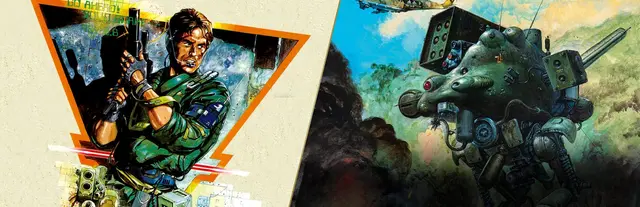
 Metal Gear & Metal Gear 2: Solid Snake Keyboard + Gamepad
 -
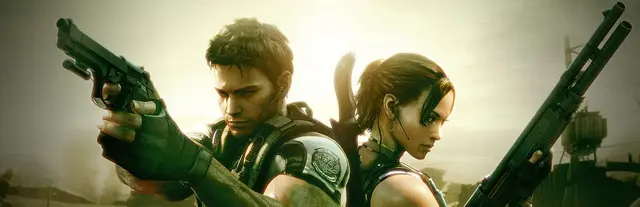
 Resident Evil 5 Keyboard + Gamepad
 -
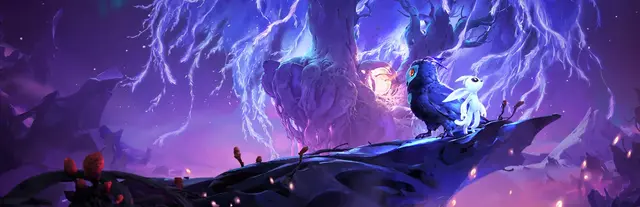
 Ori and the Will of the Wisps Keyboard + Gamepad
Nintendo Switch controls — FAQ
What are the Nintendo Switch face buttons?
On the Switch, A is on the right, B at the bottom, X on top and Y on the left — the opposite arrangement to an Xbox pad, where A and B (and X and Y) are swapped. The shoulder buttons are L / R, the triggers ZL / ZR, and the system buttons are − (Minus) and + (Plus).
Are the controls the same on Switch and Switch 2?
Yes — the gameplay button layout is identical between the Nintendo Switch and Switch 2 (same A/B/X/Y, ZL/ZR, L/R, − and +). A game's control scheme reads the same on both consoles. See the Nintendo Switch 2 hub for that catalogue.
Do these controls apply to the Joy-Con and the Pro Controller?
Yes. Whether you play with detached Joy-Con, Joy-Con in the grip, in handheld mode, or with the Pro Controller, the button names and mappings shown here are the same.
Is this an official Nintendo resource?
No. This is an unofficial, factual button-layout reference and is not affiliated with or endorsed by Nintendo. All trademarks belong to their respective owners.