 Cover art © its publisher — for identification only. Details
Persona 5 Tactica Keyboard & Controller Controls
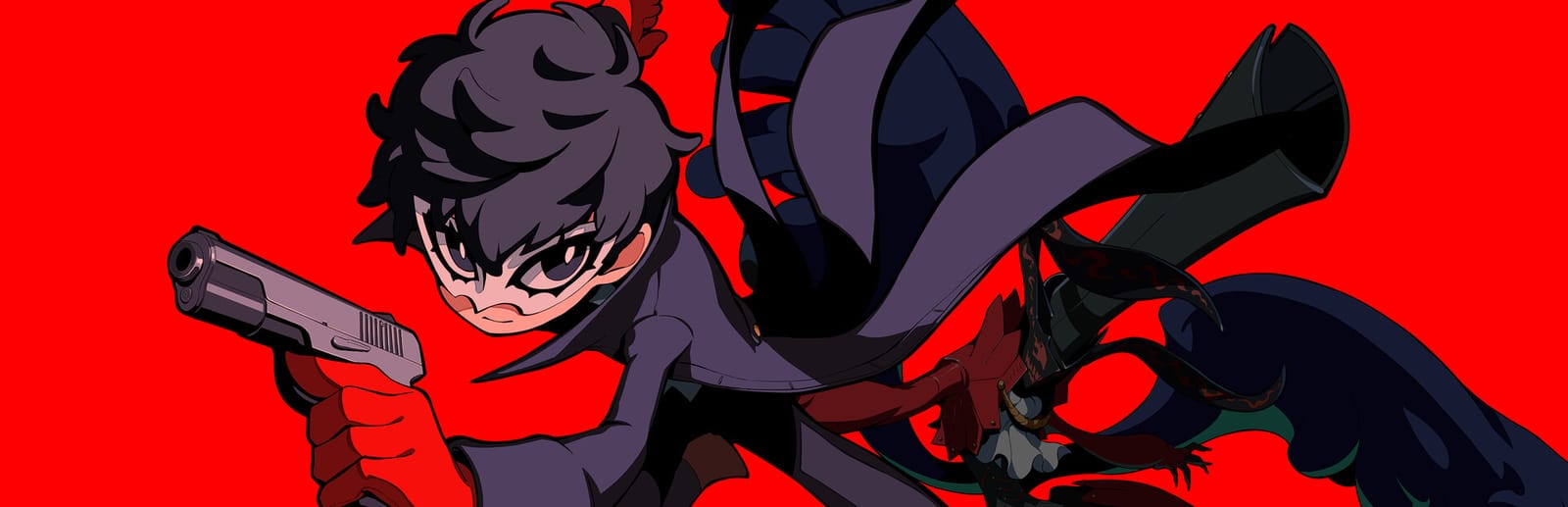
Persona 5 Tactica drops the Phantom Thieves into a strange Kingdom and turns Persona combat into grid-based squad tactics, where cover, flanking and the One More knock-down decide each turn. The PC key config is split into Common, Battle, Hideout and Event tabs, so a single letter can mean different things in a fight, in the skill-tree menus and during story scenes (M is Analyze, Exit and Memos). These are the Settings › Controls defaults for keyboard and gamepad, and all of them can be reassigned there.
Persona 5 Tactica controls poster
A generative poster unique to Persona 5 Tactica — styled by its genre and signature colour. Pure design, zero spoilers. Free to download for your battlestation.
Free PNG is web-resolution & lightly watermarked.
Want it print-ready?
Framed-quality 300 DPI, no watermark — $2.99 (PC / keyboard edition). Drop your email and we'll send the checkout link.
🎮 Controller / gamepad poster — coming soon.
All Persona 5 Tactica controls
29 default keybinds across 4 categories. Most can be reassigned in Persona 5 Tactica's control settings. Switch to Gamepad to see Xbox, PlayStation, Switch and Steam Deck buttons side by side.
29 shortcuts
Battle 12
| Action | Shortcut |
|---|---|
| Move | WthenAthenSthenD |
| Melee Attack | E |
| Ranged Attack / Gun | R |
| Use Skill | F |
| All-Out Attack | V |
| Change Unit: Left | Z |
| Change Unit: Right | X |
| End Turn | Space |
| Analyze | M |
| Display Range Guide | G |
| Camera Rotation: Up | I |
| Camera Rotation: Down | K |
Event 7
| Action | Shortcut |
|---|---|
| Fast Forward | F |
| Skip Event | J |
| Next | Space |
| Auto | A |
| Log | L |
| Memos | M |
| Toggle Button Guide | S |
Hideout 6
| Action | Shortcut |
|---|---|
| Details | I |
| Exit | M |
| Page Left | V |
| Page Right | B |
| Reset Skills | P |
| Auto-Assign | Space |
General 4
| Action | Shortcut |
|---|---|
| Confirm / Action | E |
| Cancel | C |
| System Menu | Tab |
| Move Cursor | WthenAthenSthenD |
Sourced from youtube.com Last verified
25 shortcuts
Battle 11
| Action | XboxPlayStationSwitchSteam Deck |
|---|---|
| Move | L-Stick |
| Melee Attack | A✕AB |
| Ranged Attack / Gun | X■XY |
| Use Skill | Y▲YX |
| All-Out Attack | RTR2R2ZR |
| Change Unit: Left | LBL1L1L |
| Change Unit: Right | RBR1R1R |
| End Turn | ViewShareView− |
| Analyze | LTL2L2ZL |
| Camera Rotation: Up | R-Stick |
| Camera Rotation: Down | R-Stick |
Event 5
| Action | XboxPlayStationSwitchSteam Deck |
|---|---|
| Fast Forward | RBR1R1R |
| Skip Event | MenuOptionsMenu+ |
| Next | Y▲YX |
| Auto | X■XY |
| Memos | LBL1L1L |
Hideout 5
| Action | XboxPlayStationSwitchSteam Deck |
|---|---|
| Details | X■XY |
| Exit | Y▲YX |
| Page Left | LTL2L2ZL |
| Page Right | RTR2R2ZR |
| Reset Skills | ViewShareView− |
General 4
| Action | XboxPlayStationSwitchSteam Deck |
|---|---|
| Confirm / Action | A✕AB |
| Cancel | B●BA |
| System Menu | MenuOptionsMenu+ |
| Move Cursor | L-Stick |
Sourced from youtube.com Last verified
Unofficial reference. ShortcutPosters is not affiliated with, endorsed by, or sponsored by Persona 5 Tactica. All product names, logos, and trademarks are property of their respective owners. See our licensing & trademark notice.
Persona 5 Tactica controls — FAQ
- What are the default controls for Persona 5 Tactica?
- Persona 5 Tactica, a strategy game, uses 29 default keybinds across 4 categories — on keyboard and controller. The complete, up-to-date list is free to read on this page.
- Can you remap Persona 5 Tactica controls?
- Yes. These are the game's default bindings — nearly all of them can be reassigned from Persona 5 Tactica's in-game control or key-binding settings.
- Does Persona 5 Tactica support a controller?
- Yes — Persona 5 Tactica has full gamepad support. The Xbox, PlayStation, Switch and Steam Deck button maps are shown on this page alongside the keyboard controls.
- Which platforms do these Persona 5 Tactica controls cover?
- These keyboard controls apply on Windows. Persona 5 Tactica also released on Xbox, PlayStation and Switch, and this page carries those controller bindings too. Most bindings are identical across platforms unless noted.
- Is this an official Persona 5 Tactica resource?
- No. This is an unofficial reference and is not affiliated with or endorsed by Persona 5 Tactica or its publisher. All trademarks belong to their respective owners.
Thanks — your feedback helps us improve.
Persona collection
6 Persona games in the catalogue, every control scheme free to read.
See all 6 Persona games →