Nintendo Switch 2 controls
The Switch 2 keeps the original Switch button layout, so every control scheme carries over. Looking for the wider library? Browse Nintendo Switch controls.
See it on the console — Fortnite
Every binding on the Switch button layout. Hover a button to read its action, then open the game for the full scheme.
Nintendo Switch 2 game controls
Pick a game for its complete Nintendo Switch 2 button layout.
-
 Fortnite Keyboard + Gamepad
 -
 The Legend of Zelda: Tears of the Kingdom Gamepad
 -
 The Legend of Zelda: Breath of the Wild Gamepad
 -

 Elden Ring Keyboard + Gamepad
 -
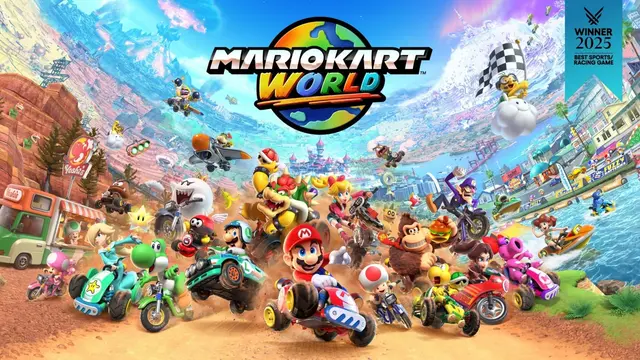
 Mario Kart World Gamepad
 -
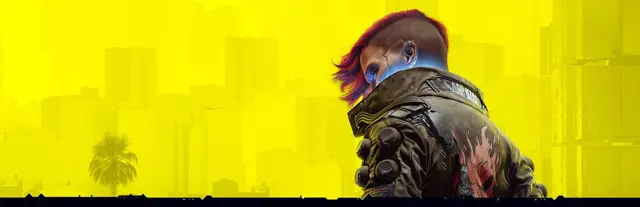
 Cyberpunk 2077 Keyboard + Gamepad
 -
 Apex Legends Keyboard + Gamepad
 -
 Overwatch 2 Keyboard + Gamepad
 -
 Stardew Valley Keyboard + Gamepad
 -
 Balatro Keyboard + Gamepad
 -
 Hollow Knight: Silksong Keyboard + Gamepad
 -
 NBA 2K27 Keyboard + Gamepad
 -
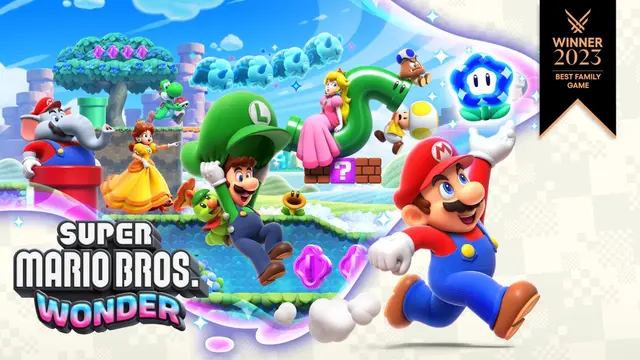
 Super Mario Bros. Wonder Gamepad
 -
 EA SPORTS Madden NFL 27 Keyboard + Gamepad
 -
 The Elder Scrolls V: Skyrim Keyboard + Gamepad
 -
 Pokémon Legends: Z-A Gamepad
 -
 Hades II Keyboard + Gamepad
 -
 Donkey Kong Bananza Gamepad
 -
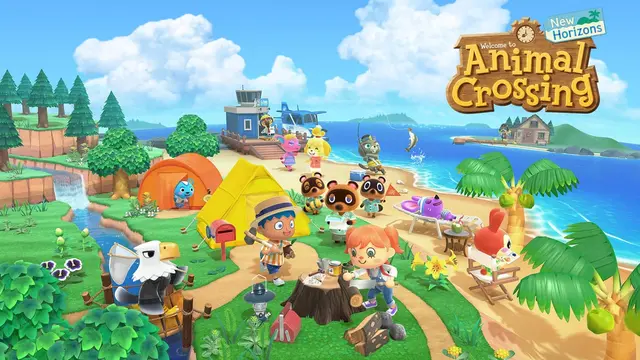
 Animal Crossing: New Horizons Gamepad
 -
 Dave the Diver Keyboard + Gamepad
 -
 Blue Prince Keyboard + Gamepad
 -
 EA SPORTS FC 27 Keyboard + Gamepad
 -
 Fallout 4 Keyboard + Gamepad
 -
 The Witcher 3: Wild Hunt Keyboard + Gamepad
 -
 Final Fantasy VII Remake Intergrade Keyboard + Gamepad
 -
 Diablo IV Keyboard + Gamepad
 -
 Warframe Keyboard + Gamepad
 -
 Call of Duty: Modern Warfare 4 Keyboard + Gamepad
 -
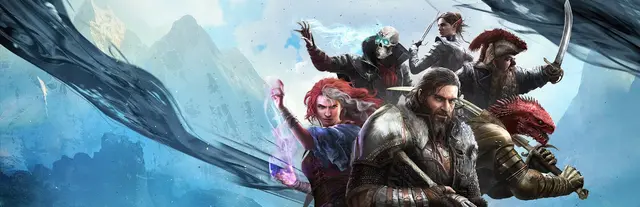
 Divinity: Original Sin 2 Keyboard
 -
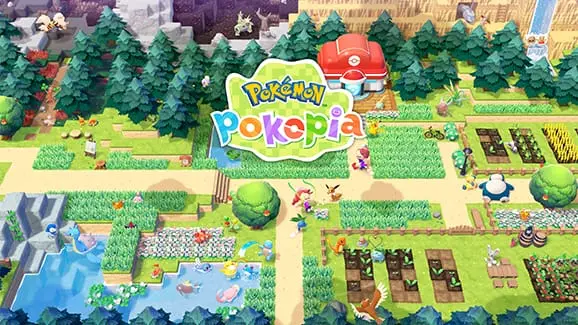
 Pokémon Pokopia Gamepad
 -
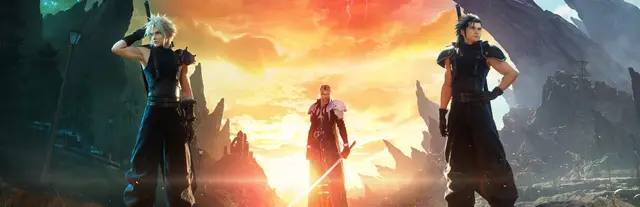
 Final Fantasy VII Rebirth Keyboard + Gamepad
 -

 Indiana Jones and the Great Circle Keyboard + Gamepad
 -
 Shadow of the Tomb Raider Keyboard + Gamepad
 -
 Stray Keyboard + Gamepad
 -
 Lies of P Keyboard + Gamepad
 -

 EA SPORTS FC 26 Keyboard + Gamepad
 -
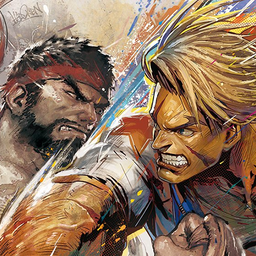 Street Fighter 6 Keyboard + Gamepad
 -
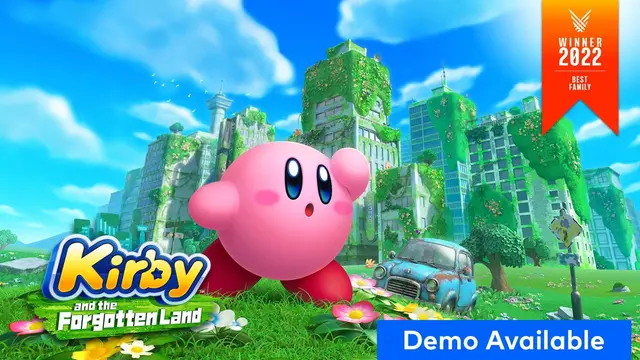
 Kirby and the Forgotten Land Gamepad
 -
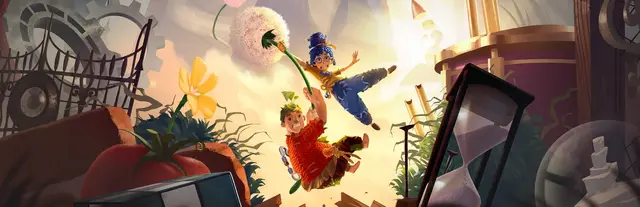
 It Takes Two Keyboard + Gamepad
 -

 The Elder Scrolls IV: Oblivion Remastered Keyboard + Gamepad
 -
 Final Fantasy XIV Keyboard + Gamepad
 -
 Brotato Keyboard + Gamepad
 -
 Tomb Raider (2013) Keyboard + Gamepad
 -
 Hitman World of Assassination Keyboard + Gamepad
 -
 Resident Evil Requiem Keyboard + Gamepad
 -
 Assassin's Creed Shadows Keyboard + Gamepad
 -
 Xenoblade Chronicles 2 Gamepad
 -
 Minecraft Dungeons II Gamepad
 -
 Hogwarts Legacy Keyboard + Gamepad
 -

 No Man's Sky Keyboard + Gamepad
 -
 Resident Evil 4 Keyboard + Gamepad
 -
 Resident Evil 7 biohazard Keyboard + Gamepad
 -
 Hollow Knight Keyboard + Gamepad
 -
 Factorio Keyboard
 -
 Valheim Keyboard + Gamepad
 -
 Resident Evil 2 Keyboard + Gamepad
 -
 Star Wars Outlaws Keyboard + Gamepad
 -
 Sid Meier's Civilization VII Keyboard
 -
 Dragon's Dogma 2 Keyboard + Gamepad
 -
 Overcooked! 2 Keyboard + Gamepad
 -
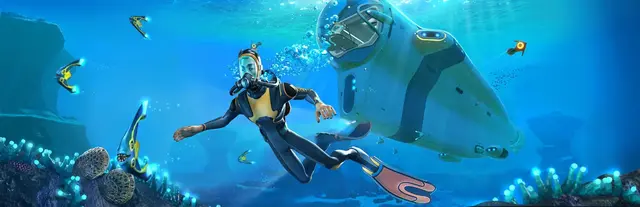
 Subnautica Keyboard + Gamepad
 -
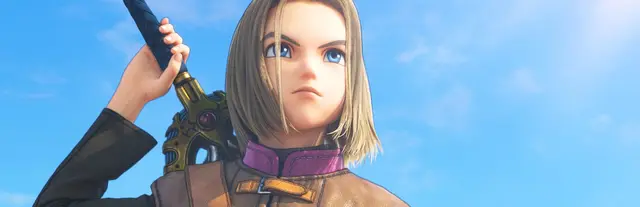
 Dragon Quest XI S: Echoes of an Elusive Age - Definitive Edition Keyboard + Gamepad
 -
 Resident Evil Village Keyboard + Gamepad
 -
 Escape the Backrooms Keyboard
 -
 Split Fiction Keyboard + Gamepad
 -
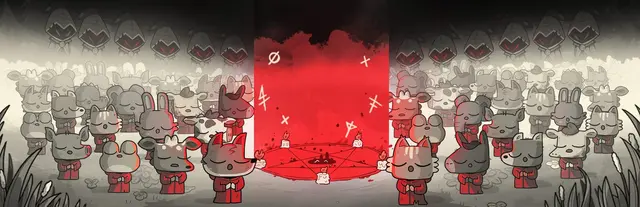
 Cult of the Lamb Keyboard + Gamepad
 -
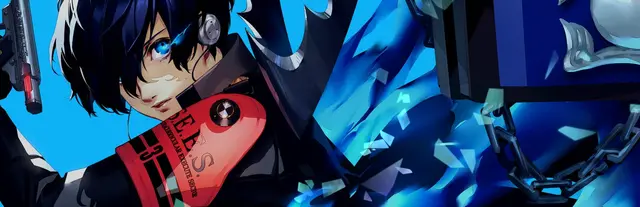
 Persona 3 Reload Keyboard + Gamepad
 -
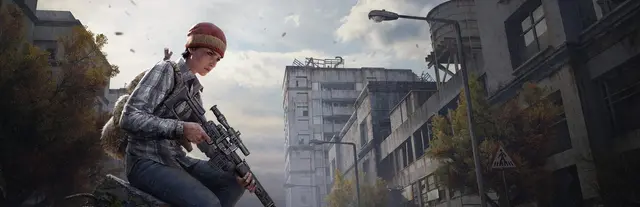
 DayZ Keyboard + Gamepad
 -
 Wo Long: Fallen Dynasty Keyboard + Gamepad
 -
 Two Point Hospital Keyboard
 -
 Tony Hawk's Pro Skater 3 + 4 Keyboard + Gamepad
 -
 Content Warning Keyboard
 -
 Little Nightmares III Keyboard + Gamepad
 -

 Resident Evil 3 Keyboard + Gamepad
 -
 Pragmata Keyboard + Gamepad
 -

 SnowRunner Keyboard + Gamepad
 -
 Rise of the Tomb Raider Keyboard
 -
 Middle-earth: Shadow of War Keyboard + Gamepad
 -
 Subnautica: Below Zero Keyboard + Gamepad
 -

 Crisis Core –Final Fantasy VII– Reunion Keyboard + Gamepad
 -

 Sea of Stars Keyboard + Gamepad
 -
 Middle-earth: Shadow of Mordor Keyboard
 -
 RuneScape: Dragonwilds Keyboard + Gamepad
 -
 Warhammer 40,000: Boltgun Keyboard + Gamepad
 -
 Tales of Arise Keyboard + Gamepad
 -
 Octopath Traveler II Keyboard + Gamepad
 -
 Warhammer 40,000: Rogue Trader Keyboard
 -
 Onimusha: Way of the Sword Keyboard + Gamepad
 -
 Jurassic World Evolution 2 Keyboard
 -
 Trails in the Sky 2nd Chapter Keyboard + Gamepad
 -
 Core Keeper Keyboard + Gamepad
 -
 Dragon Quest VII Reimagined Keyboard + Gamepad
 -
 Two Point Museum Keyboard
 -
 Dragon Quest I & II HD-2D Remake Keyboard + Gamepad
 -
 Monster Hunter Stories 3: Twisted Reflection Keyboard + Gamepad
 -
 Cronos: The New Dawn Keyboard + Gamepad
 -
 Absolum Keyboard + Gamepad
 -
 GRID Legends Keyboard + Gamepad
 -
 Amnesia: Rebirth Keyboard + Gamepad
 -
 Dispatch Keyboard + Gamepad
 -
 Hell is Us Keyboard + Gamepad
 -
 The Lord of the Rings: War in the North Keyboard + Gamepad
Nintendo Switch 2 controls — FAQ
Are the Nintendo Switch 2 controls different from the Switch?
No — the gameplay button layout is the same: A on the right, B at the bottom, X on top, Y on the left, plus ZL/ZR, L/R and the − / + system buttons. A control scheme reads identically on the Switch and Switch 2, so the Switch 2 inherits the entire Switch button vocabulary.
Does the Nintendo Switch 2 play original Switch games?
Yes — the Switch 2 is backward compatible with the vast majority of Nintendo Switch games, and they use the same controls. Browse the full Nintendo Switch catalogue for those titles.
What's new on the Switch 2 Joy-Con?
The Joy-Con 2 add a mouse mode and a new C button (used for GameChat), but the core gameplay buttons — A/B/X/Y, ZL/ZR, L/R, − and + — are unchanged, so existing control schemes carry over.
Is this an official Nintendo resource?
No. This is an unofficial, factual button-layout reference and is not affiliated with or endorsed by Nintendo. All trademarks belong to their respective owners.