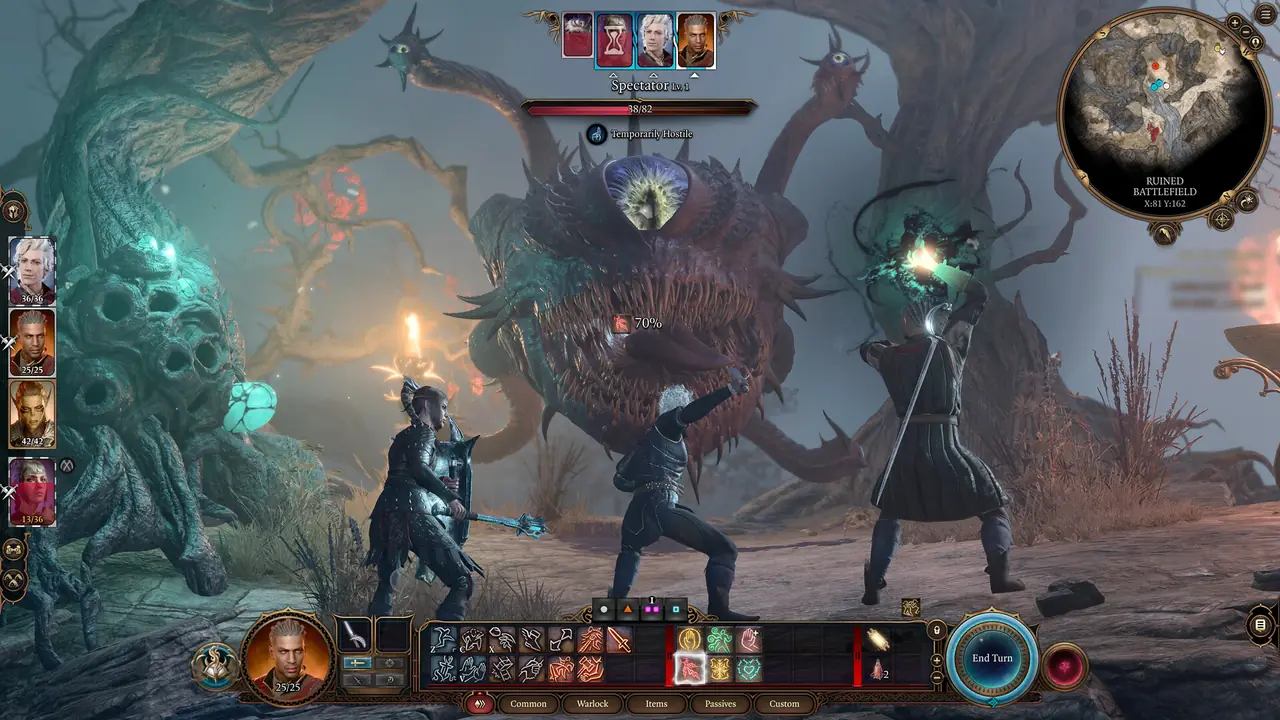
-
Session: your keys, beside your screen
The board you built for the game, large and dark, readable from your chair. The phone stays awake while you play.
- Remapped a key in the game? Set yours: the board shows your key
- A note on any key: “Before every dialogue check”
- Night mode, and a dimmer night for a dark room
-
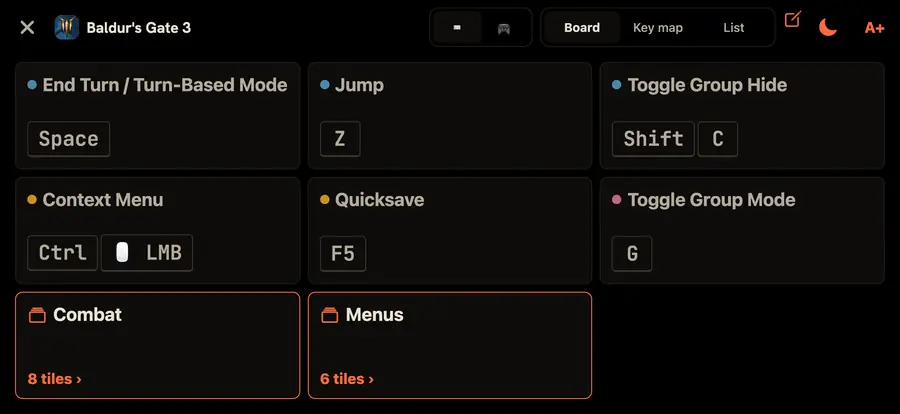
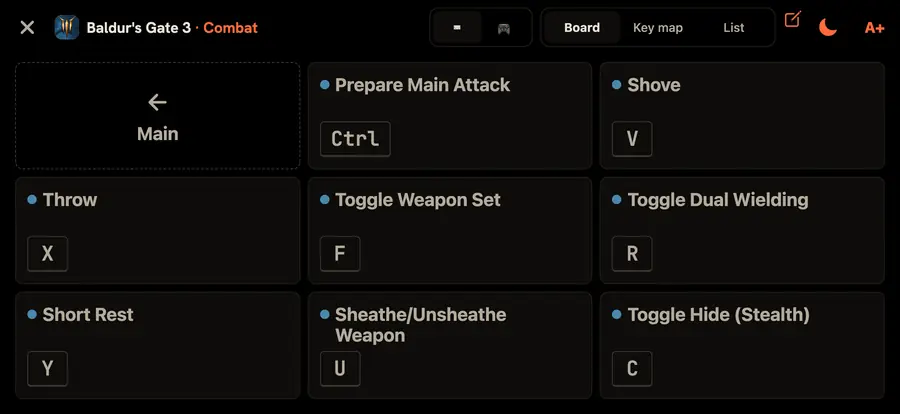
A page for every mode
Combat on one page, menus on another, building on a third. One tap between them, or let the app build the board from the game's categories.
-
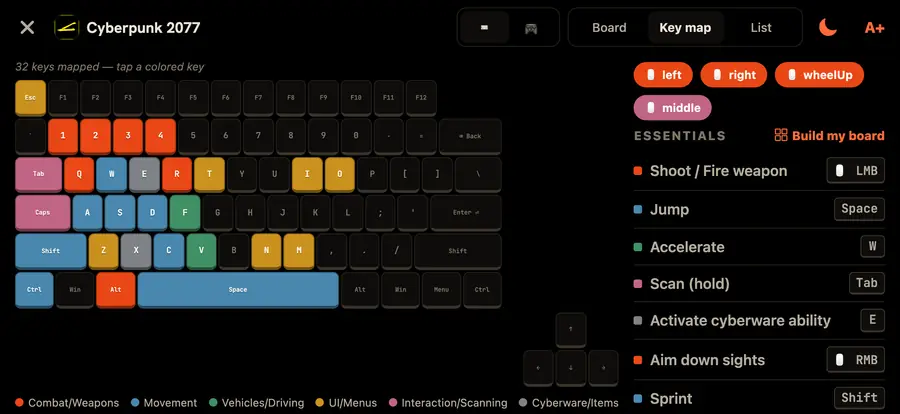
See which keys the game uses
The key map lights every key the game binds, coloured by what it does, mouse buttons included. Tap a key to read it.
-
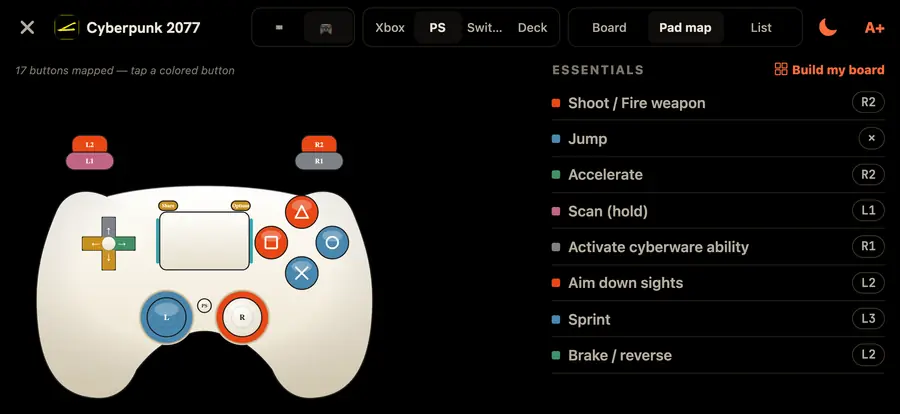
On a controller too
The pad map draws the same game on Xbox, PlayStation, Switch and Steam Deck layouts, with each pad's own button names.
-
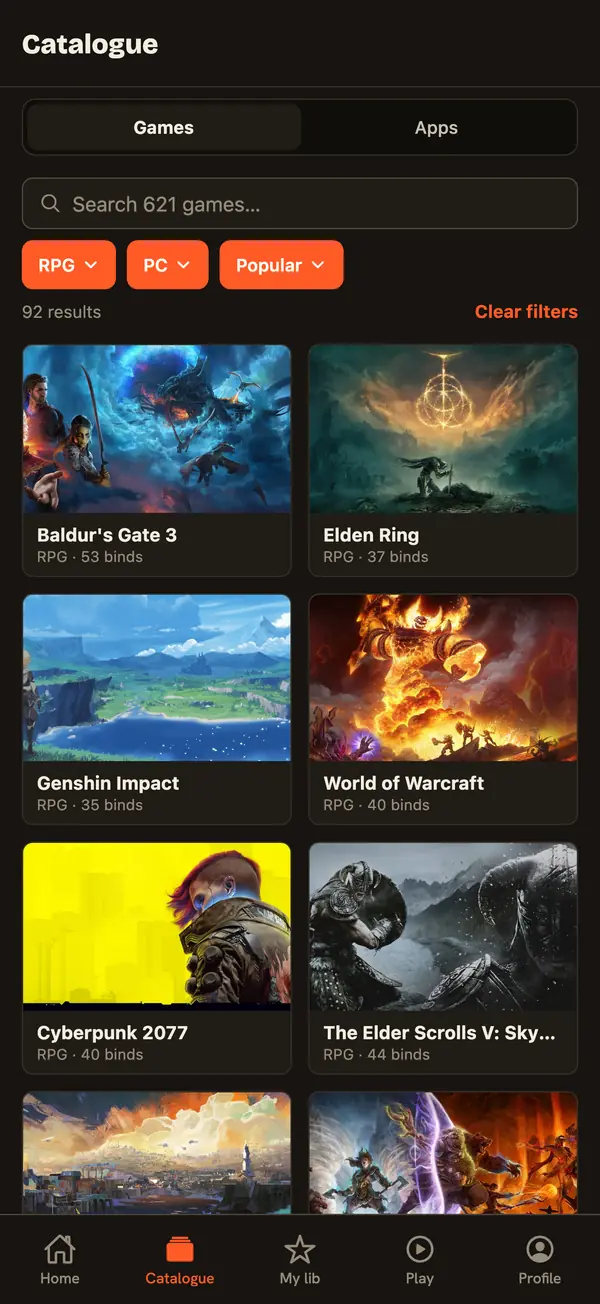
746 games
Filter by genre and by platform: PC, Xbox, PlayStation, Switch. Sort by popular, recent or A–Z.
ShortcutPosters for iPhone
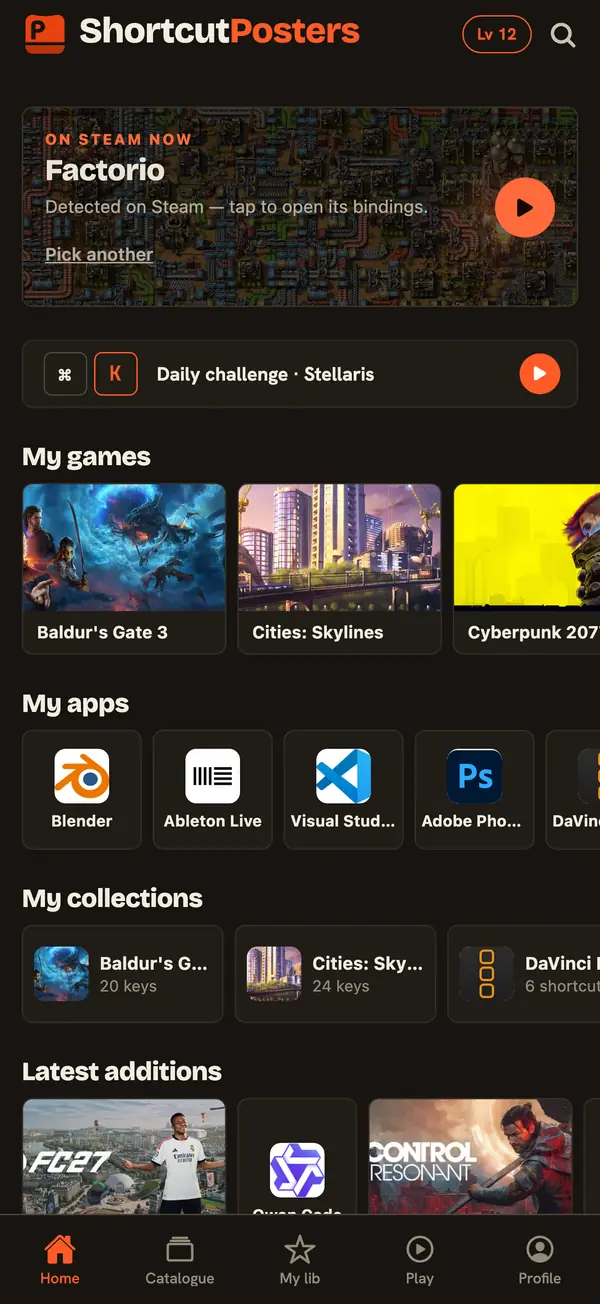
Every key of your game, in sight
The companion for PC gamers and pro apps 1140 games & apps · free
Baldur's Gate 3 © Larian Studios
For players · 746 games
Stop alt-tabbing to a wiki
Steam · optional
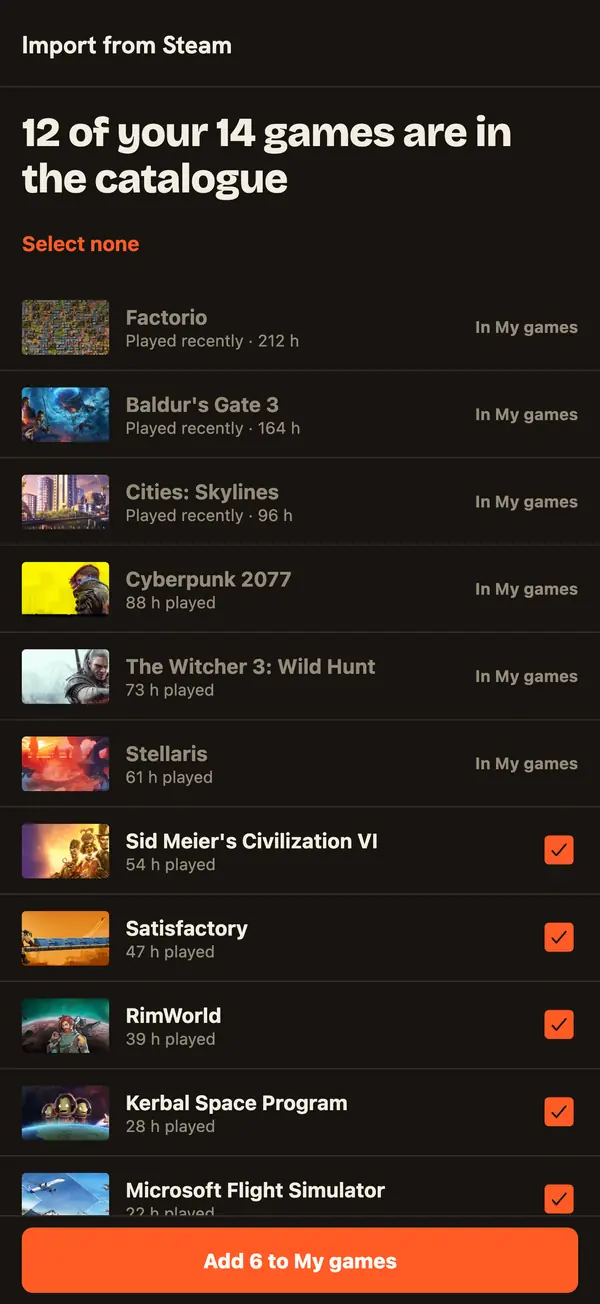
Import your games from Steam
Link a public Steam profile once. Your library comes in with your hours, and the game you start opens on its own.
Only your public Steam ID is used: no password, no sign-in. The relay in between stores and logs nothing.
Try it here
Baldur's Gate 3, mapped
The key map and pad map of the app, live. Hover or tap a key; tap a colour to see one kind of action.
Esc
F1
F2
F3
F4
F5
F6
F7
F8
F9
F10
F11
F12
`
1
2
3
4
5
6
7
8
9
0
-
=
⌫ Back
Tab
Q
W
E
R
T
Y
U
I
O
P
[
]
\
Caps
A
S
D
F
G
H
J
K
L
;
'
Enter ⏎
Shift
Z
X
C
V
B
N
M
,
.
/
Shift
Ctrl
Win
Alt
Space
Alt
Win
Menu
Ctrl
MMB · Rotate Camera
↑
←
↓
→
For pro apps · 394 apps
Your shortcuts, pinned beside the keyboard
-
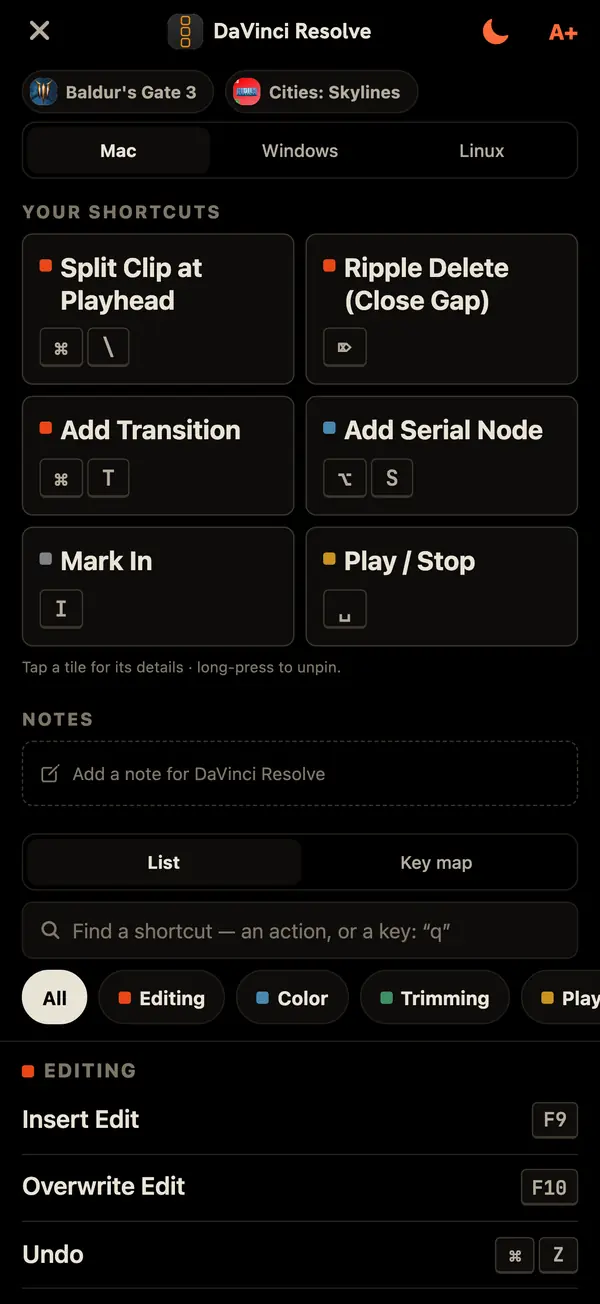
Dock: the shortcuts you keep forgetting
Pin them once; they fill the phone beside your keyboard. One switch for Mac, Windows or Linux.
- Long-press any shortcut to pin it
- Search every shortcut of the app
- A note for the app
-
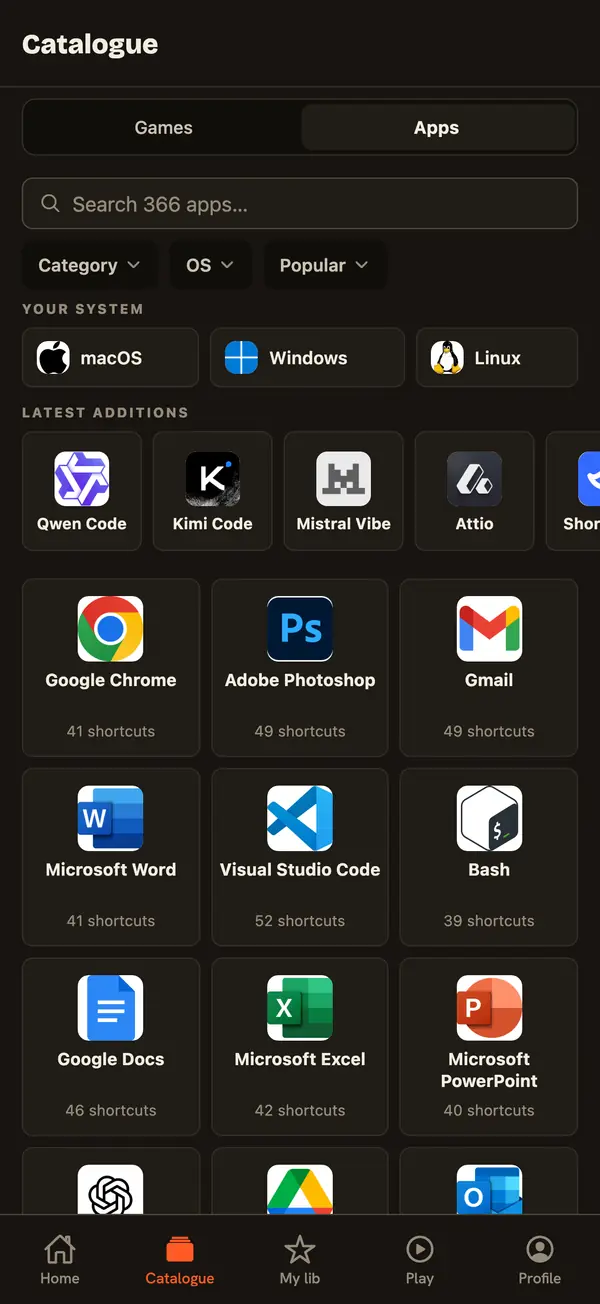
394 apps and systems
Audio, 3D, video, design, code editors, terminals, browsers and office apps, plus macOS, Windows and Linux. Filter by category and system.
-
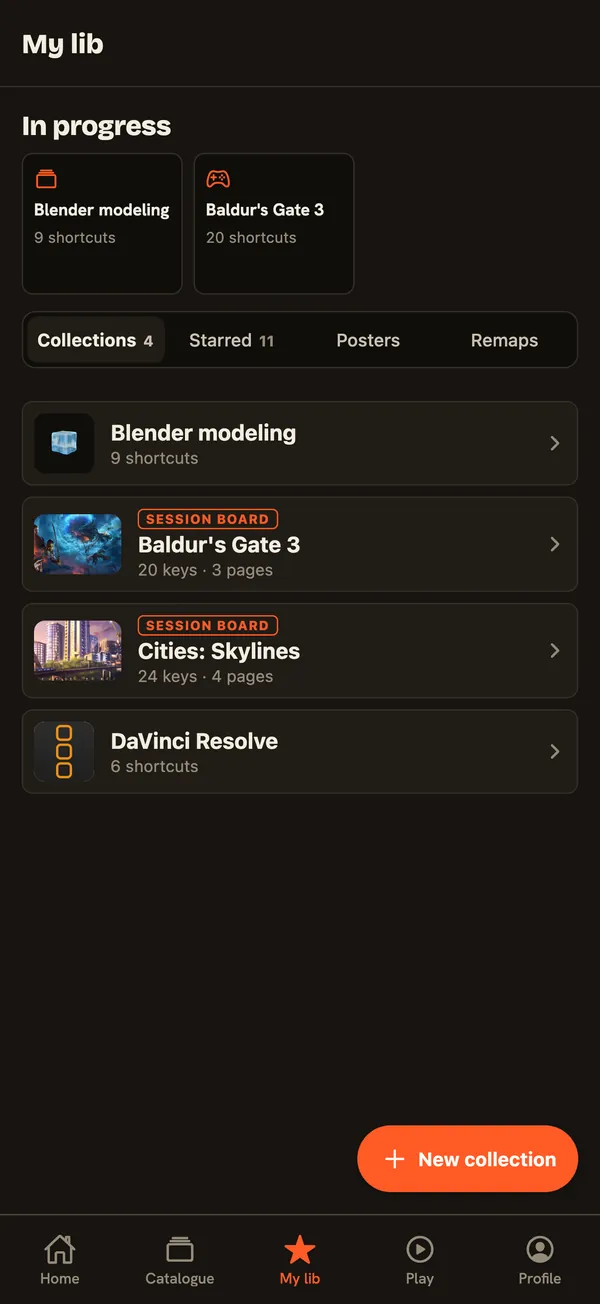
Collections
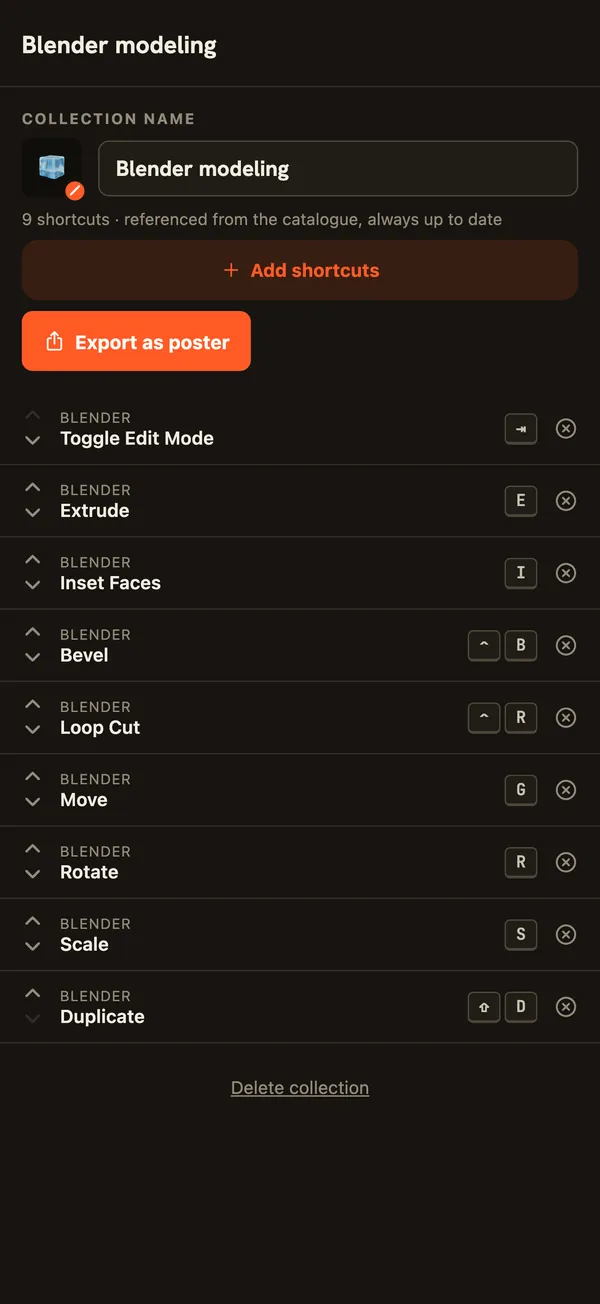
Group what you use into your own sets: a board per game, a list per project, everything you starred in one place.
- An emoji and a name for each list
- Reorder it, export it as a poster
Games and apps
Learn them until you stop looking
-
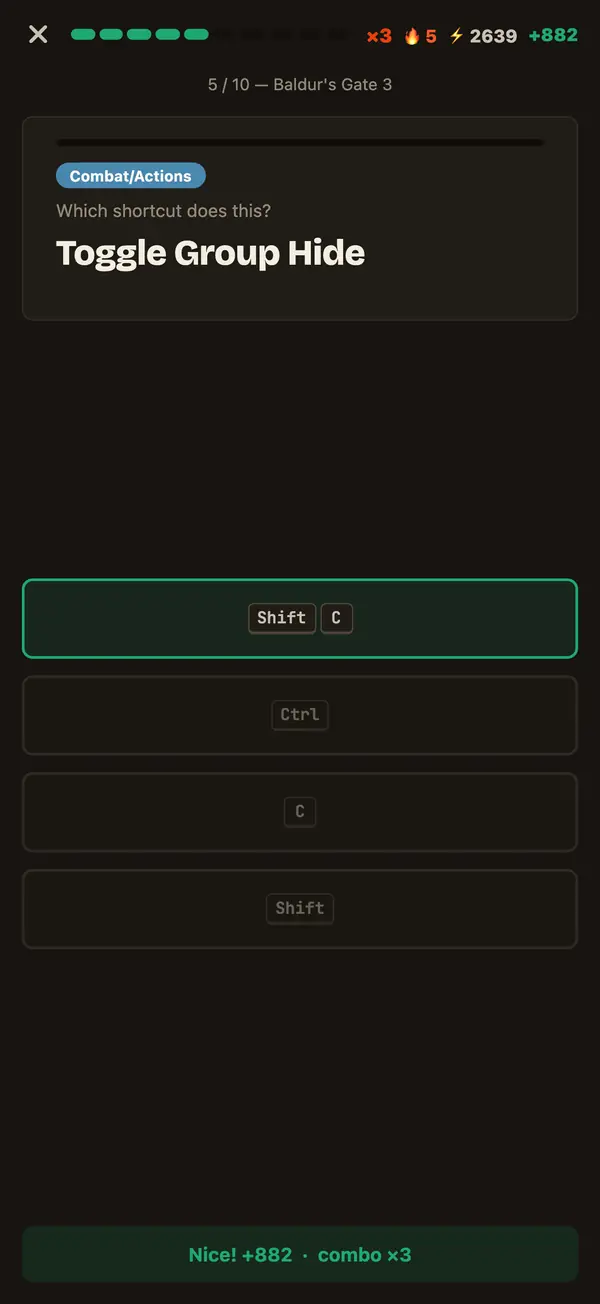
Quizzes at three levels
Casual, Pro, and Master, where you type the key on a real keyboard or press the button on your controller.
-
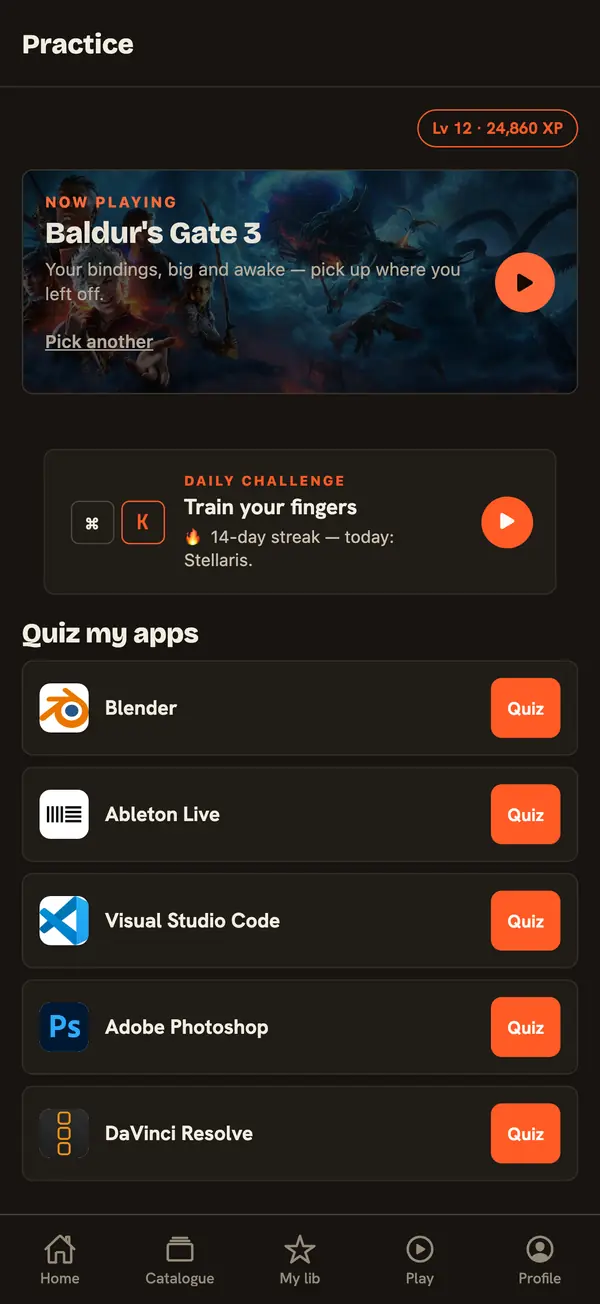
A daily challenge, and the keys you missed
One challenge a day keeps your streak. Spaced review brings back the keys you get wrong, after 1, 3, 7, 14 and 30 days.
-
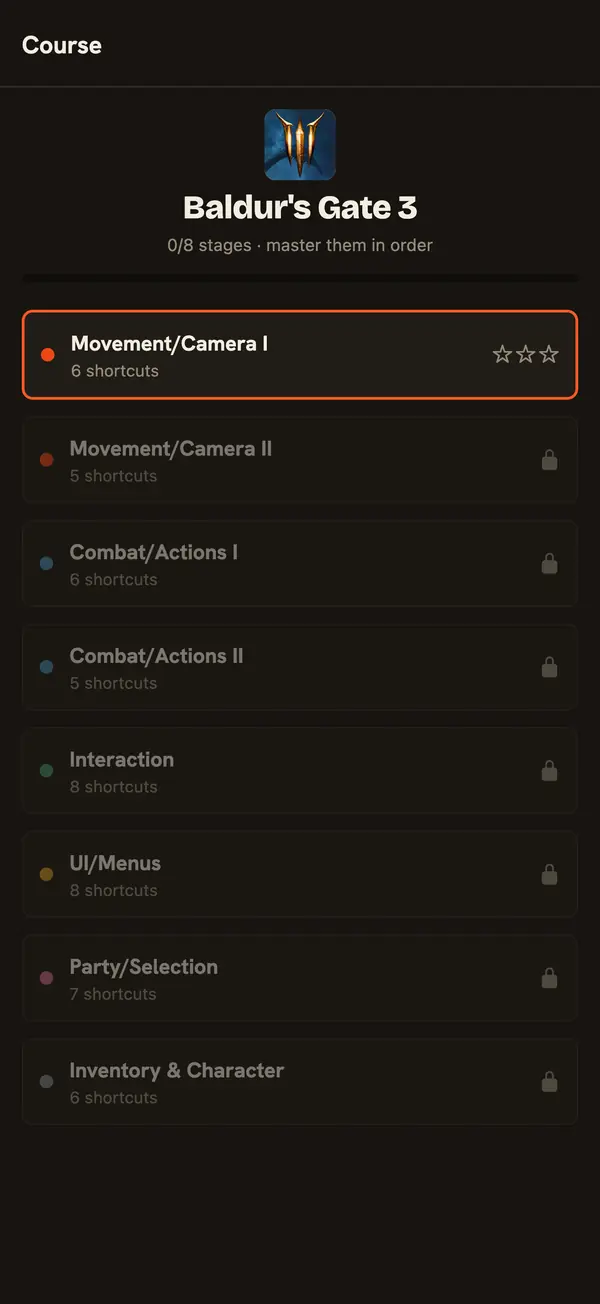
Courses, stage by stage
Go through a game or an app one group of keys at a time, three stars a stage.
-
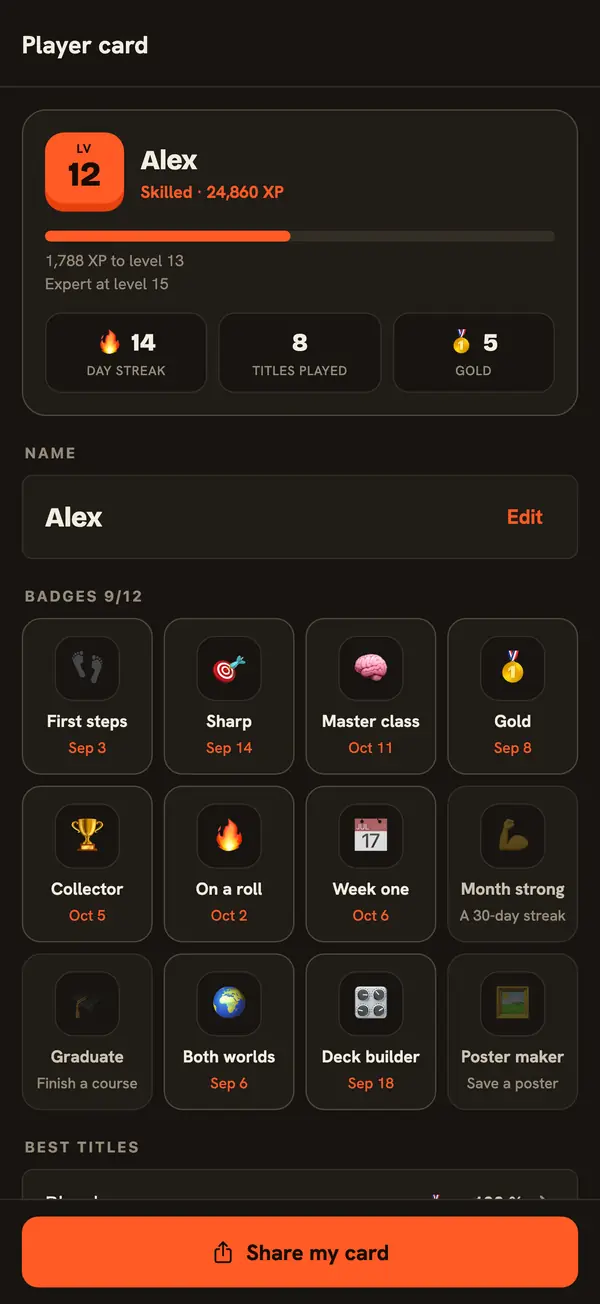
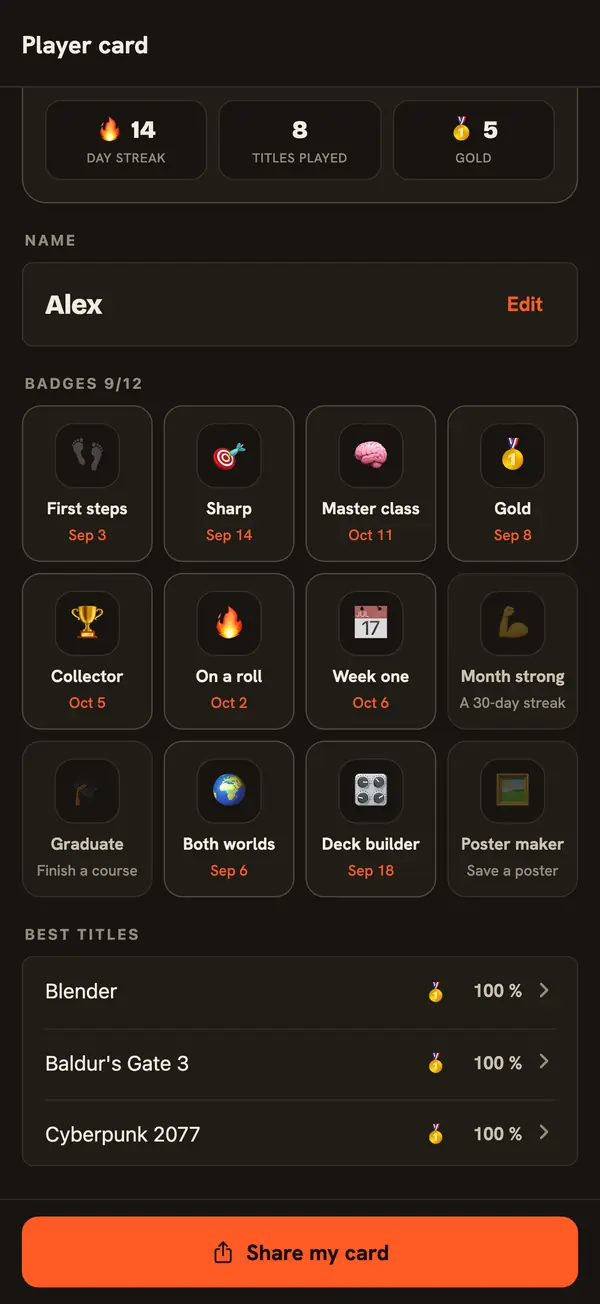
Your player card
XP and levels from Rookie to Legend, your streak and best titles, and a card to share.
-
Twelve badges
From First steps to Month strong. The ones you don't have yet say how to earn them.
Posters
Any set, made into a poster
Six styles: Typewriter, Isometric, Keyboard map, Editorial, Arcade and Controller. Keyboard and gamepad posters, and lock-screen wallpapers, made on your phone.
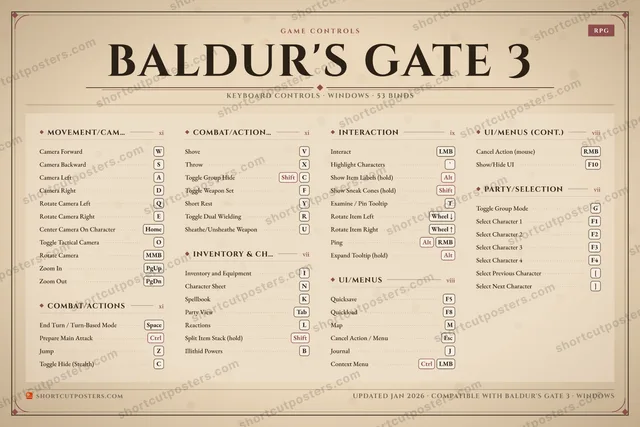
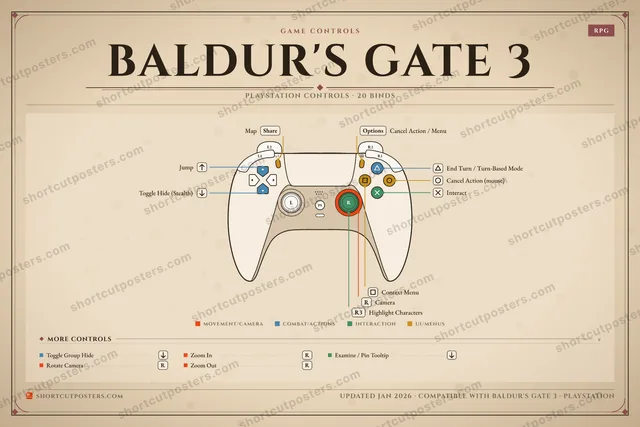
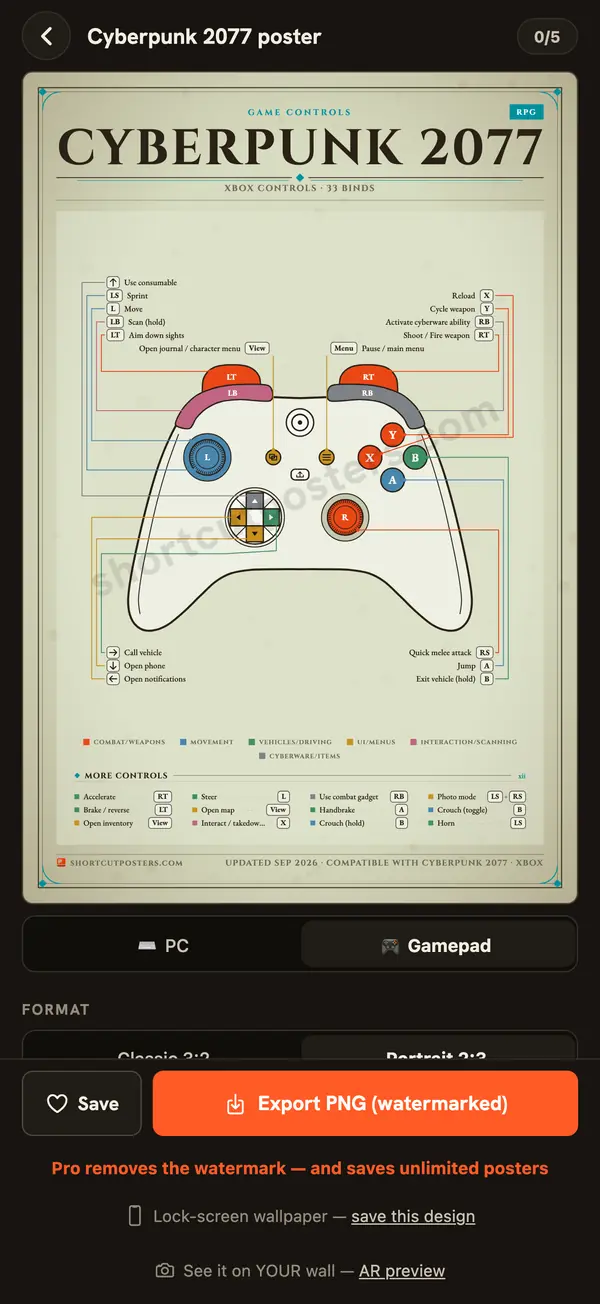
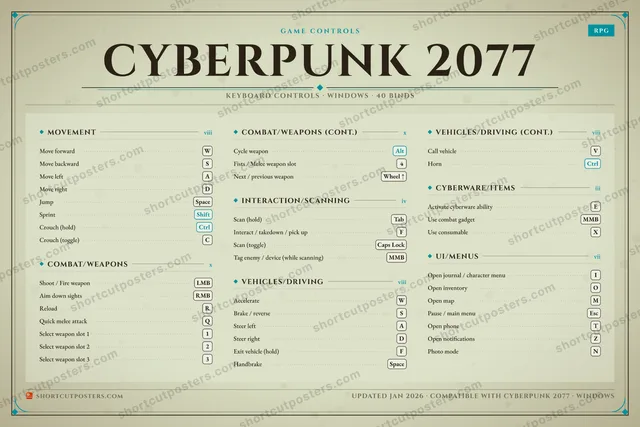
Previews here carry a watermark. With Pro, your exports have none.
On the iPhone itself
Your keys, without opening the app
BALDUR'S GATE 3 Main Combat Menus
End Turn / Turn-Based Mode Space
Jump Z
Toggle Group Hide Shift+C
Context Menu Ctrl+LMB
Prepare Main Attack Ctrl
Shove V
Throw X
Toggle Weapon Set F
Map M
Journal J
Inventory and Equipment I
Character Sheet N
-
 Classic
 -
 Night Pro
 -
 Paper Pro
 -
 Ink Pro
Illustrations, drawn from the app's own widget data.
Good to know
- OfflineThe whole catalogue lives on the phone.
- No accountNothing to sign up for.
- Four languagesEnglish, French, Spanish, Portuguese.
- PrivateAnonymous usage stats only, off with one switch. Privacy
Pro, optional
Free to use. Pro when you want more.
Browsing every title, Session, Dock, stars and your own remaps stay free. Pro lifts the limits.
- MonthlyFirst month free
- YearlyFirst month free
- LifetimePay once
Price shown in the App Store. The free month is for new subscribers.
| Feature | Free | Pro |
|---|---|---|
| Boards | 5 games, 3 pages each | Every game, 12 pages |
| Collections | 5 | Unlimited |
| Quizzes | 3 a day | Unlimited |
| Posters | 5, exports watermarked | Unlimited, no watermark |
| App icon | Default | Night, Paper, Ink |
Questions
Before you download
Is it free?
Free to browse: all 1140 games and apps, Session, Dock, stars and your own key remaps. Pro lifts the limits on boards, collections, quizzes and posters.
Do I need an account?
No. There is nothing to sign up for.
Does it work offline?
Yes. The whole catalogue lives on the phone. New titles and fixes arrive by themselves when you are online.
Which games and apps are in it?
746 games and 394 apps and systems, each checked against official sources. Missing one? Ask for it on shortcutposters.com/request.
Is my Steam account safe?
Steam is optional. The app never asks for a password: it reads your public Steam ID to see what you play and which games you own. The relay in between stores and logs nothing.
Is there an Android version?
Not yet. The iPhone comes first; Android follows.
What does Pro add?
Boards on every game with up to 12 pages, unlimited collections, quizzes and posters, exports without watermark, and three app icons. Monthly or yearly with a free first month for new subscribers, or once for life.