ShortcutPosters
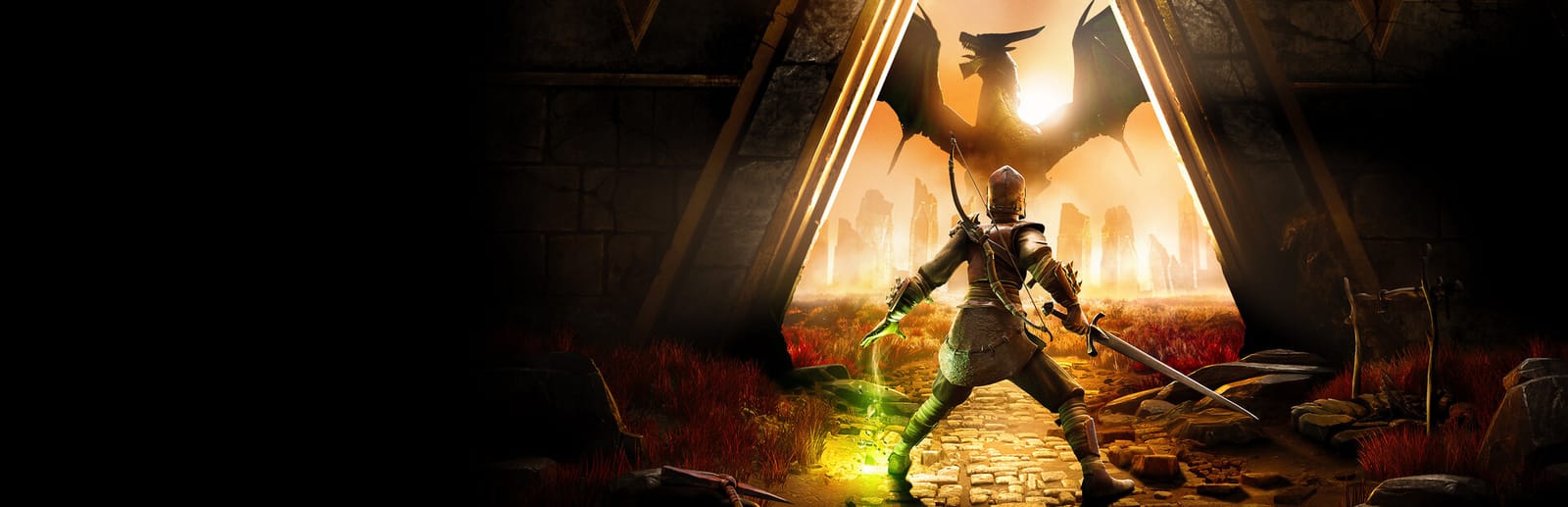
Cover art © its publisher — for identification only. Details

Windows · 44 default keybinds

✓ Steam Deck ready

RuneScape: Dragonwilds Keyboard & Controller Controls

Survival & Sandbox games →

RuneScape: Dragonwilds is Jagex's open-world survival-crafting spin-off set on the RuneScape continent of Ashenfall. Its default keybinds cover Souls-inflected combat, base building, and the skill and spell systems that separate it from a typical survival game.

RuneScape: Dragonwilds official site ↗ View on Steam ↗
Put it on your wall

RuneScape: Dragonwilds controls poster

A generative poster unique to RuneScape: Dragonwilds — styled by its genre and signature colour. Pure design, zero spoilers. Free to download for your battlestation.

MOVEMENT08Move ForwardWSprintShiftJumpSpaceMove BackwardSMove LeftAMove RightDCrouchCMountAltQUICK ACCESS08Quick Access Slot 11Quick Access Slot 22Quick Access Slot 33Quick Access Slot 44Quick Access Slot 55Quick Access Slot 66Quick Access Slot 77Quick Access Slot 88COMBAT04Primary AttackLMBEvade / DodgeCtrlSecondary ActionRMBWeapon Special AttackMMBBUILDING07RepairTCancel BuildingEscCycle Snapping ModeYBuilding Tab LeftQBuilding Tab RightEPlace / Quick InteractLMBToggle Ghost ModeFDIALOGUE02Continue ConversationSpaceCancel ConversationEscINTERACTION10InteractEOpen InventoryTabOpen Building MenuBOpen MapMOpen Spell WheelQOpen Skills MenuShiftOpen Spell BookPOpen Journal / Quest LogJSecondary InteractFOpen Emote MenuHINVENTORY MANAGEMENT05Sort InventoryVDestroy ItemXTake All From ChestRSort Chest ContentsSpaceFill Stacks From ChestFGAME CONTROLSSURVIVAL & SANDBOXRUNESCAPE: DRAGONWILDSKEYBOARD CONTROLS · WINDOWS · 44 BINDSshortcutposters.comUPDATED JAN 2026 · COMPATIBLE WITH RUNESCAPE: DRAGONWILDS · WINDOWS

Free PNG is web-resolution & lightly watermarked.

Want it print-ready?

Framed-quality 300 DPI, no watermark — $2.99 (PC / keyboard edition). Drop your email and we'll send the checkout link.

Prefer email? Write to business@shortcutposters.com.

🎮 Controller / gamepad poster — coming soon.

All RuneScape: Dragonwilds controls

44 default keybinds across 7 categories. Most can be reassigned in RuneScape: Dragonwilds's control settings. Switch to Gamepad to see Xbox, PlayStation, Switch and Steam Deck buttons side by side.

Layout
Esc
F1
F2
F3
F4
F5
F6
F7
F8
F9
F10
F11
F12
`
1
2
3
4
5
6
7
8
9
0
-
=
⌫ Back
Tab
Q
W
E
R
T
Y
U
I
O
P
[
]
\
Caps
A
S
D
F
G
H
J
K
L
;
'
Enter ⏎
Shift
Z
X
C
V
B
N
M
,
.
/
Shift
Ctrl
Win
Alt
Space
Alt
Win
Menu
Ctrl
MMB · Weapon Special Attack
↑
←
↓
→

44 shortcuts

Interaction 10

Action Shortcut
Interact E
Open Inventory Tab
Open Building Menu B
Open Map M
Open Spell Wheel Q
Open Skills Menu Shift
Open Spell Book P
Open Journal / Quest Log J
Secondary Interact F
Open Emote Menu H

Movement 8

Action Shortcut
Move Forward W
Sprint Shift
Jump Space
Move Backward S
Move Left A
Move Right D
Crouch C
Mount Alt

Quick Access 8

Action Shortcut
Quick Access Slot 1 1
Quick Access Slot 2 2
Quick Access Slot 3 3
Quick Access Slot 4 4
Quick Access Slot 5 5
Quick Access Slot 6 6
Quick Access Slot 7 7
Quick Access Slot 8 8

Building 7

Action Shortcut
Repair T
Cancel Building Esc
Cycle Snapping Mode Y
Building Tab Left Q
Building Tab Right E
Place / Quick Interact (Building) LMB
Toggle Ghost Mode F

Inventory Management 5

Action Shortcut
Sort Inventory V
Destroy Item X
Take All From Chest R
Sort Chest Contents Space
Fill Stacks From Chest F

Combat 4

Action Shortcut
Primary Attack LMB
Evade / Dodge Ctrl
Secondary Action (Block / Aim) RMB
Weapon Special Attack MMB

Dialogue 2

Action Shortcut
Continue Conversation Space
Cancel Conversation Esc

Sourced from dragonwilds.runescape.wiki, runescapedragonwilds.help.jagex.com, store.steampowered.com Last verified

Unofficial reference. ShortcutPosters is not affiliated with, endorsed by, or sponsored by RuneScape: Dragonwilds. All product names, logos, and trademarks are property of their respective owners. See our licensing & trademark notice.

RuneScape: Dragonwilds controls — FAQ

What are the default controls for RuneScape: Dragonwilds?
RuneScape: Dragonwilds, a survival & sandbox game, uses 44 default keybinds across 7 categories — on keyboard and controller. The complete, up-to-date list is free to read on this page.
Can you remap RuneScape: Dragonwilds controls?
Yes. These are the game's default bindings — nearly all of them can be reassigned from RuneScape: Dragonwilds's in-game control or key-binding settings.
Does RuneScape: Dragonwilds support a controller?
Yes — RuneScape: Dragonwilds has full gamepad support. The Xbox, PlayStation, Switch and Steam Deck button maps are shown on this page alongside the keyboard controls.
Which platforms do these RuneScape: Dragonwilds controls cover?
These keyboard controls apply on Windows. RuneScape: Dragonwilds also released on Xbox, PlayStation and Switch, and this page carries those controller bindings too. Most bindings are identical across platforms unless noted.
Is this an official RuneScape: Dragonwilds resource?
No. This is an unofficial reference and is not affiliated with or endorsed by RuneScape: Dragonwilds or its publisher. All trademarks belong to their respective owners.
Round 1🔥0⚡0Rookie

Find the key for the action shown.