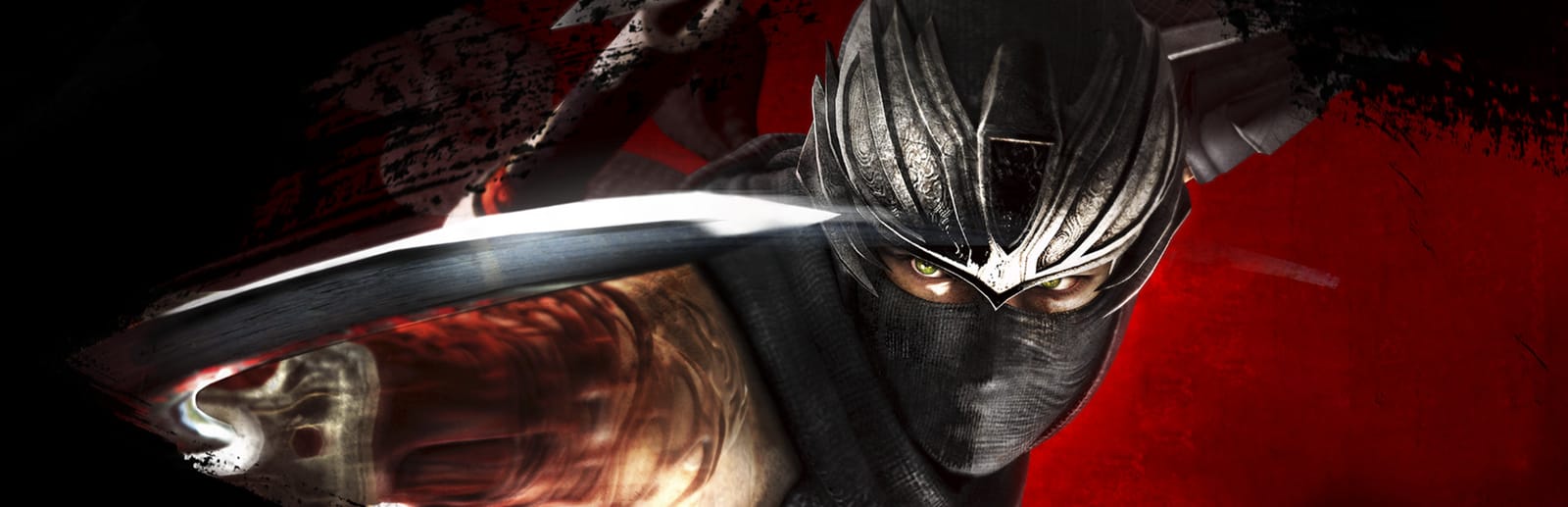
 Cover art © its publisher — for identification only. Details
Xbox · PlayStation · Nintendo Switch · 28 default controls
Ninja Gaiden 3: Razor's Edge Xbox Controls
Ninja Gaiden 3: Razor's Edge is Team Ninja's reworked cut of the third Ryu Hayabusa hack-and-slash, sold on PC as part of the Ninja Gaiden: Master Collection. The PC version is played on a controller only (there is no keyboard or mouse scheme), so these are the default pad bindings from Koei Tecmo's own manual, including the bow, Ninpo and wall-climbing inputs.
All Ninja Gaiden 3: Razor's Edge controls
28 actions mapped to the Xbox controller, grouped by category. Hover any button to read its action.
28 shortcuts
Combat 7
| Action | XboxPlayStationSwitchSteam Deck |
|---|---|
| Quick Attack | X■XY |
| Strong Attack | Y▲YX |
| Ninpo (full Ki gauge) | Y▲YXB●BA |
| Ultimate Technique (hold, release) | Y▲YX |
| Shuriken | B●BA |
| Steel on Bone (after a dodge, timed) | Y▲YX |
| Obliteration Technique (near an injured enemy) | Y▲YX |
Movement 6
| Action | XboxPlayStationSwitchSteam Deck |
|---|---|
| Move | L-Stick |
| Jump | A✕AB |
| Slide | LTL2L2ZLL-Stick |
| Camera Control | R-Stick |
| Camera Reset | RBR1R1R |
| Detect Route (hold) | RSR3R3RS |
Menus 6
| Action | XboxPlayStationSwitchSteam Deck |
|---|---|
| Change Melee Weapon and Ninpo | D-Pad ↑ |
| Pause Menu | MenuOptionsMenu+ |
| Examine / Cancel | B●BA |
| Ninja Skills Screen | ViewShareView− |
| Move List | D-Pad ↓ |
| Confirm | A✕AB |
Traversal 4
| Action | XboxPlayStationSwitchSteam Deck |
|---|---|
| Wall Run (jump at a wall, keep tilting) | A✕ABL-Stick |
| Pole Swing / Flying Bird Flip | A✕AB |
| Kunai Climb (alternate) | LTL2L2ZLRTR2R2ZR |
| Falcon Dive Surprise Attack (while gliding) | Y▲YX |
Bow 4
| Action | XboxPlayStationSwitchSteam Deck |
|---|---|
| Aim Bow | LBL1L1L |
| Shoot Arrow | RTR2R2ZR |
| Move Cross-hairs (while aiming) | R-Stick |
| Zoom In (while aiming) | RSR3R3RS |
Defense 1
| Action | XboxPlayStationSwitchSteam Deck |
|---|---|
| Block | LTL2L2ZL |
Sourced from koeitecmoamerica.com Last verified
Unofficial reference. ShortcutPosters is not affiliated with, endorsed by, or sponsored by Ninja Gaiden 3: Razor's Edge. All product names, logos, and trademarks are property of their respective owners. See our licensing & trademark notice.
Ninja Gaiden 3: Razor's Edge controls — FAQ
- What are the default controls for Ninja Gaiden 3: Razor's Edge?
- Ninja Gaiden 3: Razor's Edge, a action game, maps 28 actions to the Xbox controller. The complete button layout is shown on this page, free to read.
- What buttons do you use in Ninja Gaiden 3: Razor's Edge?
- Every Ninja Gaiden 3: Razor's Edge action is mapped to its Xbox button on this page — face buttons, triggers, sticks and the d-pad — so you can see the whole control scheme at a glance.
- Can you remap Ninja Gaiden 3: Razor's Edge controls?
- These are the game's default bindings. Remapping depends on the title and the Xbox's system button-mapping options.
- Is this an official Ninja Gaiden 3: Razor's Edge resource?
- No. This is an unofficial reference and is not affiliated with or endorsed by Ninja Gaiden 3: Razor's Edge or its publisher. All trademarks belong to their respective owners.
Thanks — your feedback helps us improve.
Ninja Gaiden collection
7 Ninja Gaiden games in the catalogue, every control scheme free to read.
See all 7 Ninja Gaiden games →