
NetNewsWire is a free, open-source RSS reader for Mac and iOS. It is built for keyboard-driven reading, so single-key shortcuts let you blaze through unread articles, mark and star items, and jump between subscriptions without touching the mouse.
Official:Official site
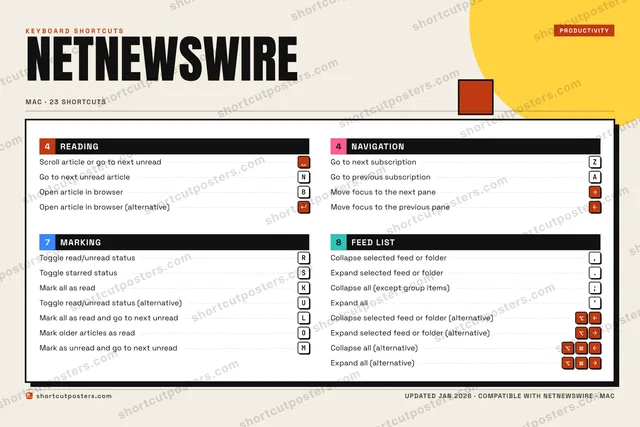
All NetNewsWire keyboard shortcuts (Mac)
Feed list 8
| Action | Shortcut |
|---|---|
| Collapse selected feed or folder | , |
| Expand selected feed or folder | . |
| Collapse all (except group items) | ; |
| Expand all | ' |
| Collapse selected feed or folder (alternative) | ⌥← |
| Expand selected feed or folder (alternative) | ⌥→ |
| Collapse all (alternative) | ⌥⌘← |
| Expand all (alternative) | ⌥⌘→ |
Marking 7
| Action | Shortcut |
|---|---|
| Toggle read/unread status | R |
| Toggle starred status | S |
| Mark all as read | K |
| Toggle read/unread status (alternative) | U |
| Mark all as read and go to next unread | L |
| Mark older articles as read | O |
| Mark as unread and go to next unread | M |
Reading 4
| Action | Shortcut |
|---|---|
| Scroll article or go to next unread | ␣ |
| Go to next unread article | N |
| Open article in browser | B |
| Open article in browser (alternative) | ↵ |
Navigation 4
| Action | Shortcut |
|---|---|
| Go to next subscription | Z |
| Go to previous subscription | A |
| Move focus to the next pane | → |
| Move focus to the previous pane | ← |
Sourced from netnewswire.com Last verified
Unofficial reference. ShortcutPosters is not affiliated with, endorsed by, or sponsored by NetNewsWire. All product names, logos, and trademarks are property of their respective owners. See our licensing & trademark notice.
Get the NetNewsWire poster
5 art directions — pick one below, click to zoom & compare.
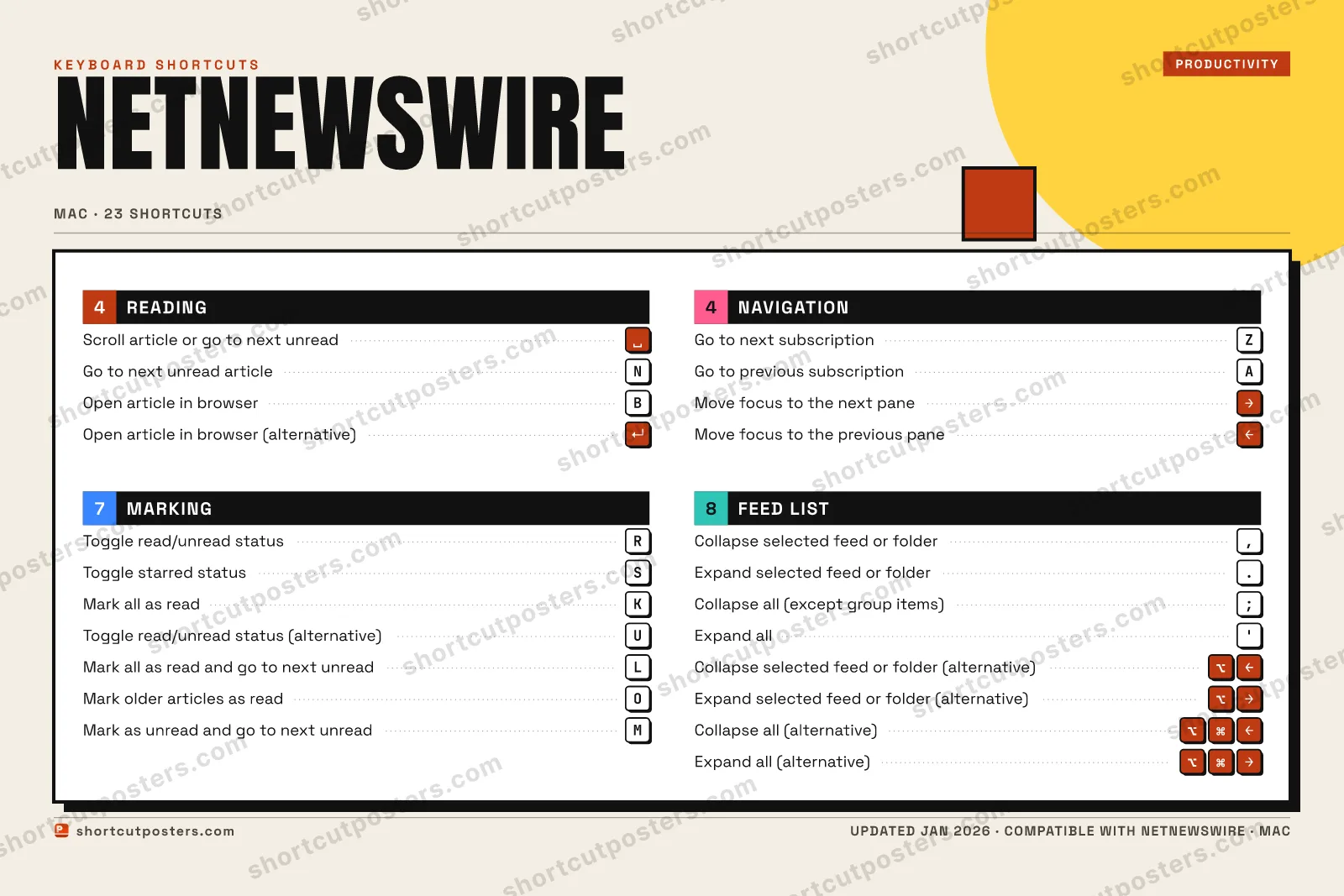
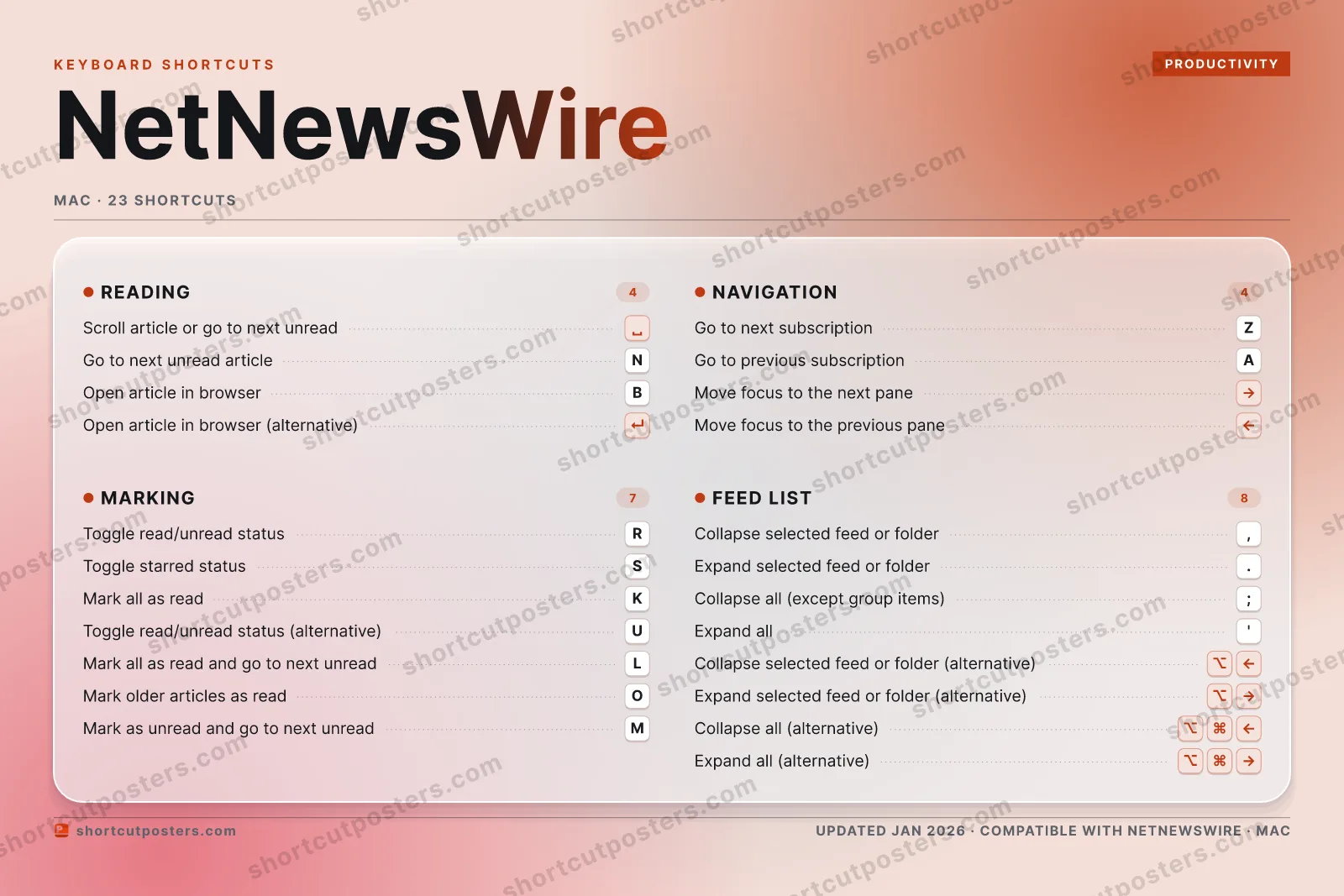
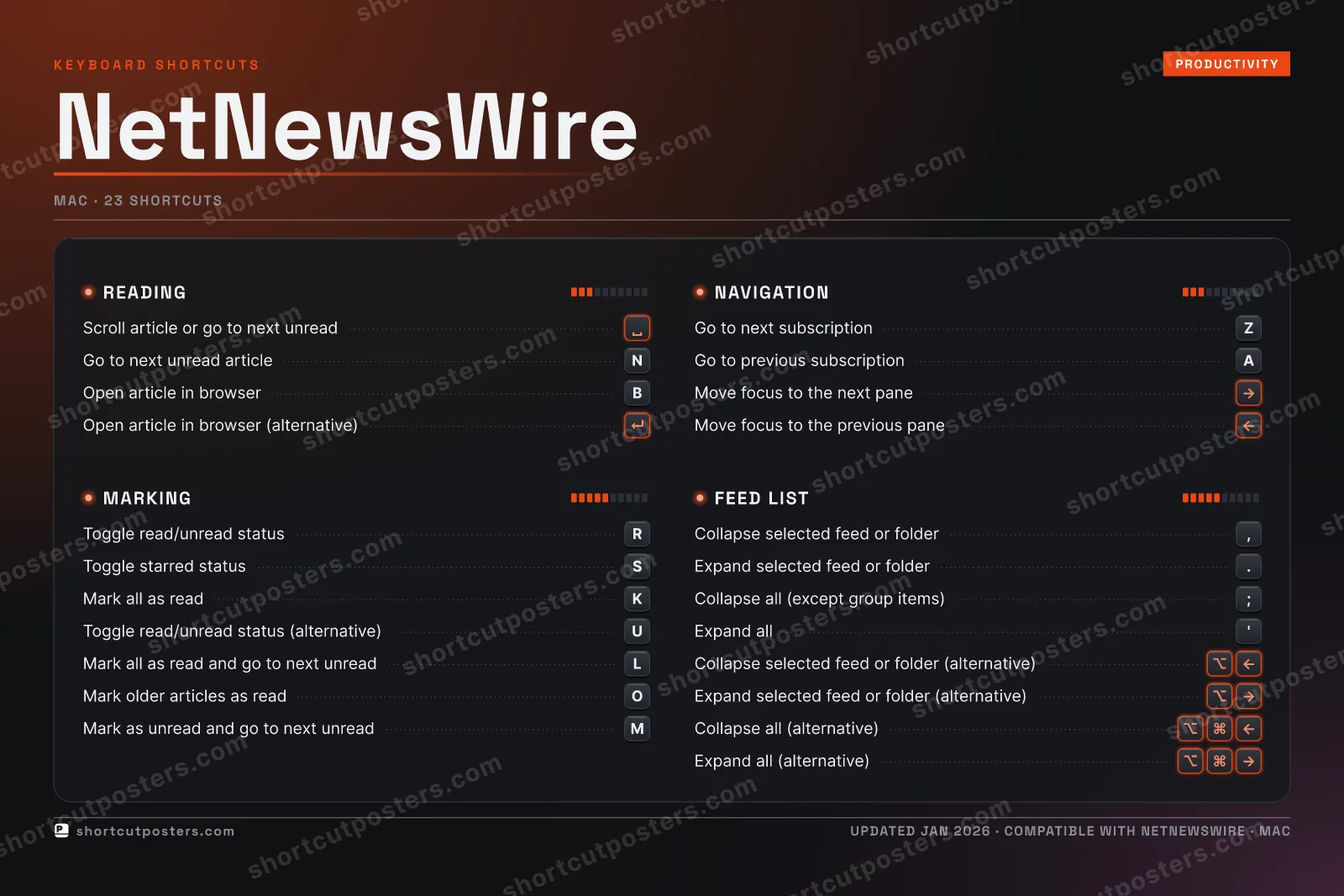
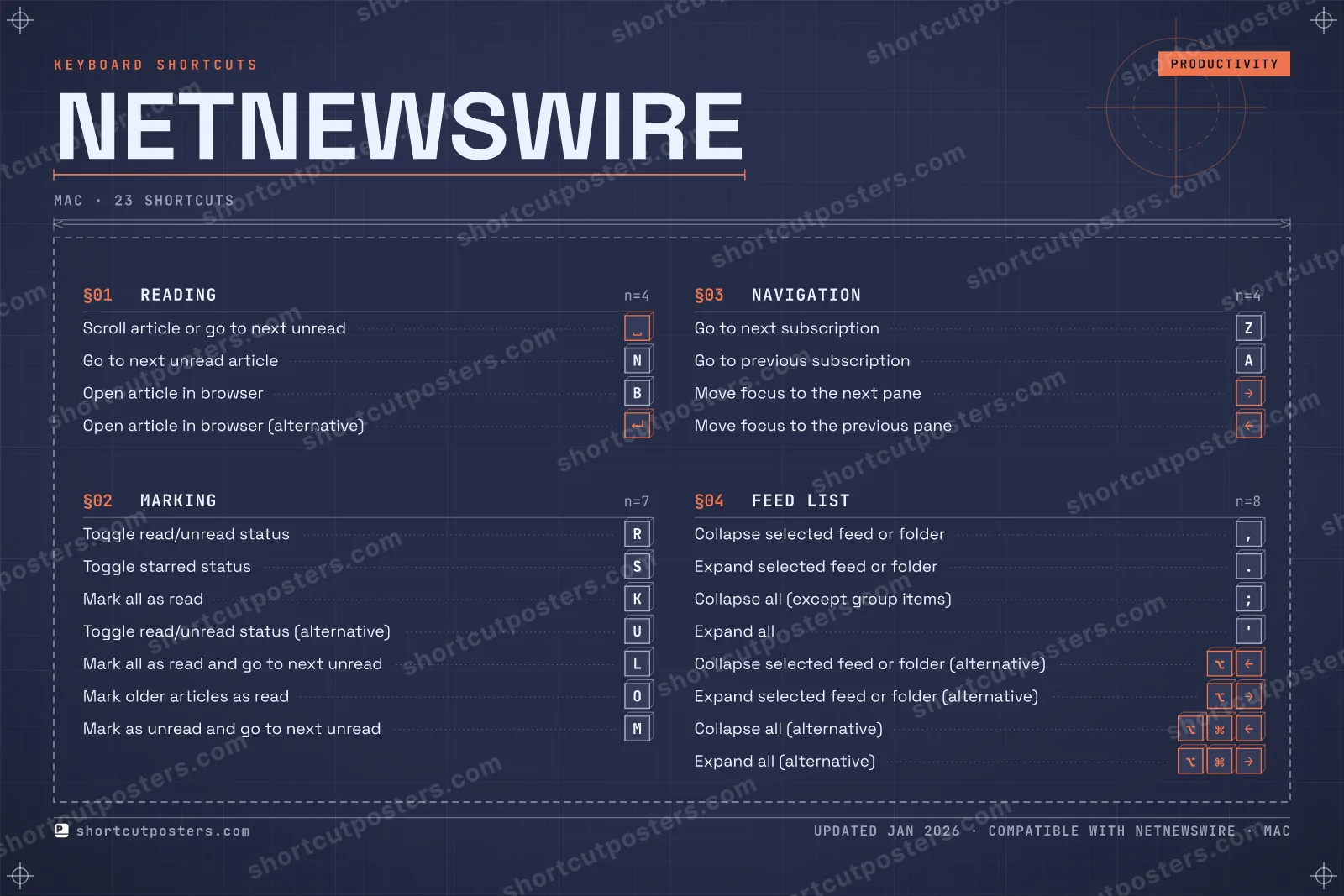
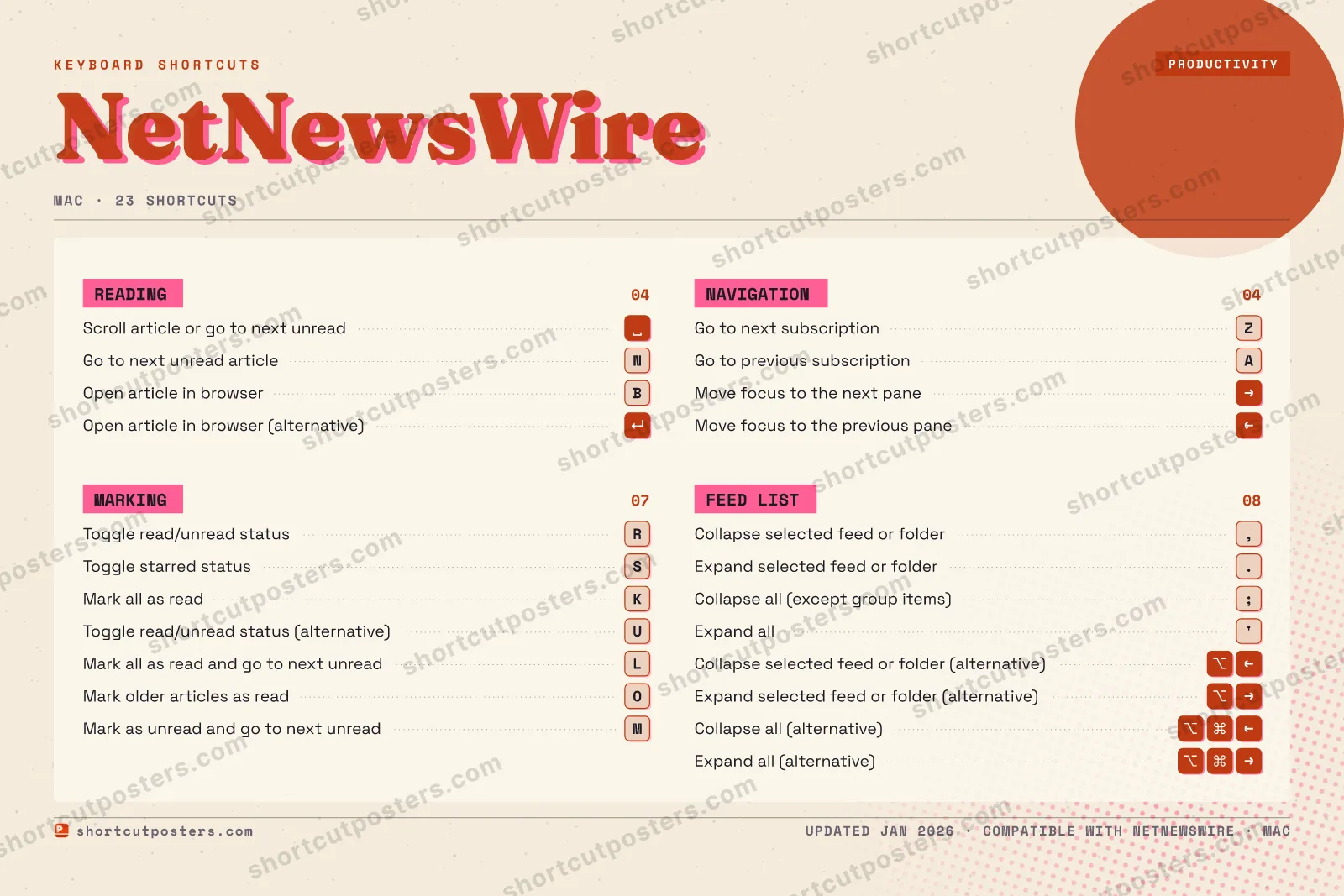
A printable, framed-quality poster of the essential NetNewsWire shortcuts for Mac — the keys worth keeping in view, designed to stay readable on a wall.
Free PNG is web-resolution & watermarked.
Frequently asked questions
- Does the poster include every NetNewsWire shortcut?
- NetNewsWire has 23 keyboard shortcuts on macOS — the complete list is free to read on this page. The poster features the most essential ones, curated to stay readable on a wall.
- Can I print it at home?
- Yes. The digital download is a high-resolution 300 DPI file you can print at home or at any print shop, in standard frame sizes.
- Does it cover both Mac and Windows?
- We sell a separate edition per platform so every key matches your keyboard exactly. This page is the macOS edition.
- Is this an official NetNewsWire product?
- No. This is an unofficial reference poster and is not affiliated with or endorsed by NetNewsWire. All trademarks belong to their respective owners.
Related posters






Thanks — your feedback helps us improve.
Promote your app
Built an app with great keyboard shortcuts? Get it into the database — a free, searchable reference page, and an optional printable poster your power users will pin to the wall.
- Free shortcut reference page
- Indexed & searchable
- Optional framed poster