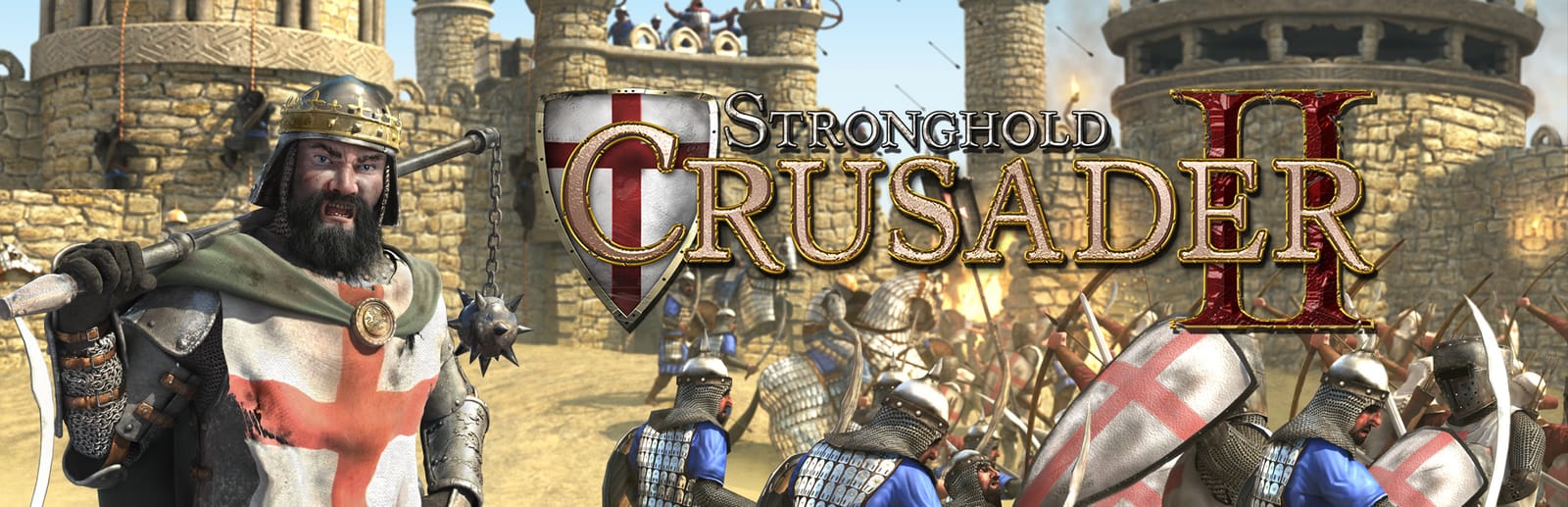
 Cover art © its publisher — for identification only. Details
Windows · 47 default keybinds
Stronghold Crusader 2 Keyboard Controls
Stronghold Crusader 2 devotes a whole chapter of its manual to hotkeys, and the useful half is the building selectors: one letter jumps to your granary, stockpile, armoury or keep, and a second tap centres the camera on it.
Stronghold Crusader 2 controls poster
A generative poster unique to Stronghold Crusader 2 — styled by its genre and signature colour. Pure design, zero spoilers. Free to download for your battlestation.
Free PNG is web-resolution & lightly watermarked.
Want it print-ready?
Framed-quality 300 DPI, no watermark — $2.99 (PC / keyboard edition). Drop your email and we'll send the checkout link.
All Stronghold Crusader 2 keyboard controls
47 default keybinds across 6 categories. Most can be reassigned in Stronghold Crusader 2's control settings.
+ 4 more controls in the table below
+ 4 more controls in the table below
47 shortcuts
Unit Orders 10
| Action | Shortcut |
|---|---|
| Attack Mode | E |
| Halt | Q |
| Attack Move | CtrlRMB |
| Cycle Stance | R |
| Cycle Formation | F |
| Attack Ground | AltRMB |
| Pack / Unpack Trebuchet | T |
| Mount / Dismount Horse | Y |
| Patrol | I |
| Unload War Wagon | U |
Jump To 9
| Action | Shortcut |
|---|---|
| Select Lord (double tap to focus) | L |
| Select Granary | G |
| Select Stockpile | H |
| Select Keep | K |
| Select Armoury | J |
| Select Barracks | B |
| Select Mercenary Post | M |
| Cycle Focus on All Lords | ShiftL |
| Select Last Placed Siege Camp | N |
Game 9
| Action | Shortcut |
|---|---|
| Pause | P |
| Open Popularity Panel | Bksp |
| Focus on Warning | Space |
| Show Menu | Esc |
| Increase Game Speed | + |
| Decrease Game Speed | − |
| Greatest Lord | Tab |
| Toggle Chat | ShiftEnter |
| Toggle Team Chat | Enter |
Camera 8
| Action | Shortcut |
|---|---|
| Scroll Map | WthenAthenSthenD |
| Zoom | AltW |
| Rotate | AltA |
| Rotate Buildings | ShiftA |
| Top Down View | AltSpace |
| View Camera Hotspot | Alt1 |
| Toggle Interface On / Off | End |
| Create Camera Hotspot | CtrlAlt1 |
Selection 7
| Action | Shortcut |
|---|---|
| Select | LMB |
| Order | RMB |
| Create Unit Group | Ctrl1 |
| Select Unit Group (double tap to focus) | 1 |
| Add Units to Current Selection | ShiftLMB |
| Add Selected Units to Group | Shift1 |
| Remove Units from Current Selection | CtrlLMB |
Building 4
| Action | Shortcut |
|---|---|
| Place Stone Curtain Wall | Z |
| Place Stone Wall | X |
| Delete | Del |
| Repair | Ins |
Sourced from store.steampowered.com, shared.fastly.steamstatic.com Last verified
Unofficial reference. ShortcutPosters is not affiliated with, endorsed by, or sponsored by Stronghold Crusader 2. All product names, logos, and trademarks are property of their respective owners. See our licensing & trademark notice.
Stronghold Crusader 2 controls — FAQ
- What are the default controls for Stronghold Crusader 2?
- Stronghold Crusader 2, a strategy game, uses 47 default keybinds across 6 categories. The complete, up-to-date list is free to read on this page.
- Can you remap Stronghold Crusader 2 controls?
- Yes. These are the game's default bindings — nearly all of them can be reassigned from Stronghold Crusader 2's in-game control or key-binding settings.
- Which platforms do these Stronghold Crusader 2 controls cover?
- These keyboard controls apply on Windows. Most bindings are identical across platforms unless noted.
- Is this an official Stronghold Crusader 2 resource?
- No. This is an unofficial reference and is not affiliated with or endorsed by Stronghold Crusader 2 or its publisher. All trademarks belong to their respective owners.
Thanks — your feedback helps us improve.
Stronghold collection
6 Stronghold games in the catalogue, every control scheme free to read.
See all 6 Stronghold games →