Shortcut posters for game developers
Making a game means living in an engine all day, then switching to the tools its art is made in. These posters cover Unity, Unreal Engine, Godot, GameMaker and Roblox Studio, with Blender, Aseprite and the Substance apps beside them — the viewport, play-test and scene keys of each, from its own documentation.
-
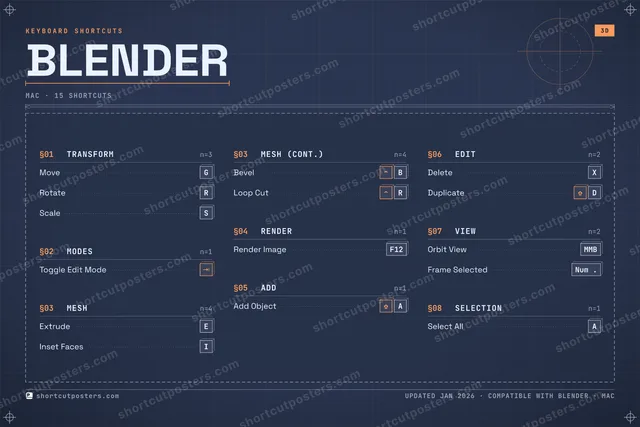
 Blender Soon MacWindows
 -
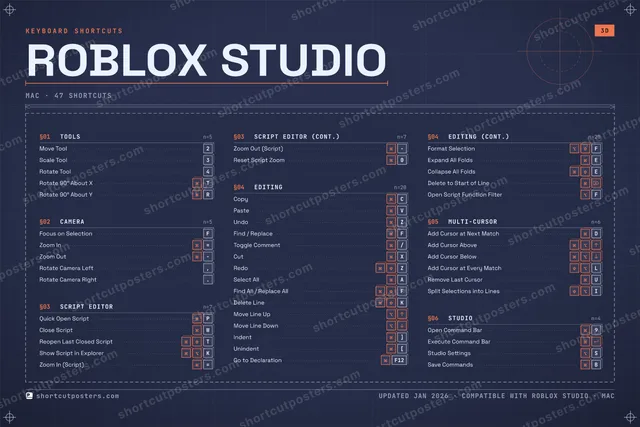
 Roblox Studio Soon MacWindows
 -
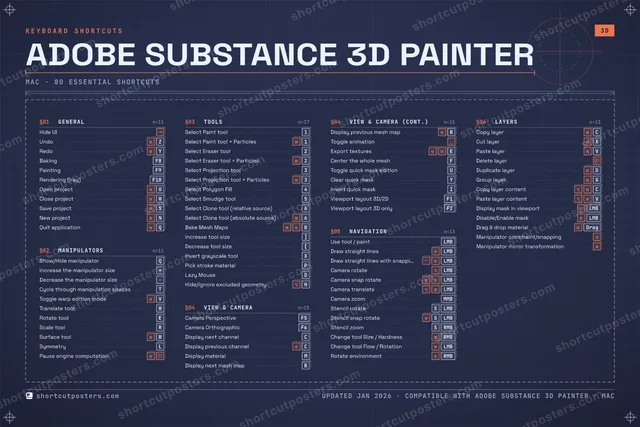
 Adobe Substance 3D Painter Soon MacWindows
 -
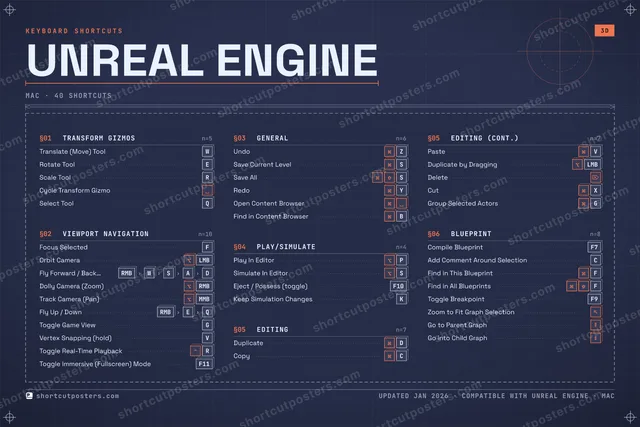
 Unreal Engine Soon MacWindows
 -
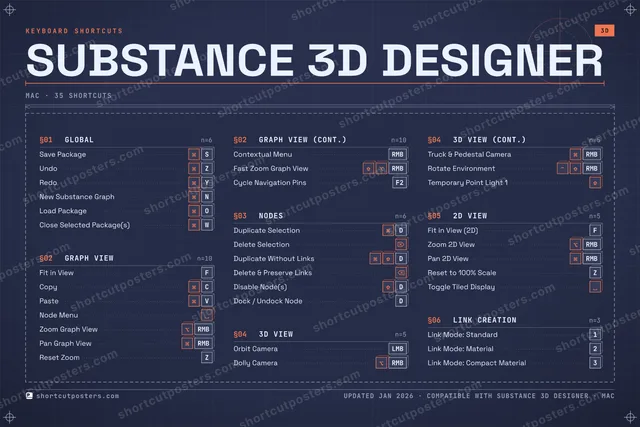
 Substance 3D Designer Soon MacWindows
 -
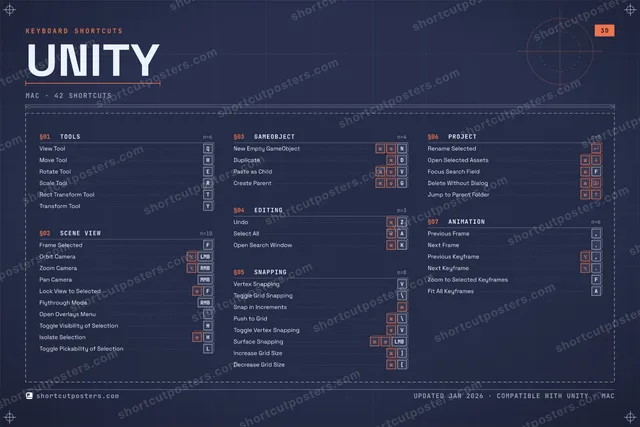
 Unity Soon MacWindows
 -
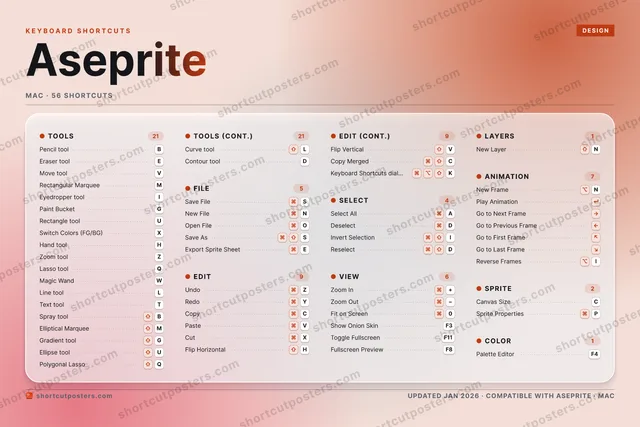
 Aseprite Soon MacWindowsLinux
 -
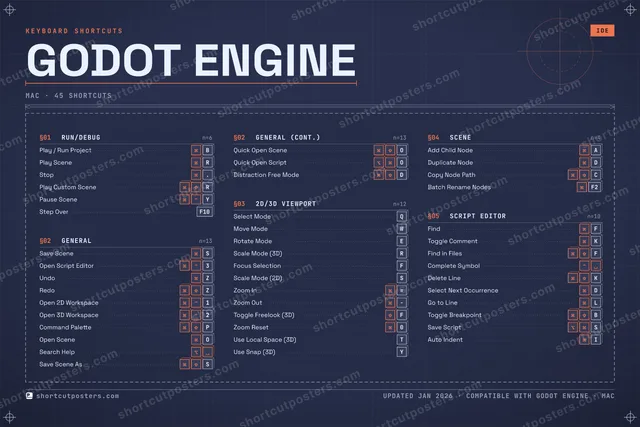
 Godot Engine Soon MacWindows
 -
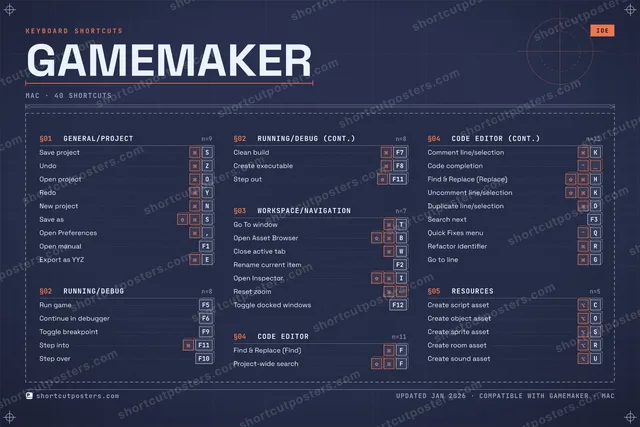
 GameMaker Soon MacWindows
 -
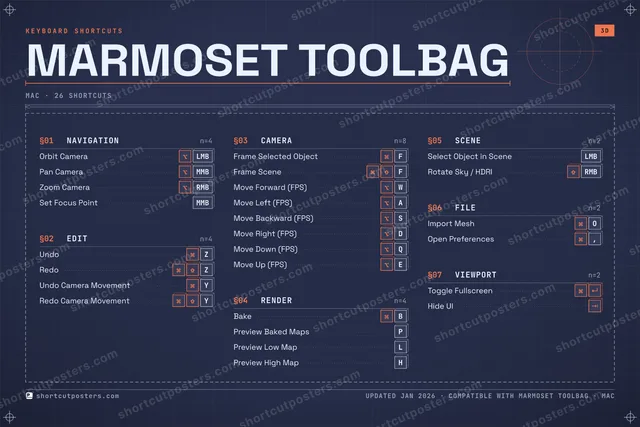
 Marmoset Toolbag Soon MacWindows
Shortcut posters for game developers — FAQ
- What's in the "Shortcut posters for game developers" collection?
- 10 keyboard shortcut posters — each built from the app's real, verified shortcut set. Game engines and the art tools beside them. The full shortcut list for every app is free to read on its page.
- Can I print these at home?
- Yes. Each poster is a high-resolution 300 DPI download you can print at home or at any print shop, in standard frame sizes.
- Are these official products?
- No. These are unofficial reference posters and are not affiliated with or endorsed by the apps shown. All trademarks belong to their respective owners.