Make your Google Colab shortcuts poster

Hover to locate · click on the poster to disable · drag to reorder categories & shortcuts · ✎ to rename a category
- Web resolution (1600 px)
- Light watermark
- Instant download
How it works
- 1
Choose a style
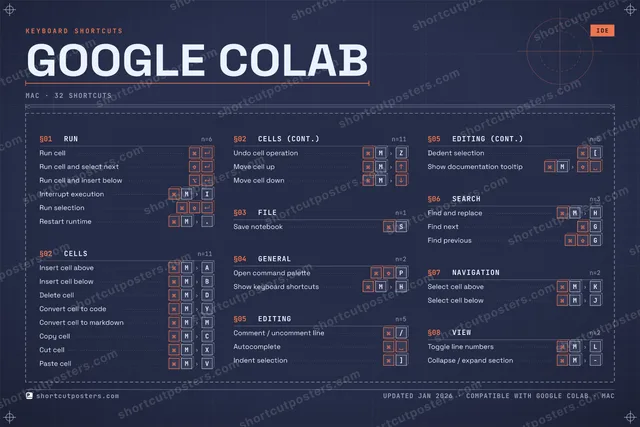
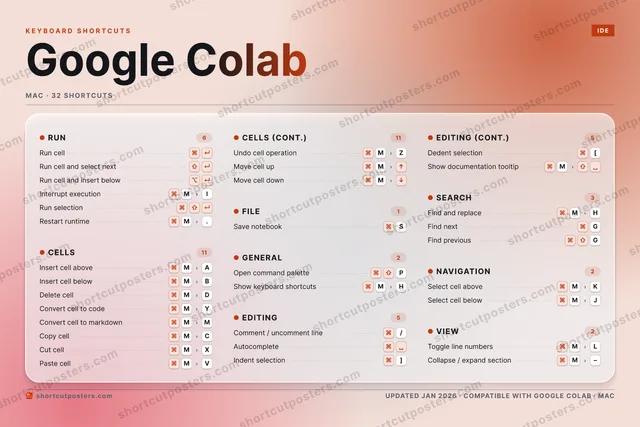
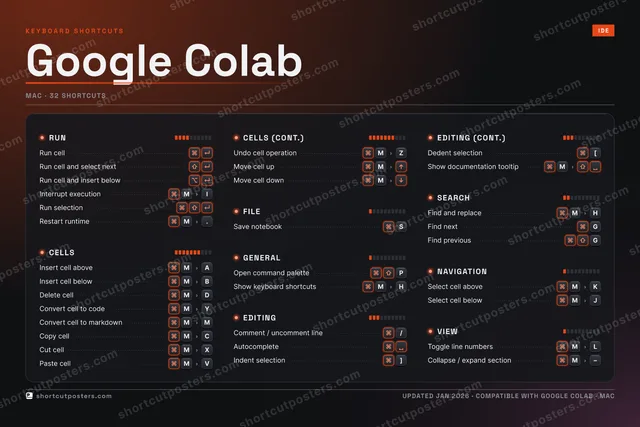
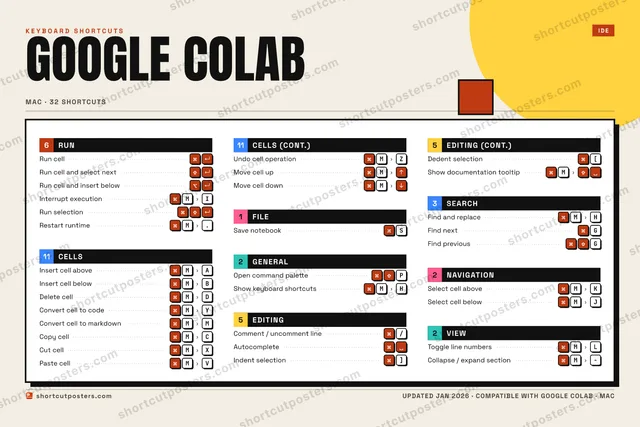
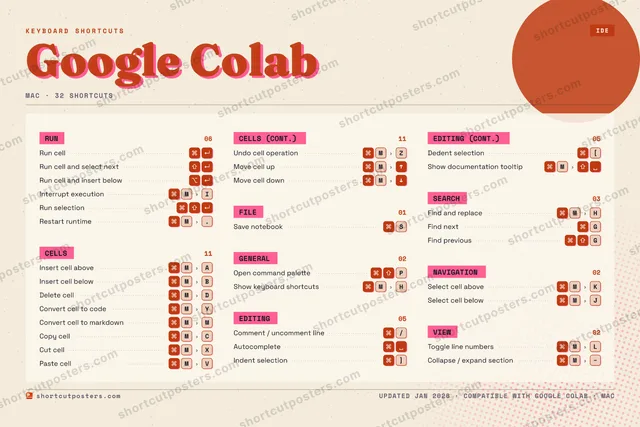
Pick one of five styles — Studio, Blueprint, Aurora, Block or Riso — each in the app's own colours. Games start from generative Arcade art.
- 2
Make it yours
Set the accent colour, rename categories, and reorder anything.
- 3
Pick the shortcuts
Toggle exactly which shortcuts appear — or add your own custom ones.
- 4
Download or print
Export a free high-resolution PNG instantly, or order a print-ready PDF.
Five styles to choose from
Frequently asked questions
Is the Google Colab poster maker free?
Yes — you can design and download a high-resolution PNG of your Google Colab shortcuts poster for free. A print-ready PDF is an optional paid upgrade.
Can I choose which Google Colab shortcuts appear?
Yes. Toggle any shortcut on or off, reorder them, rename categories, and even add your own custom shortcuts.
Can I change the colours and style?
Yes. Pick an accent colour and switch between the Studio, Blueprint, Aurora, Block and Riso styles.
Which operating systems are supported?
Switch the edition between the operating systems Google Colab supports (macOS, Windows, Linux): every key is shown as it is on that system.
How do I get a printed poster?
Download the free PNG to print yourself, or order the print-ready, framed-quality PDF directly from the maker.