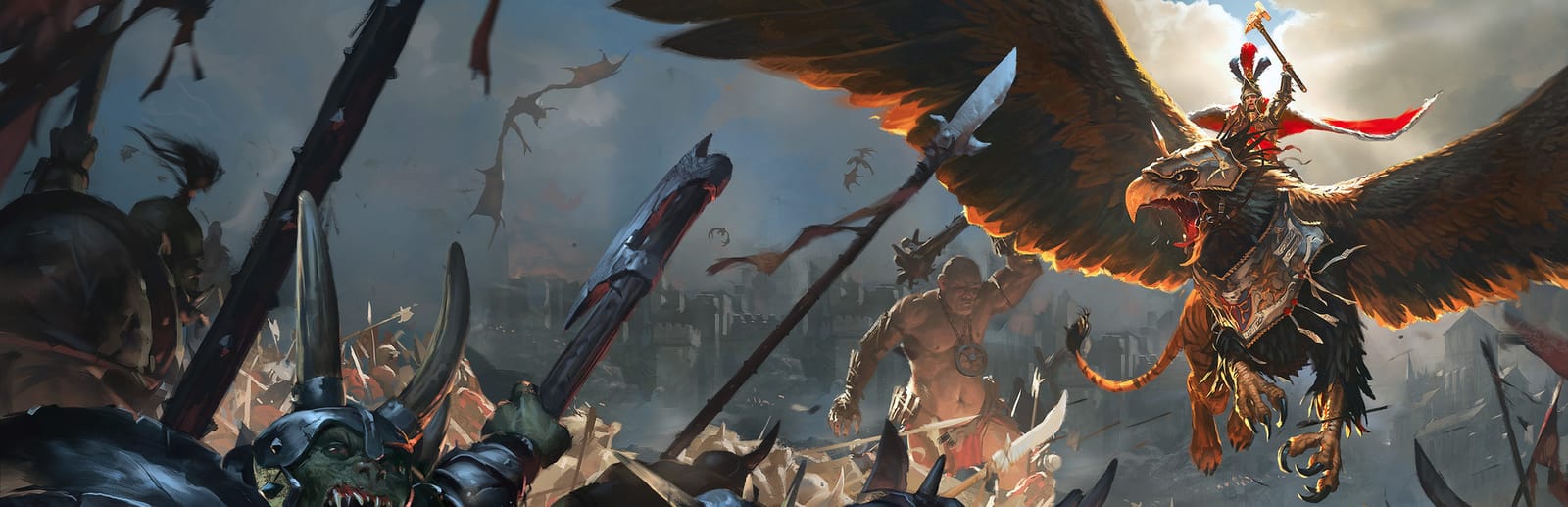
 Cover art © its publisher — for identification only. Details
Windows · Mac · Linux · 40 default keybinds
Total War: WARHAMMER Keyboard Controls
The first Total War: WARHAMMER, and the scheme its two sequels inherit. SEGA's manual calls it the classic control set: Alt chords for a unit's special abilities, Ctrl chords for the unit groups, and one key each for the melee, run and formation toggles.
Total War: WARHAMMER controls poster
A generative poster unique to Total War: WARHAMMER — styled by its genre and signature colour. Pure design, zero spoilers. Free to download for your battlestation.
Free PNG is web-resolution & lightly watermarked.
Want it print-ready?
Framed-quality 300 DPI, no watermark — $2.99 (PC / keyboard edition). Drop your email and we'll send the checkout link.
All Total War: WARHAMMER keyboard controls
40 default keybinds across 5 categories. Most can be reassigned in Total War: WARHAMMER's control settings.
+ 5 more controls in the table below
+ 5 more controls in the table below
40 shortcuts
Battles 10
| Action | Shortcut |
|---|---|
| Group / Ungroup Units | G |
| Toggle Melee Mode | F |
| Toggle Unit Speed | R |
| Create / Select Unit Group 1 | Ctrl1 |
| Toggle Locked Group | CtrlG |
| Special Ability Slot 1 | Alt1 |
| Pan to Unit | End |
| Special Ability Slot 2 | Alt2 |
| Special Ability Slot 3 | Alt3 |
| Create / Select Unit Group 10 | Ctrl0 |
Universal 9
| Action | Shortcut |
|---|---|
| Select All | CtrlA |
| Select Next | . |
| Select Previous | , |
| Current Selection Order Cancel | Bksp |
| Standard Ping | CtrlF5 |
| Chat Panel On | Y |
| Chat Panel Off | Esc |
| Toggle Sound Effects | AltX |
| Toggle Music | AltM |
Camera 8
| Action | Shortcut |
|---|---|
| Rotate Left | Q |
| Move Forward Fast | Num 8 |
| Rotate Up | V |
| Rotate Down | C |
| Camera Up | X |
| Camera Down | Z |
| Accelerate | PgUp |
| Decelerate | PgDn |
Campaign 8
| Action | Shortcut |
|---|---|
| End Turn | Enter |
| Quick Save | CtrlS |
| Quick Load | CtrlL |
| Show Strategic Map | Tab |
| Toggle Settlement Labels | CtrlT |
| Auto-merge Units | CtrlM |
| Pan to Capital | Home |
| Default Camera Rotation | End |
Game & UI 5
| Action | Shortcut |
|---|---|
| Show Unit Orders | Space |
| Toggle Pause | P |
| Toggle Unit Information | I |
| Toggle UI Visibility | K |
| Toggle UI (with Borders) | AltK |
Sourced from store.steampowered.com, shared.fastly.steamstatic.com Last verified Shortcuts last changed
Unofficial reference. ShortcutPosters is not affiliated with, endorsed by, or sponsored by Total War: WARHAMMER. All product names, logos, and trademarks are property of their respective owners. See our licensing & trademark notice.
Total War: WARHAMMER controls — FAQ
- What are the default controls for Total War: WARHAMMER?
- Total War: WARHAMMER, a strategy game, uses 40 default keybinds across 5 categories. The complete, up-to-date list is free to read on this page.
- Can you remap Total War: WARHAMMER controls?
- Yes. These are the game's default bindings — nearly all of them can be reassigned from Total War: WARHAMMER's in-game control or key-binding settings.
- Which platforms do these Total War: WARHAMMER controls cover?
- These keyboard controls apply on Windows and Mac and Linux. Most bindings are identical across platforms unless noted.
- Is this an official Total War: WARHAMMER resource?
- No. This is an unofficial reference and is not affiliated with or endorsed by Total War: WARHAMMER or its publisher. All trademarks belong to their respective owners.
Thanks — your feedback helps us improve.
Total War collection
13 Total War games in the catalogue, every control scheme free to read.
See all 13 Total War games →