Dwarf Fortress Keyboard controls
- Windows · Linux
- 39 default keybinds
- Simulation →
Cover art © its publisher — for identification only. Cover © its publisher. Details
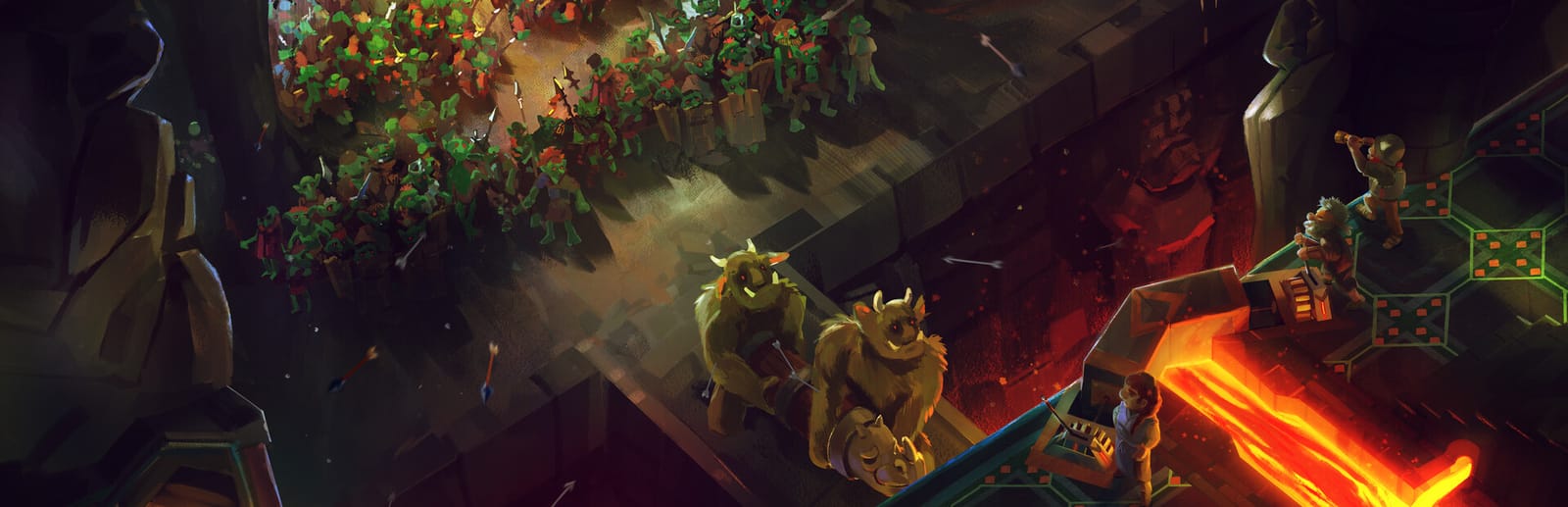
A reference to the default Fortress mode keyboard controls for Dwarf Fortress, Bay 12 Games' legendary colony sim as released on Steam by Kitfox. These hotkeys drive camera movement and z-level navigation, pausing and FPS control, mining and other designations, building and zones, and the information menus you use to run your fortress.
All Dwarf Fortress keyboard controls
+ 2 more controls in the table below
+ 2 more controls in the table below
Tip Hover or tap a key to see what it does. Most of these 39 keybinds can be reassigned in Dwarf Fortress's control settings.
39 shortcuts
Camera 8
| Action | Shortcut |
|---|---|
| Move Camera Up | W |
| Move Camera Left | A |
| Move Camera Down | S |
| Move Camera Right | D |
| Camera Down One Z-level | C |
| Camera Up One Z-level | E |
| Zoom Out | [ |
| Zoom In | ] |
Information 8
| Action | Shortcut |
|---|---|
| Citizen Information Menu | U |
| Labor Menu | Y |
| Work Orders Menu | O |
| Task Information Menu | T |
| Place Information Menu | ShiftP |
| Nobles & Administrators | N |
| Objects Menu | ShiftO |
| Justice Menu | J |
Fortress Tools 8
| Action | Shortcut |
|---|---|
| View All Alerts | ShiftN |
| Fortress Stocks | K |
| Open Squad Sidebar | Q |
| Open World Screen | ShiftY |
| Hotkey Recenter Editor | H |
| Toggle Water / Magma Depth Display | F |
| Toggle Elevation Change Arrows | R |
| Recenter on Wagon | F1 |
Designations 6
| Action | Shortcut |
|---|---|
| Dig / Mining Orders | M |
| Tree Chopping Orders | L |
| Remove Designations | X |
| Plant Gathering Orders | G |
| Smoothing / Engraving Orders | V |
| Item Designations (Dump / Smelt / Claim) | I |
Build & Zones 6
| Action | Shortcut |
|---|---|
| Build Structures | B |
| Place Stockpiles | P |
| Place Zones | Z |
| Establish Burrows | ShiftU |
| Set Hauling Routes | ShiftH |
| Set Traffic Areas | ShiftT |
Game Speed 3
| Action | Shortcut |
|---|---|
| Play / Pause Simulation | Space |
| Increase FPS Limit | Alt= |
| Decrease FPS Limit | Alt− |
Sourced from dwarffortresswiki.org Last verified
Unofficial reference. ShortcutPosters is not affiliated with, endorsed by, or sponsored by Dwarf Fortress. All product names, logos, and trademarks are property of their respective owners. See our licensing & trademark notice.
Shown at scaleNo watermark on your file
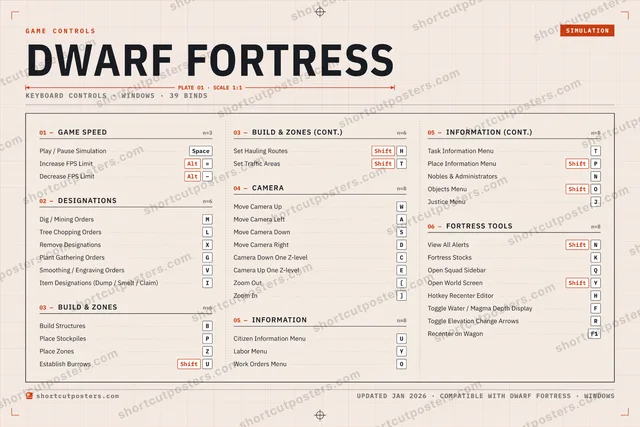
Dwarf Fortress, on your wall.
Print-ready 36×24″ at 300 DPI, for your printer or any print shop.Free preview: 1600 px, watermarked.
No watermark on what you buy. It only protects this preview.
- The keyboard poster
- 10 800 px at 300 DPI, up to 91×61 cm
- PNG + print-ready PDF, instant download
Dwarf Fortress controls poster
Dwarf Fortress controls — FAQ
- What are the default controls for Dwarf Fortress?
- Dwarf Fortress, a simulation game, uses 39 default keybinds across 6 categories. The complete, up-to-date list is free to read on this page.
- Can you remap Dwarf Fortress controls?
- Yes. These are the game's default bindings — nearly all of them can be reassigned from Dwarf Fortress's in-game control or key-binding settings.
- Which platforms do these Dwarf Fortress controls cover?
- These keyboard controls apply on Windows and Linux. Most bindings are identical across platforms unless noted.
- Is this an official Dwarf Fortress resource?
- No. This is an unofficial reference and is not affiliated with or endorsed by Dwarf Fortress or its publisher. All trademarks belong to their respective owners.
Thanks — your feedback helps us improve.