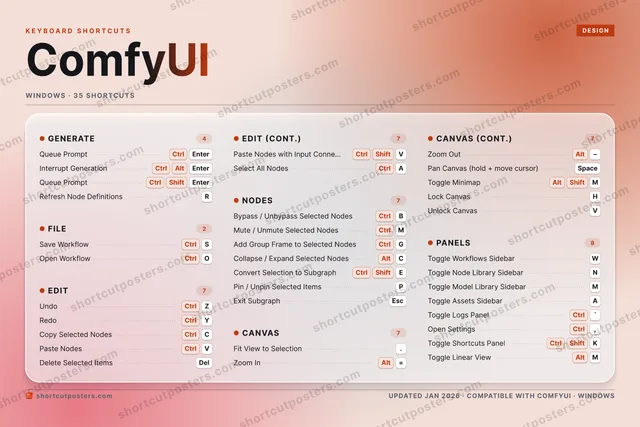

ComfyUI is an open-source, node-based interface for building and running generative AI image, video and audio workflows. Its shortcuts keep you on the canvas: queue a prompt, bypass or mute nodes, and flip between sidebars without reaching for the mouse.
Official:Official site
All ComfyUI keyboard shortcuts (Windows)
+ 1 more control in the table below
+ 1 more control in the table below
35 shortcuts
Panels 8
| Action | Shortcut |
|---|---|
| Toggle Workflows Sidebar | W |
| Toggle Node Library Sidebar | N |
| Toggle Model Library Sidebar | M |
| Toggle Assets Sidebar | A |
| Toggle Logs Panel | Ctrl` |
| Open Settings | Ctrl, |
| Toggle Shortcuts Panel | CtrlShiftK |
| Toggle Linear View | AltM |
Edit 7
| Action | Shortcut |
|---|---|
| Undo | CtrlZ |
| Redo | CtrlY |
| Copy Selected Nodes | CtrlC |
| Paste Nodes | CtrlV |
| Delete Selected Items | Del |
| Paste Nodes with Input Connections | CtrlShiftV |
| Select All Nodes | CtrlA |
Nodes 7
| Action | Shortcut |
|---|---|
| Bypass / Unbypass Selected Nodes | CtrlB |
| Mute / Unmute Selected Nodes | CtrlM |
| Add Group Frame to Selected Nodes | CtrlG |
| Collapse / Expand Selected Nodes | AltC |
| Convert Selection to Subgraph | CtrlShiftE |
| Pin / Unpin Selected Items | P |
| Exit Subgraph | Esc |
Canvas 7
| Action | Shortcut |
|---|---|
| Fit View to Selection | . |
| Zoom In | Alt= |
| Zoom Out | Alt− |
| Pan Canvas (hold + move cursor) | Space |
| Toggle Minimap | AltShiftM |
| Lock Canvas | H |
| Unlock Canvas | V |
Generate 4
| Action | Shortcut |
|---|---|
| Queue Prompt | CtrlEnter |
| Interrupt Generation | CtrlAltEnter |
| Queue Prompt (Front of Queue) | CtrlShiftEnter |
| Refresh Node Definitions | R |
File 2
| Action | Shortcut |
|---|---|
| Save Workflow | CtrlS |
| Open Workflow | CtrlO |
Sourced from docs.comfy.org, github.com Last verified
Unofficial reference. ShortcutPosters is not affiliated with, endorsed by, or sponsored by ComfyUI. All product names, logos, and trademarks are property of their respective owners. See our licensing & trademark notice.
Get the ComfyUI poster
5 art directions — pick one below, click to zoom & compare.
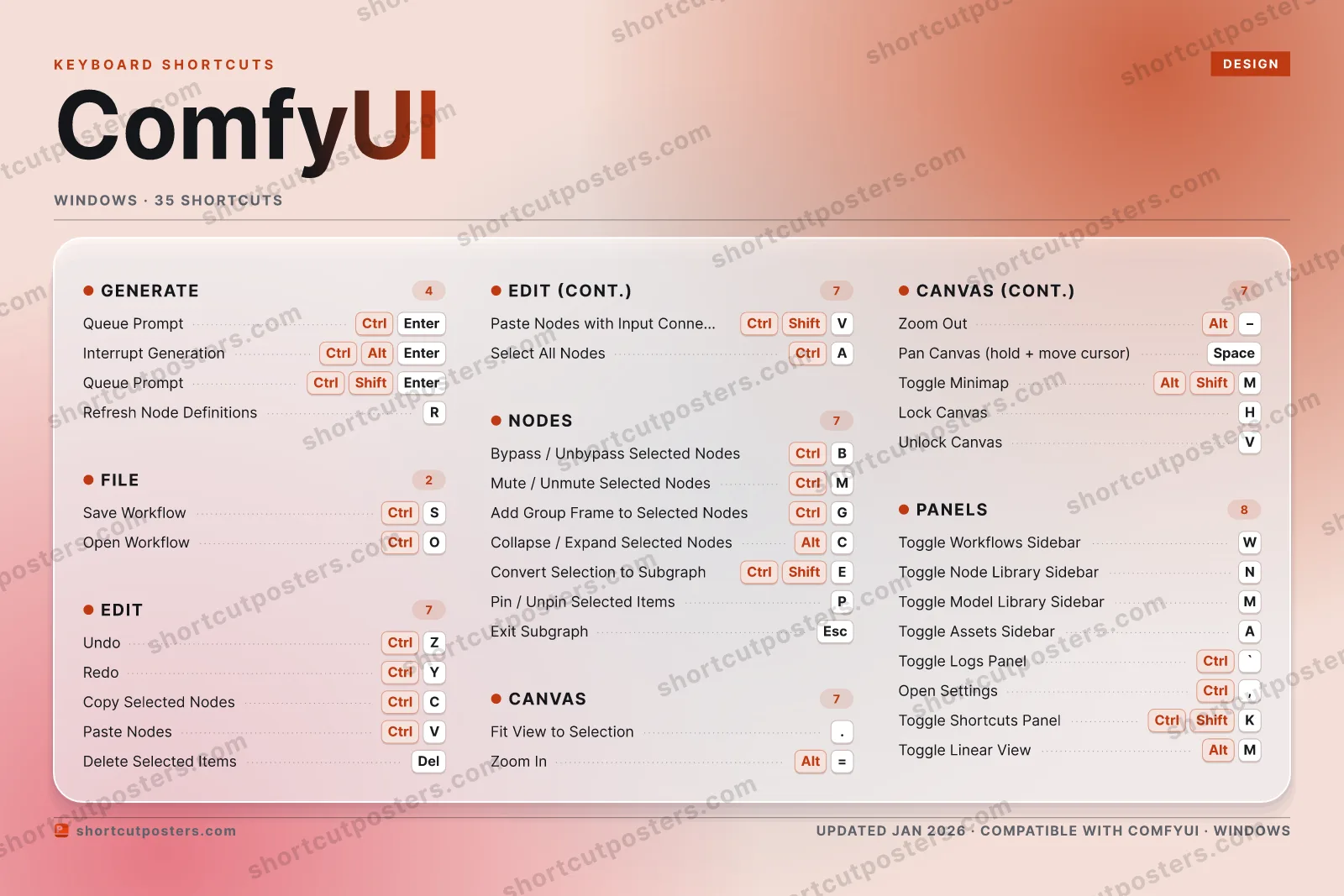
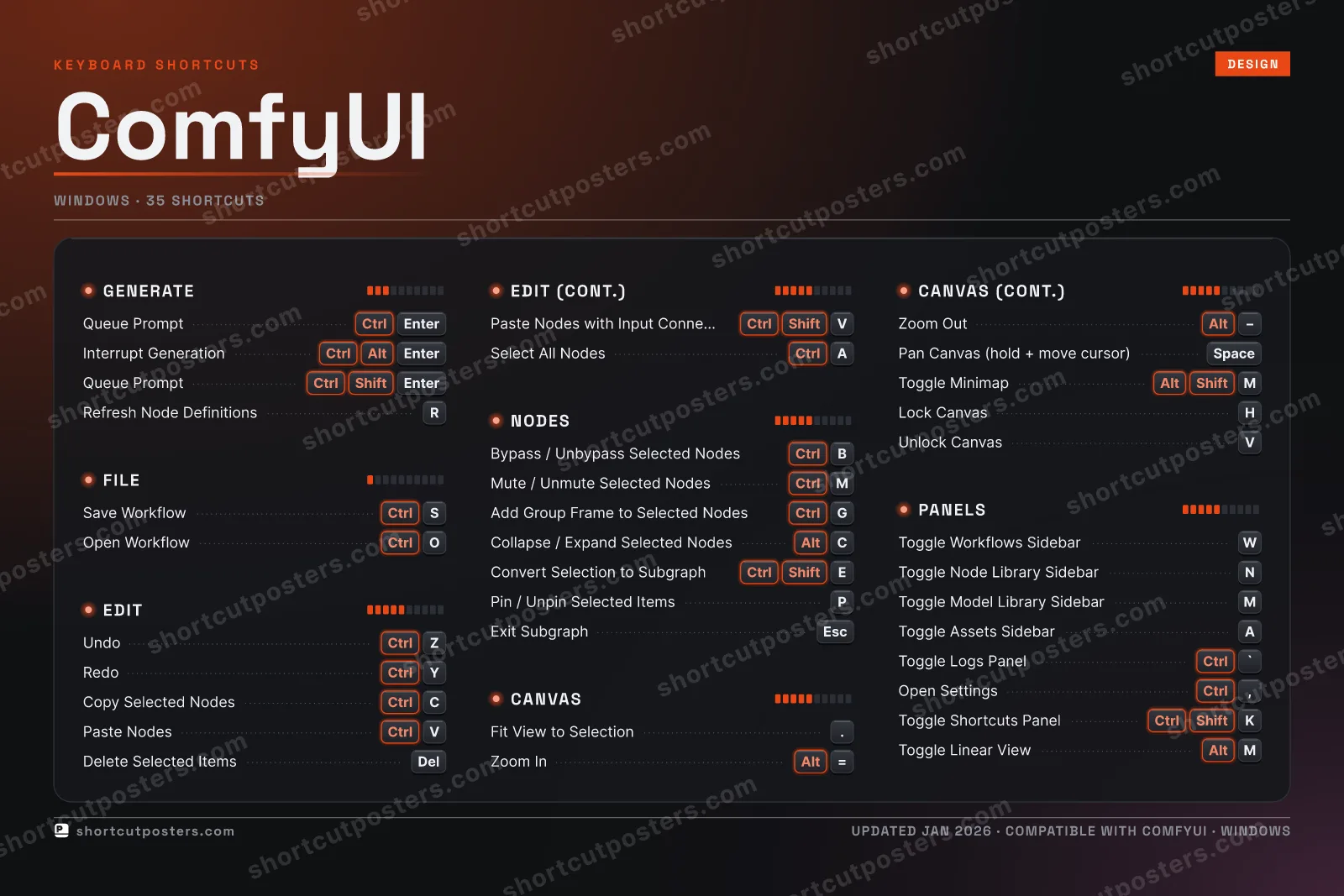
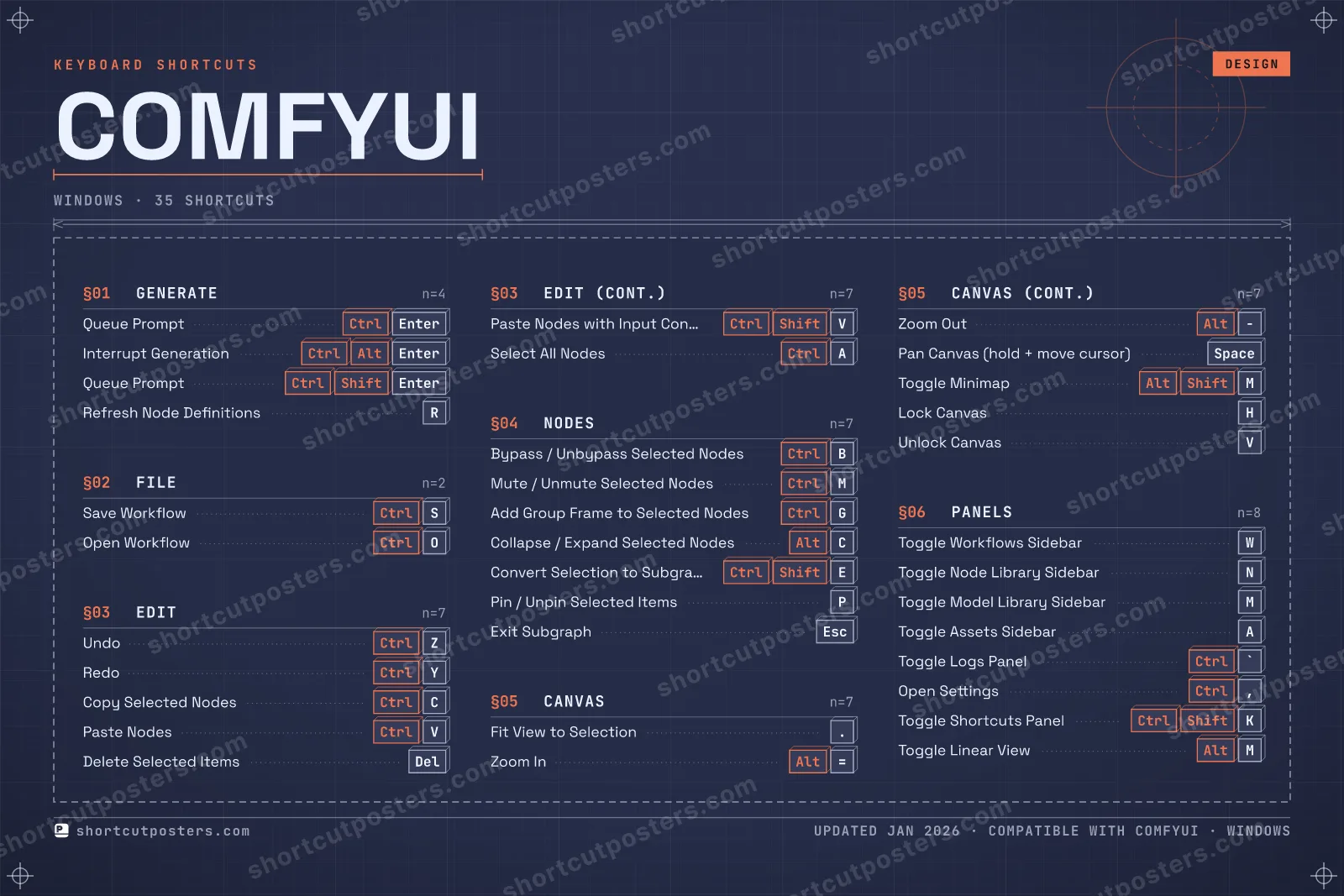
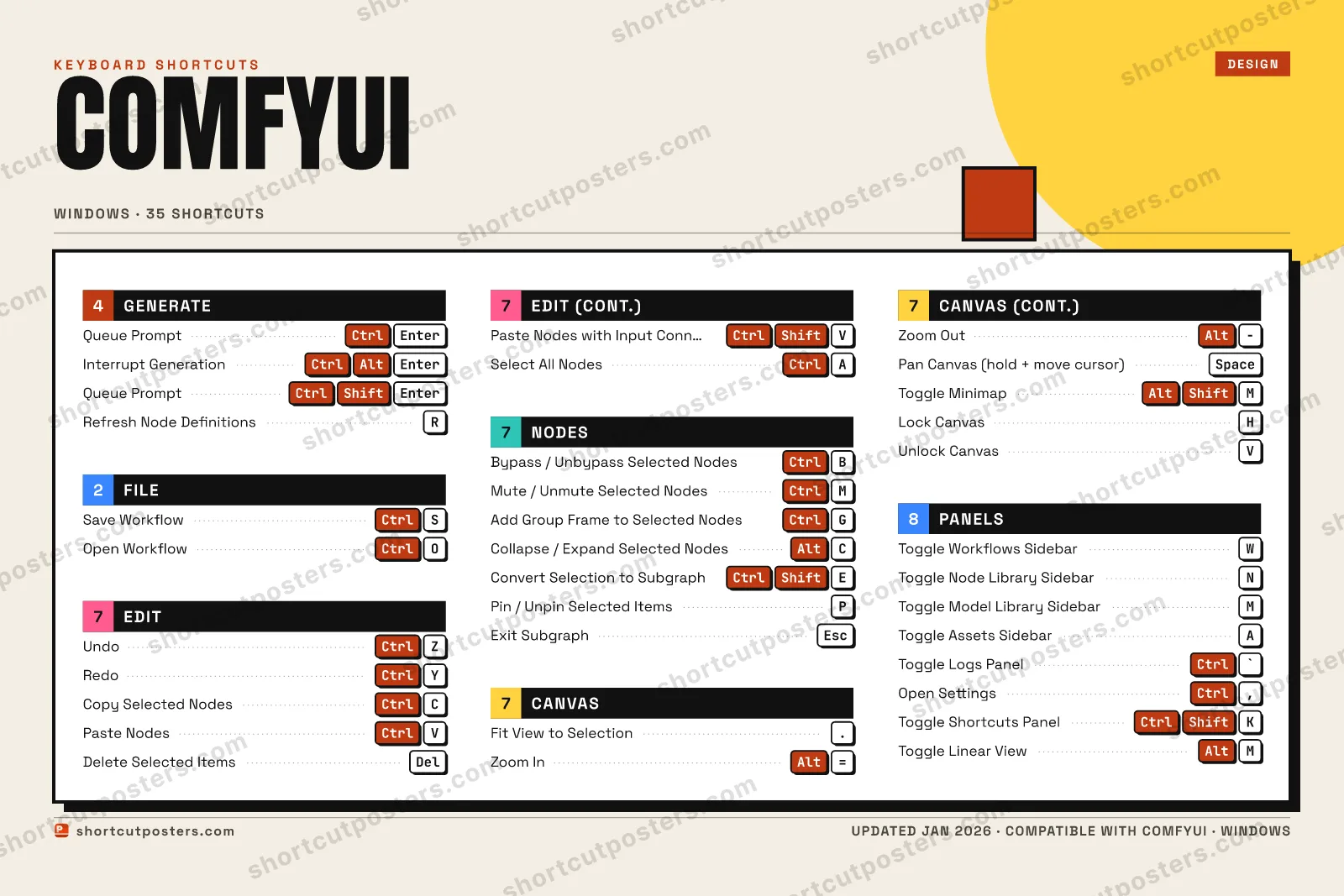
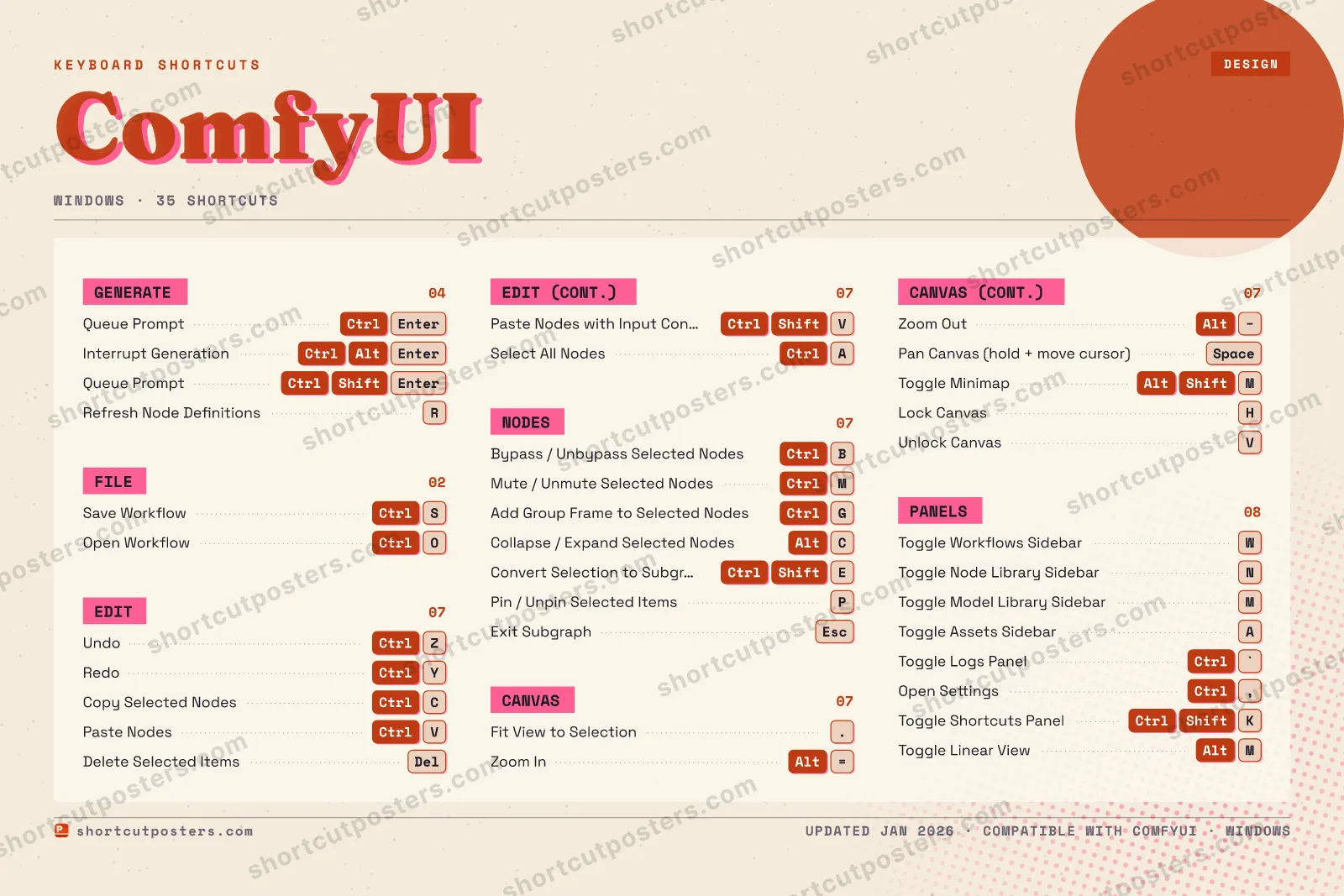
A printable, framed-quality poster of the essential ComfyUI shortcuts for Windows — the keys worth keeping in view, designed to stay readable on a wall.
Customise this poster Pick the shortcuts, restyle the colours — download free. Get the framed-quality print Full 300 DPI, print-ready — at home or shipped to your door.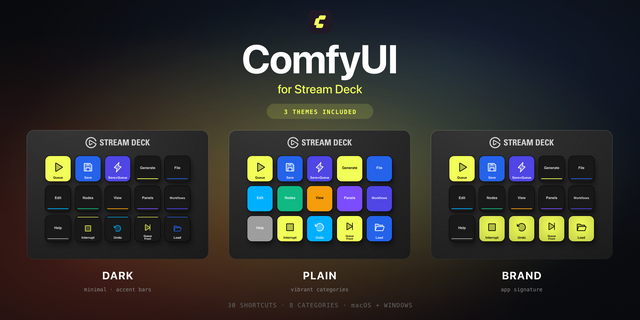
Stream Deck profile
ComfyUI on physical keys
38 of its shortcuts on labelled Stream Deck keys, ready to import with a double-click.
38 shortcuts · macOS & Windows · €7.10
Frequently asked questions
- Does the poster include every ComfyUI shortcut?
- ComfyUI has 35 keyboard shortcuts on Windows — the complete list is free to read on this page. The poster features the most essential ones, curated to stay readable on a wall.
- Can I print it at home?
- Yes. The digital download is a high-resolution 300 DPI file you can print at home or at any print shop, in standard frame sizes.
- Does it cover both Mac and Windows?
- We sell a separate edition per platform so every key matches your keyboard exactly. This page is the Windows edition.
- Is this an official ComfyUI product?
- No. This is an unofficial reference poster and is not affiliated with or endorsed by ComfyUI. All trademarks belong to their respective owners.
Related posters





Thanks — your feedback helps us improve.
Promote your app
Built an app with great keyboard shortcuts? Get it into the database — a free, searchable reference page, and an optional printable poster your power users will pin to the wall.
- Free shortcut reference page
- Indexed & searchable
- Optional framed poster