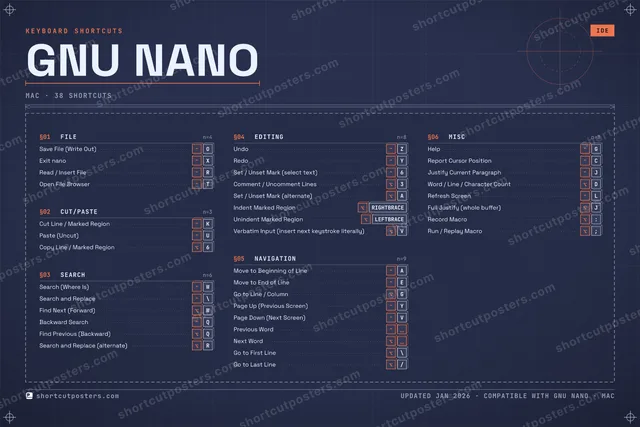

GNU nano is a small, friendly terminal text editor that shows its most common commands right at the bottom of the screen. Its key bindings use Ctrl (shown as ^) and Meta (the Alt key, shown as M-) and are identical on every platform, so the same muscle memory works whether you are on macOS, Windows, or Linux.
Official:Official site
All GNU nano keyboard shortcuts (Mac)
+ 3 more controls in the table below
+ 3 more controls in the table below
38 shortcuts
Navigation 9
| Action | Shortcut |
|---|---|
| Move to Beginning of Line | ⌃A |
| Move to End of Line | ⌃E |
| Go to Line / Column | ⌥G |
| Page Up (Previous Screen) | ⌃Y |
| Page Down (Next Screen) | ⌃V |
| Previous Word | ⌃␣ |
| Next Word | ⌥␣ |
| Go to First Line | ⌥\ |
| Go to Last Line | ⌥/ |
Editing 8
| Action | Shortcut |
|---|---|
| Undo | ⌃Z |
| Redo | ⌃Y |
| Set / Unset Mark (select text) | ⌃6 |
| Comment / Uncomment Lines | ⌥3 |
| Set / Unset Mark (alternate) | ⌥A |
| Indent Marked Region | ⌥RIGHTBRACE |
| Unindent Marked Region | ⌥LEFTBRACE |
| Verbatim Input (insert next keystroke literally) | ⌥V |
Misc 8
| Action | Shortcut |
|---|---|
| Help | ⌃G |
| Report Cursor Position | ⌃C |
| Justify Current Paragraph | ⌃J |
| Word / Line / Character Count | ⌥D |
| Refresh Screen | ⌃L |
| Full Justify (whole buffer) | ⌥J |
| Record Macro | ⌥: |
| Run / Replay Macro | ⌥; |
Search 6
| Action | Shortcut |
|---|---|
| Search (Where Is) | ⌃W |
| Search and Replace | ⌃\ |
| Find Next (Forward) | ⌥W |
| Backward Search | ⌃Q |
| Find Previous (Backward) | ⌥Q |
| Search and Replace (alternate) | ⌥R |
File 4
| Action | Shortcut |
|---|---|
| Save File (Write Out) | ⌃O |
| Exit nano | ⌃X |
| Read / Insert File | ⌃R |
| Open File Browser | ⌃T |
Cut/Paste 3
| Action | Shortcut |
|---|---|
| Cut Line / Marked Region | ⌃K |
| Paste (Uncut) | ⌃U |
| Copy Line / Marked Region | ⌥6 |
Sourced from nano-editor.org Last verified
Unofficial reference. ShortcutPosters is not affiliated with, endorsed by, or sponsored by GNU nano. All product names, logos, and trademarks are property of their respective owners. See our licensing & trademark notice.
Get the GNU nano poster
5 art directions — pick one below, click to zoom & compare.
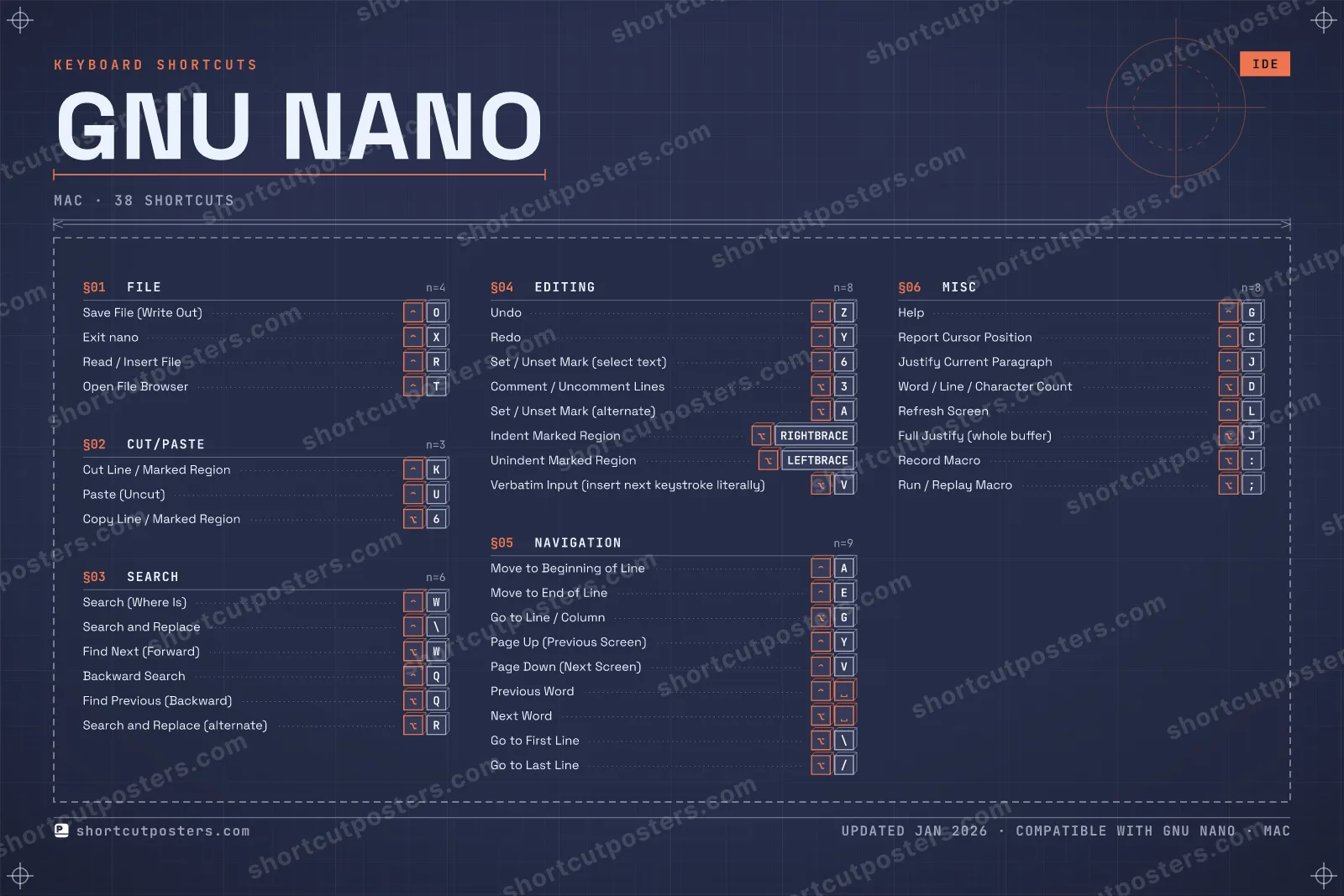
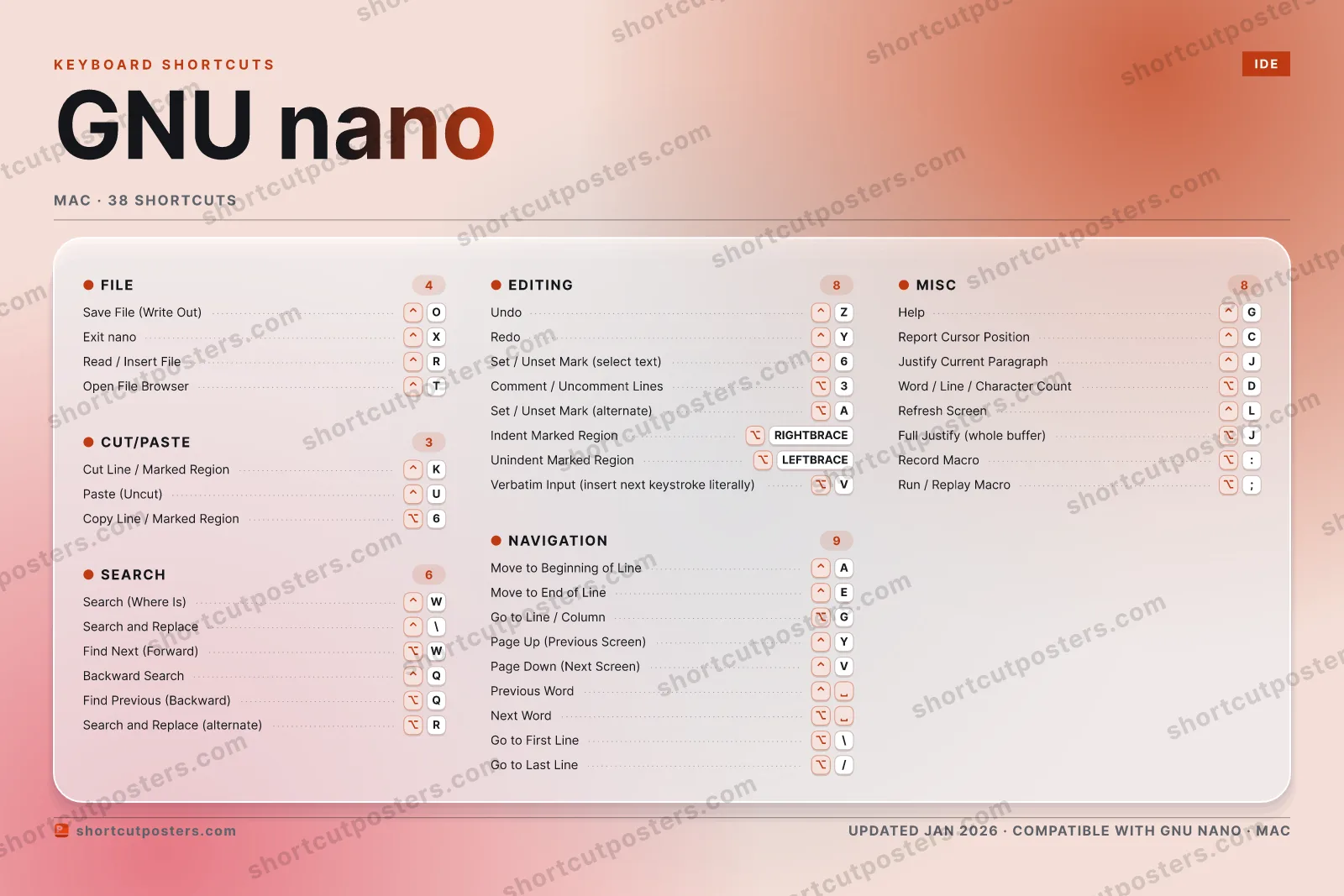
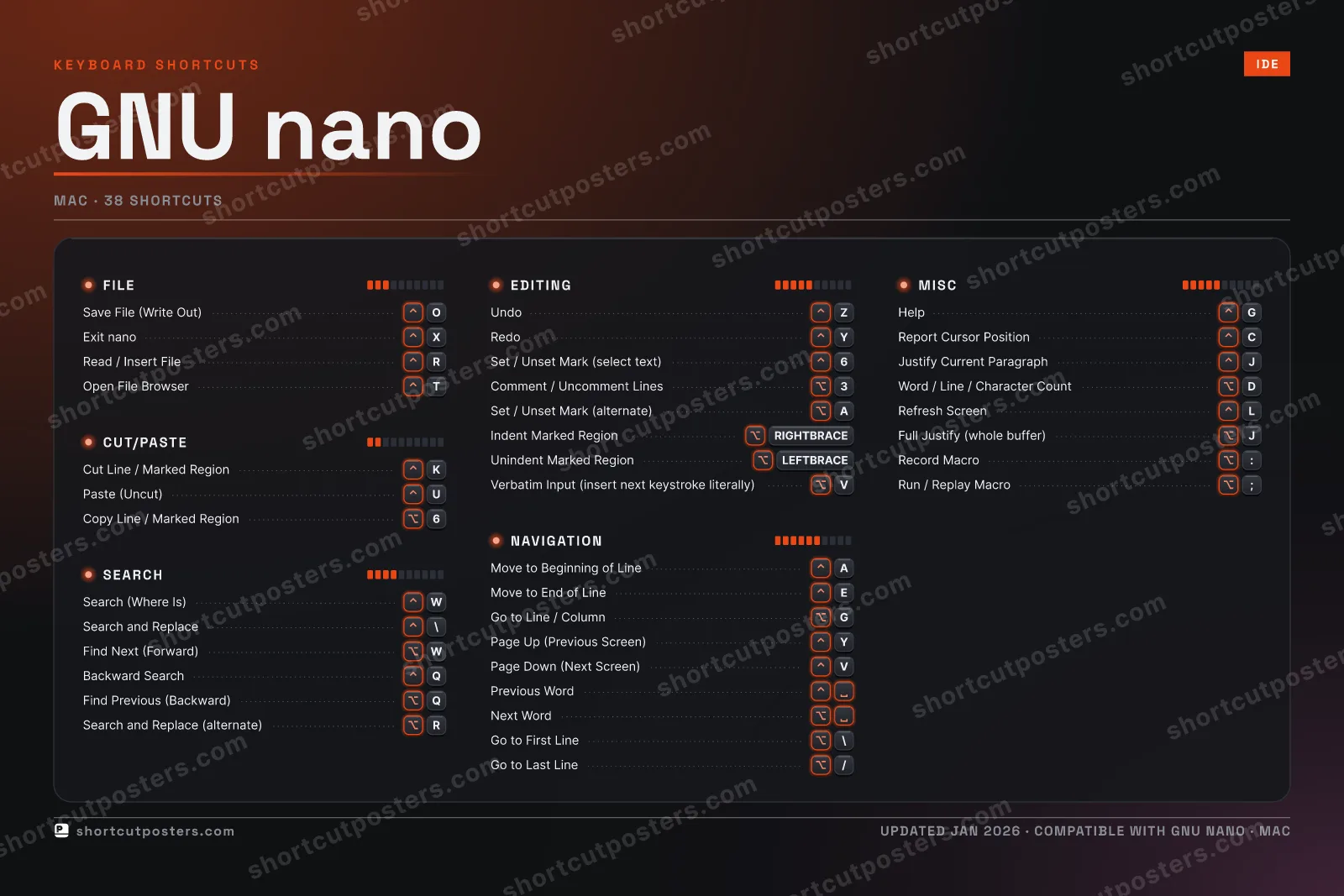
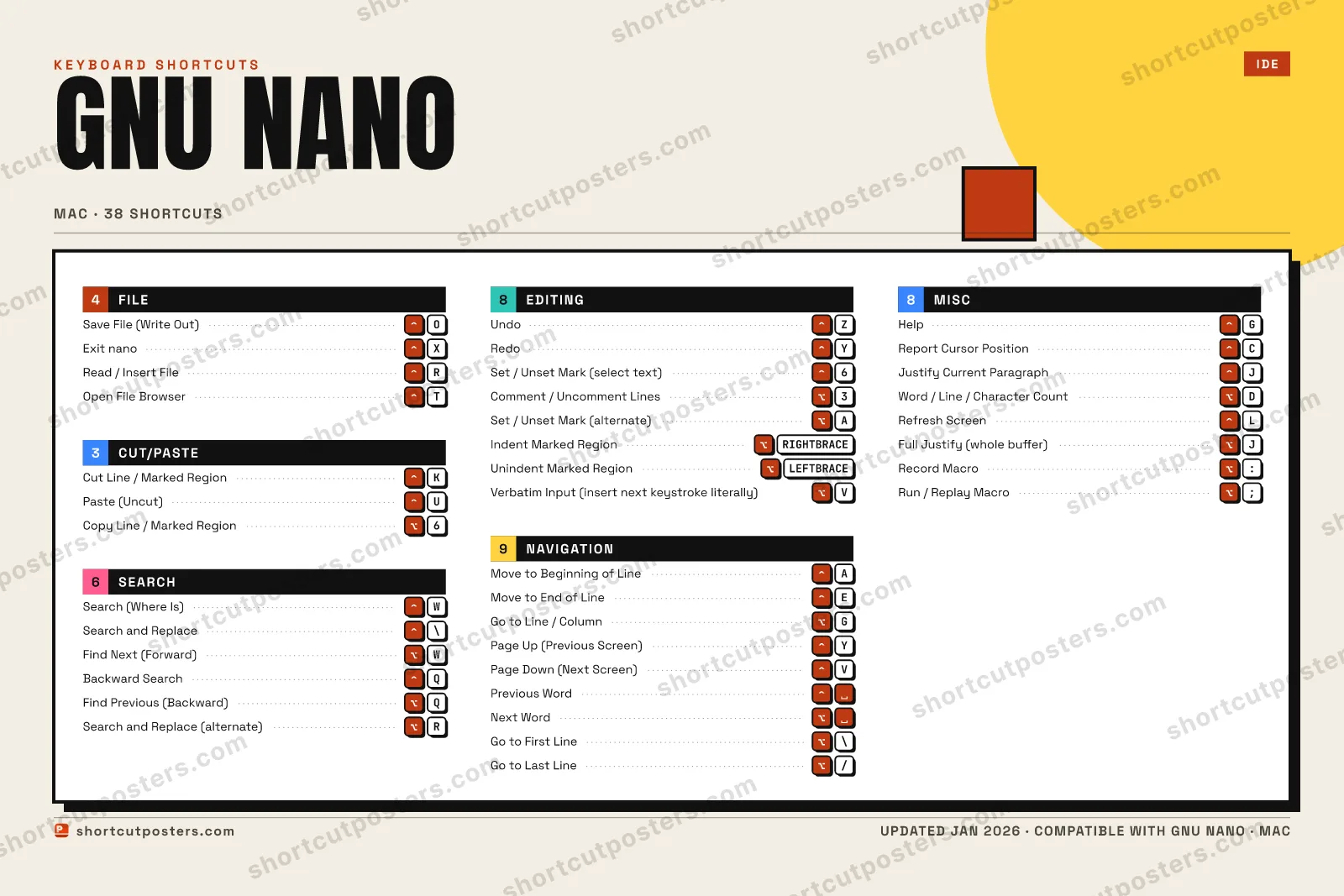
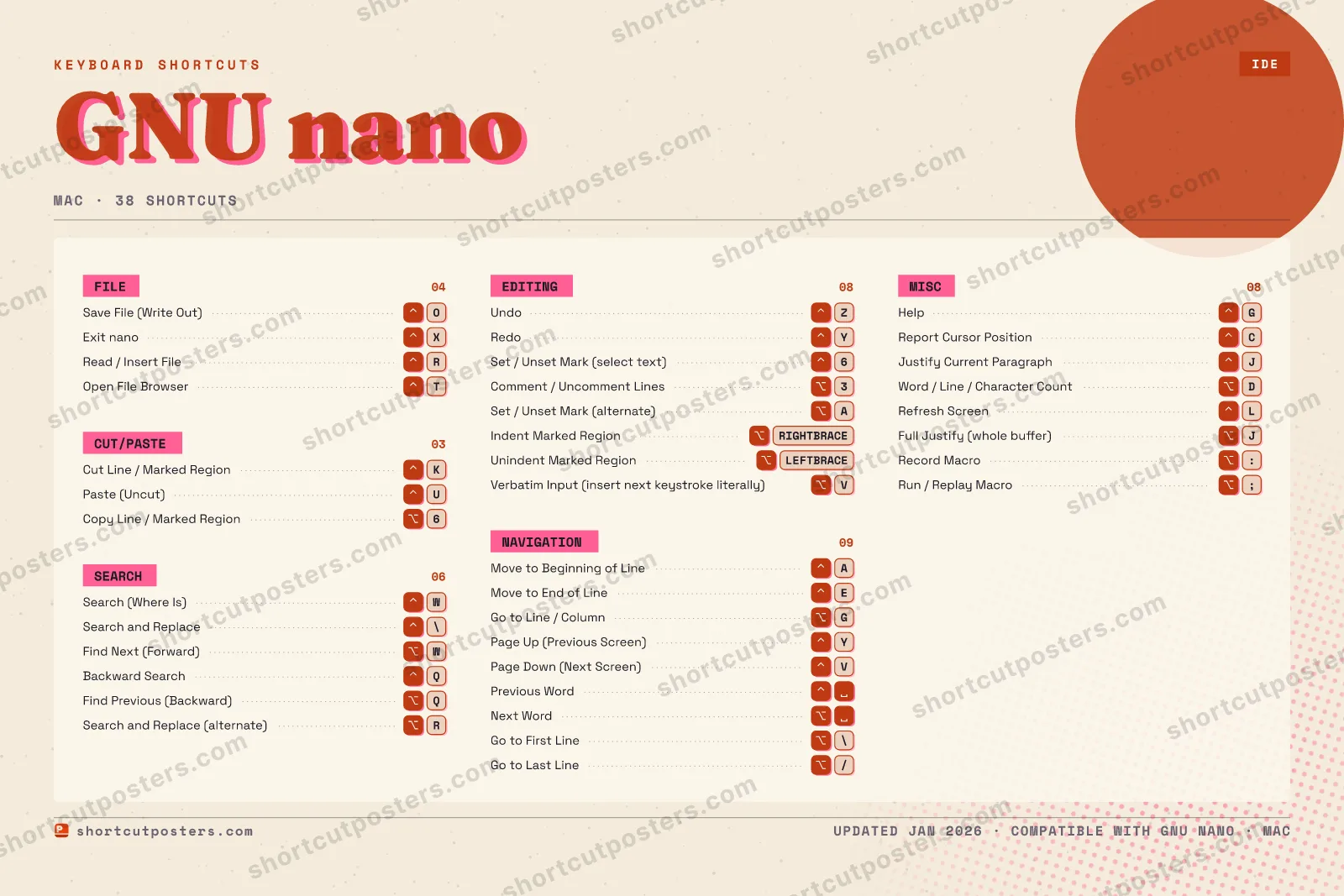
A printable, framed-quality poster of the essential GNU nano shortcuts for Mac — the keys worth keeping in view, designed to stay readable on a wall.
Free PNG is web-resolution & watermarked.
Frequently asked questions
- Does the poster include every GNU nano shortcut?
- GNU nano has 38 keyboard shortcuts on macOS — the complete list is free to read on this page. The poster features the most essential ones, curated to stay readable on a wall.
- Can I print it at home?
- Yes. The digital download is a high-resolution 300 DPI file you can print at home or at any print shop, in standard frame sizes.
- Does it cover both Mac and Windows?
- We sell a separate edition per platform so every key matches your keyboard exactly. This page is the macOS edition.
- Is this an official GNU nano product?
- No. This is an unofficial reference poster and is not affiliated with or endorsed by GNU nano. All trademarks belong to their respective owners.
Related posters






Thanks — your feedback helps us improve.
Promote your app
Built an app with great keyboard shortcuts? Get it into the database — a free, searchable reference page, and an optional printable poster your power users will pin to the wall.
- Free shortcut reference page
- Indexed & searchable
- Optional framed poster