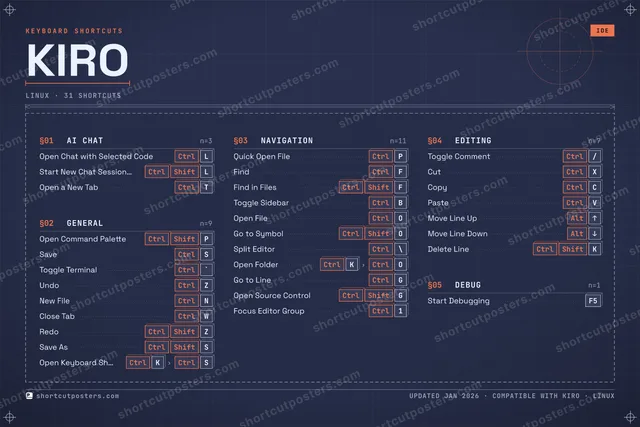

Kiro is an agentic, spec-driven AI IDE from AWS, built on Code OSS (VS Code). Its keyboard shortcuts drive the agent chat and spec workflow alongside the familiar command palette, file navigation, and editing bindings it inherits from VS Code.
Official:Official site
All Kiro keyboard shortcuts (Linux)
31 shortcuts
Navigation 11
| Action | Shortcut |
|---|---|
| Quick Open File | CtrlP |
| Find | CtrlF |
| Find in Files | CtrlShiftF |
| Toggle Sidebar | CtrlB |
| Open File | CtrlO |
| Go to Symbol | CtrlShiftO |
| Split Editor | Ctrl\ |
| Open Folder | CtrlKthenCtrlO |
| Go to Line | CtrlG |
| Open Source Control | CtrlShiftG |
| Focus Editor Group | Ctrl1 |
General 9
| Action | Shortcut |
|---|---|
| Open Command Palette | CtrlShiftP |
| Save | CtrlS |
| Toggle Terminal | Ctrl` |
| Undo | CtrlZ |
| New File | CtrlN |
| Close Tab | CtrlW |
| Redo | CtrlShiftZ |
| Save As | CtrlShiftS |
| Open Keyboard Shortcuts | CtrlKthenCtrlS |
Editing 7
| Action | Shortcut |
|---|---|
| Toggle Comment | Ctrl/ |
| Cut | CtrlX |
| Copy | CtrlC |
| Paste | CtrlV |
| Move Line Up | Alt↑ |
| Move Line Down | Alt↓ |
| Delete Line | CtrlShiftK |
AI Chat 3
| Action | Shortcut |
|---|---|
| Open Chat with Selected Code | CtrlL |
| Start New Chat Session with Selected Code | CtrlShiftL |
| Open a New Tab | CtrlT |
Debug 1
| Action | Shortcut |
|---|---|
| Start Debugging | F5 |
Sourced from kiro.dev Last verified
Unofficial reference. ShortcutPosters is not affiliated with, endorsed by, or sponsored by Kiro. All product names, logos, and trademarks are property of their respective owners. See our licensing & trademark notice.
Get the Kiro poster
5 art directions — pick one below, click to zoom & compare.
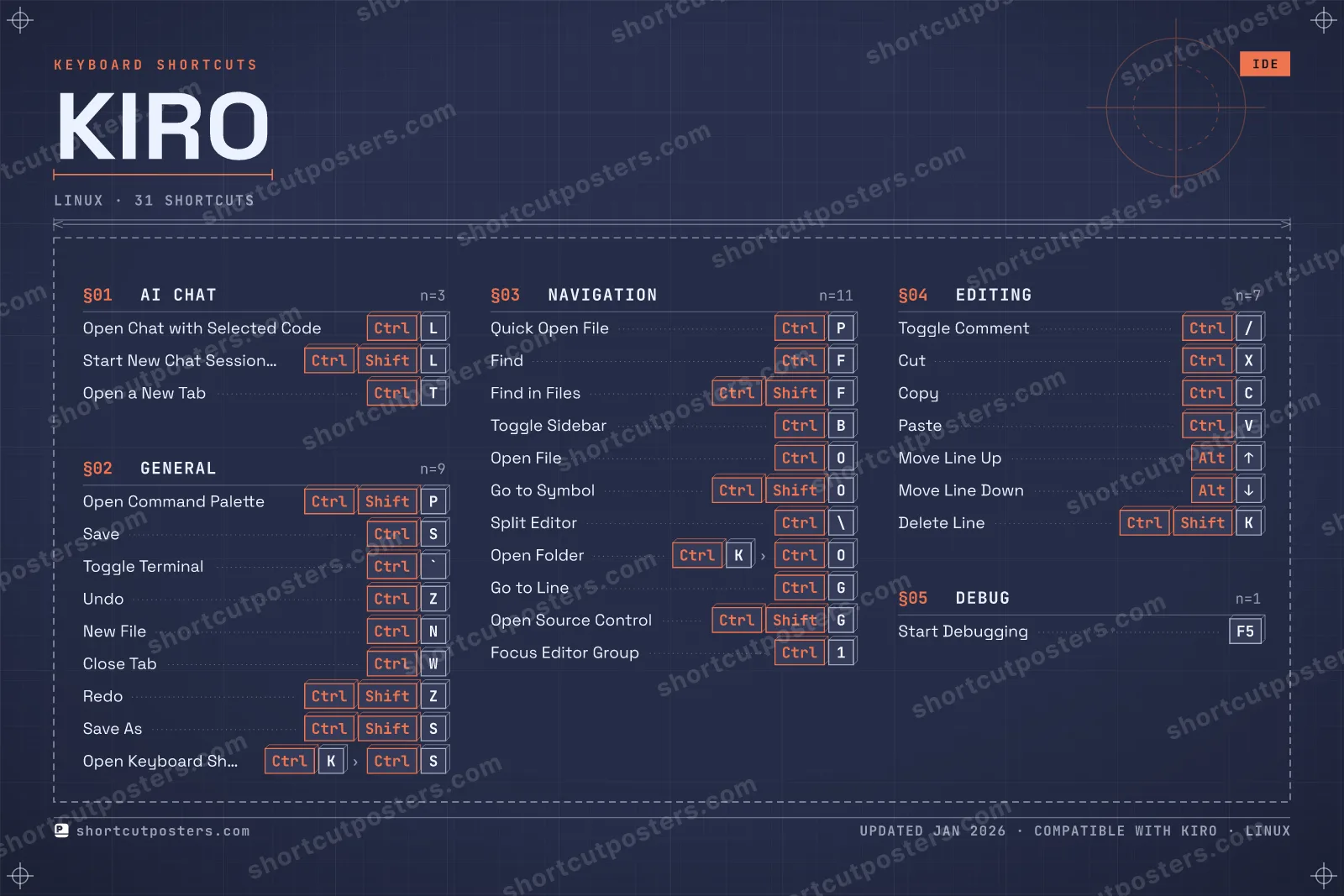
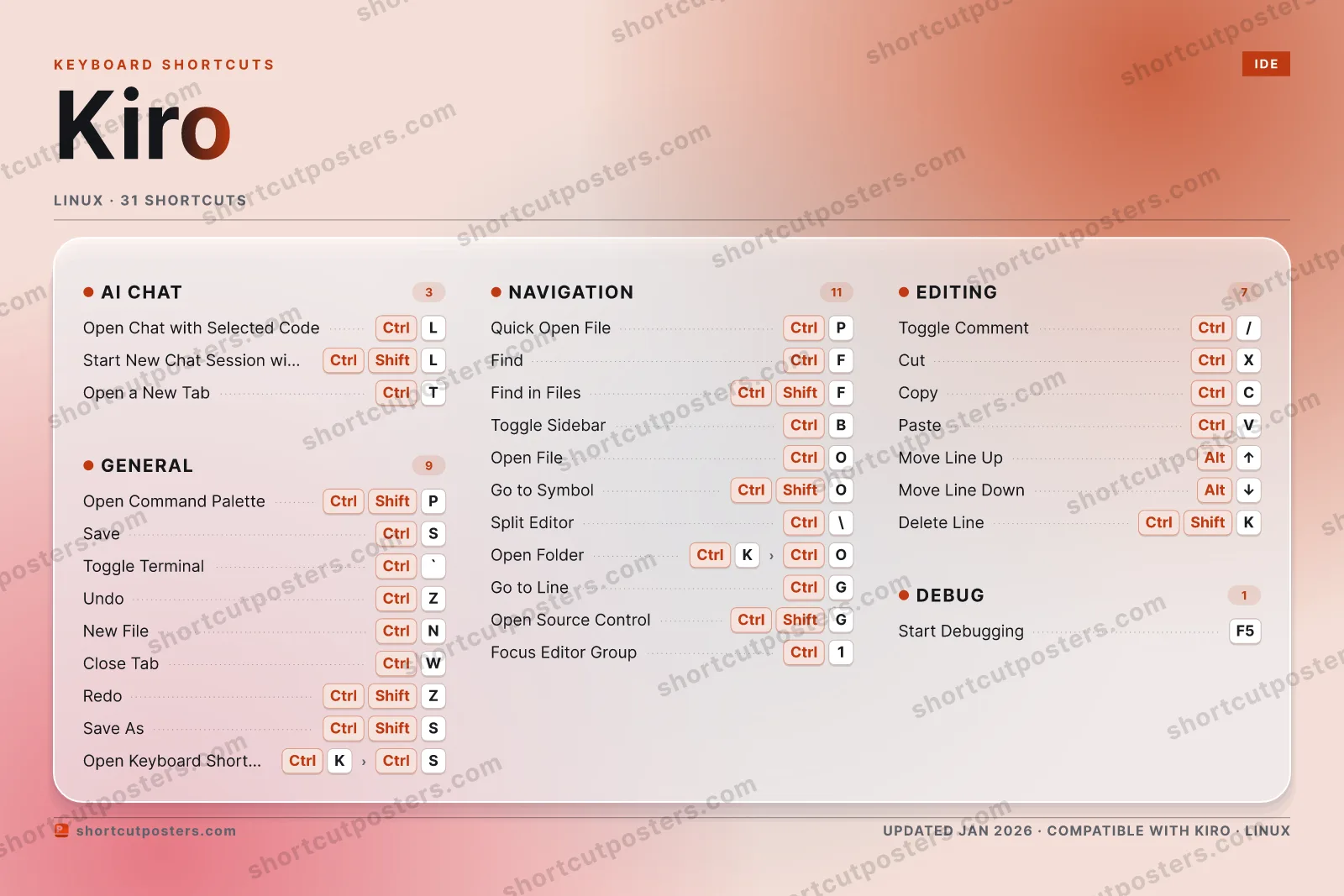
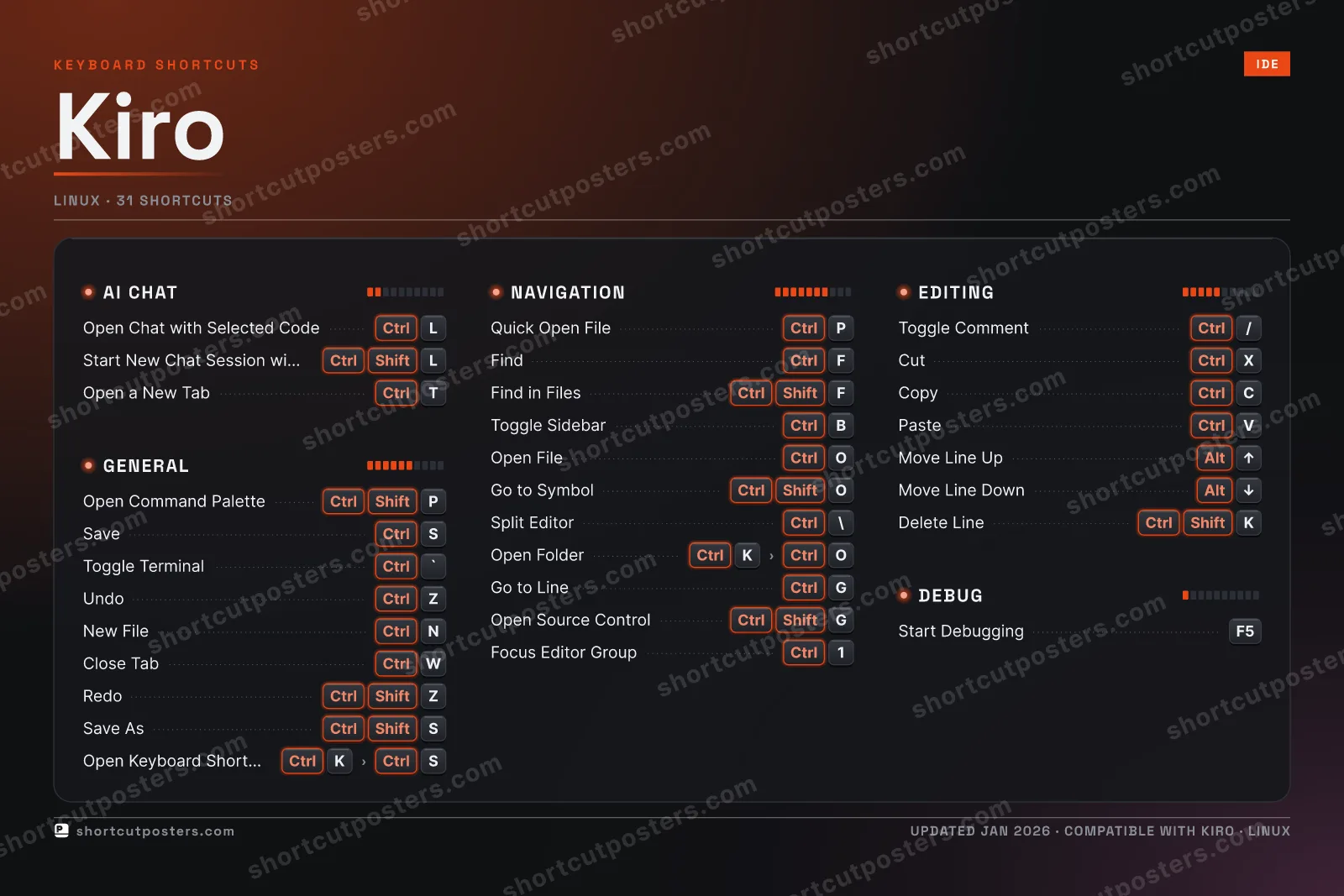
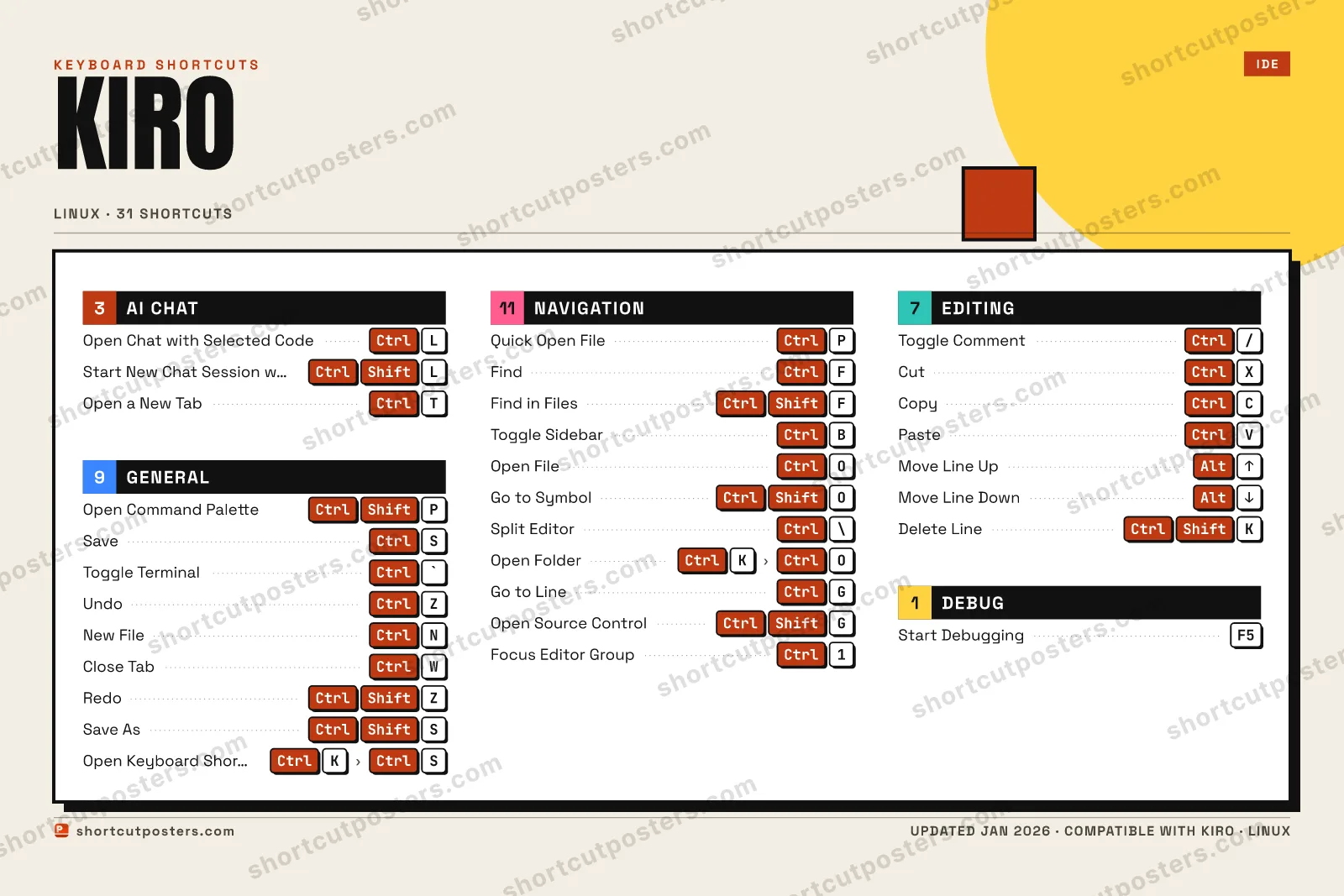
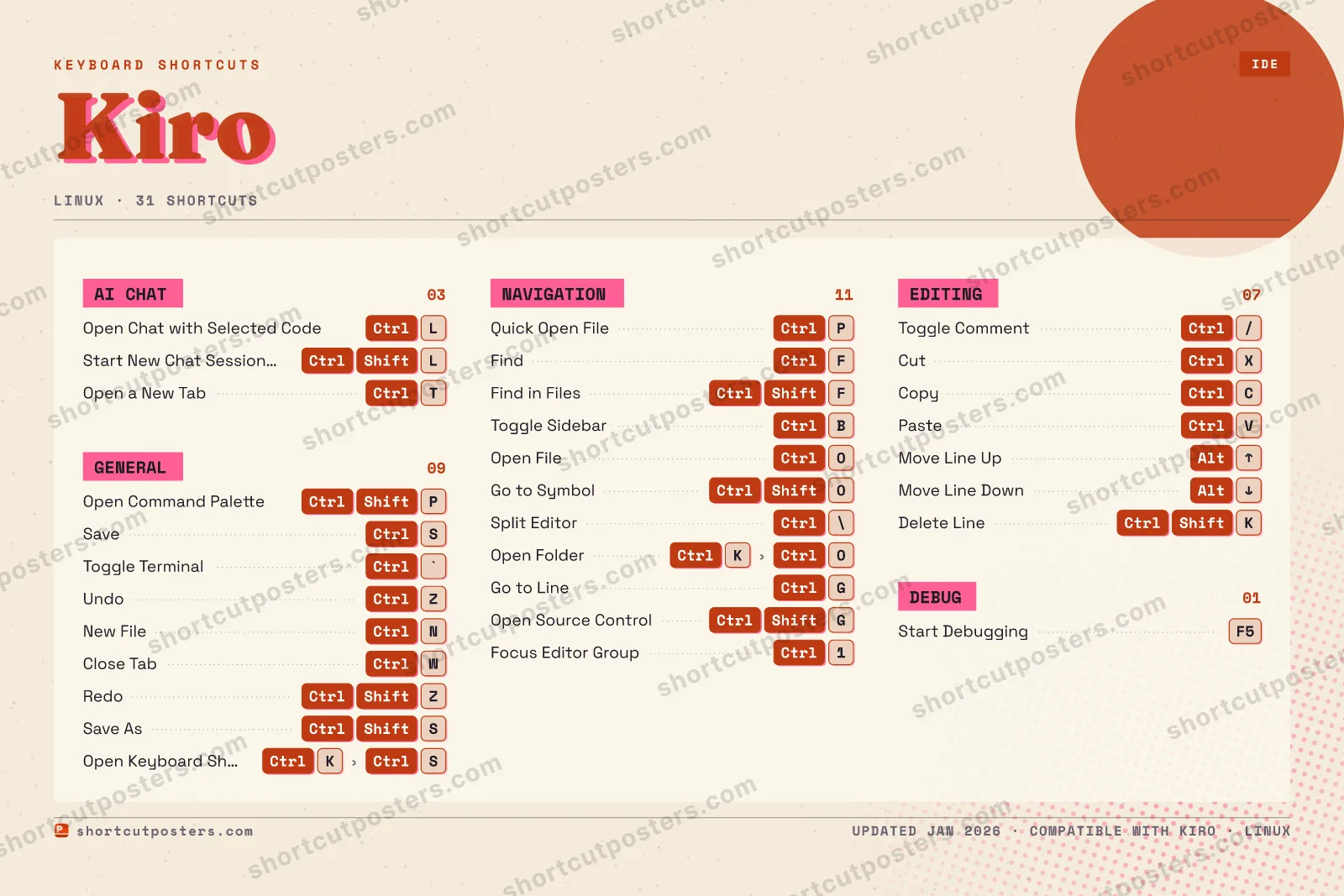
A printable, framed-quality poster of the essential Kiro shortcuts for Linux — the keys worth keeping in view, designed to stay readable on a wall.
Customise this poster Pick the shortcuts, restyle the colours — download free. Get the framed-quality print Full 300 DPI, print-ready — at home or shipped to your door.Frequently asked questions
- Does the poster include every Kiro shortcut?
- Kiro has 31 keyboard shortcuts on Linux — the complete list is free to read on this page. The poster features the most essential ones, curated to stay readable on a wall.
- Can I print it at home?
- Yes. The digital download is a high-resolution 300 DPI file you can print at home or at any print shop, in standard frame sizes.
- Does it cover both Mac and Windows?
- We sell a separate edition per platform so every key matches your keyboard exactly. This page is the Linux edition.
- Is this an official Kiro product?
- No. This is an unofficial reference poster and is not affiliated with or endorsed by Kiro. All trademarks belong to their respective owners.
Related posters





Thanks — your feedback helps us improve.
Promote your app
Built an app with great keyboard shortcuts? Get it into the database — a free, searchable reference page, and an optional printable poster your power users will pin to the wall.
- Free shortcut reference page
- Indexed & searchable
- Optional framed poster