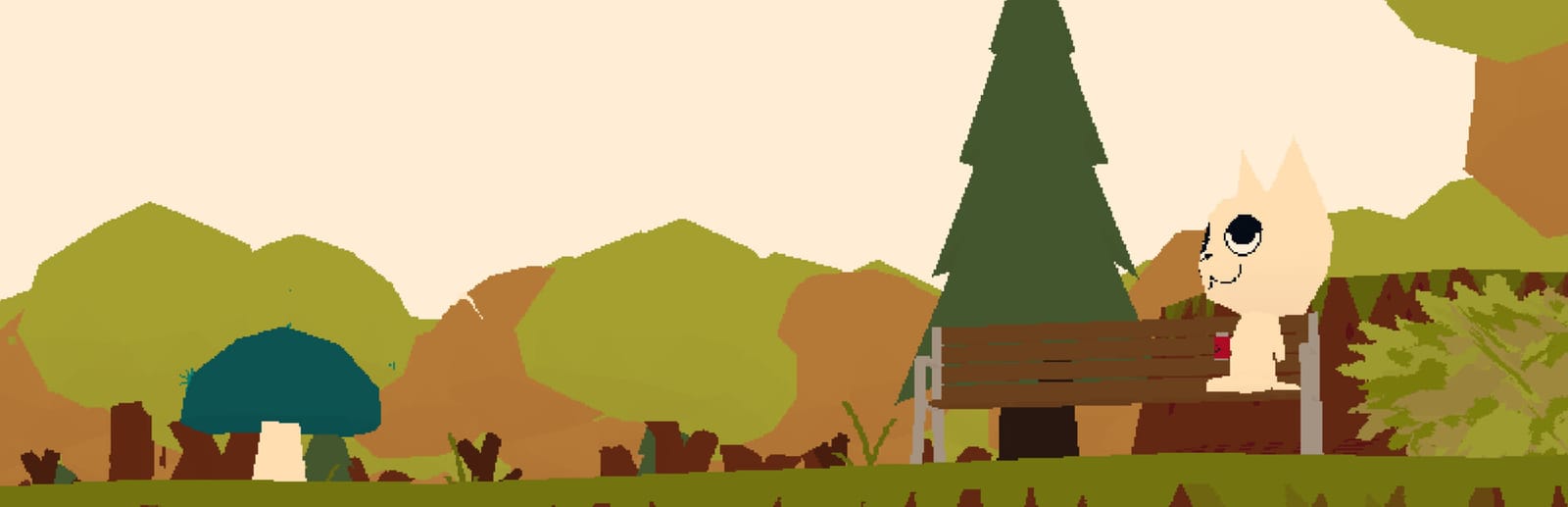
 Cover art © its publisher — for identification only. Details
WEBFISHING is lamedeveloper's online hangout game: you wander a small island camp as a cartoon cat or dog, fish off the docks, fill your journal and play guitar with whoever shares the lobby. These are the default keyboard and mouse bindings the game ships with, covering walking, casting and reeling, the camera, menus, emotes and the guitar.
WEBFISHING controls poster
A generative poster unique to WEBFISHING — styled by its genre and signature colour. Pure design, zero spoilers. Free to download for your battlestation.
Free PNG is web-resolution & lightly watermarked.
Want it print-ready?
Framed-quality 300 DPI, no watermark — $2.99 (PC / keyboard edition). Drop your email and we'll send the checkout link.
All WEBFISHING keyboard controls
33 default keybinds across 7 categories. Most can be reassigned in WEBFISHING's control settings.
33 shortcuts
Movement 8
| Action | Shortcut |
|---|---|
| Move Forward | W |
| Move Backwards | S |
| Move Left | A |
| Move Right | D |
| Sprint | Shift |
| Jump / Dive / Get Up | Space |
| Sneak | Ctrl |
| Slow Walk | Alt |
Camera 8
| Action | Shortcut |
|---|---|
| Rotate Camera (hold) | RMB |
| Zoom In | Wheel ↑ |
| Zoom Out | Wheel ↓ |
| Toggle Free Camera | N |
| Toggle HUD | H |
| Face the Cursor (hold) | MMB |
| Fly Up (free camera) | E |
| Fly Down (free camera) | Q |
Menus 5
| Action | Shortcut |
|---|---|
| Open Backpack | Tab |
| Pause Menu / Close Menu | Esc |
| Open Props | V |
| Next Backpack Tab | E |
| Previous Backpack Tab | Q |
Fishing 4
| Action | Shortcut |
|---|---|
| Use Held Item / Cast and Reel | LMB |
| Equip Hotbar Slot 1–5 | 1then2then3then4then5 |
| Open Tacklebox (Bait & Lures) | B |
| Alt Fishing Bind | \ |
Social 4
| Action | Shortcut |
|---|---|
| Open Chat / Send Message | Enter |
| Emote Wheel (hold) | C |
| Bark / Meow | G |
| Kiss | K |
Guitar 3
| Action | Shortcut |
|---|---|
| Strum Strings 1–6 | QthenWthenEthenRthenTthenY |
| Select Chord Shape 1–9 | 1then2then3then4then5then6then7then8then9 |
| Switch Chord Page 1–6 | Ctrl1thenCtrl2thenCtrl3thenCtrl4thenCtrl5thenCtrl6 |
Interaction 1
| Action | Shortcut |
|---|---|
| Interact | E |
Sourced from github.com Last verified
Unofficial reference. ShortcutPosters is not affiliated with, endorsed by, or sponsored by WEBFISHING. All product names, logos, and trademarks are property of their respective owners. See our licensing & trademark notice.
WEBFISHING controls — FAQ
- What are the default controls for WEBFISHING?
- WEBFISHING, a simulation game, uses 33 default keybinds across 7 categories. The complete, up-to-date list is free to read on this page.
- Can you remap WEBFISHING controls?
- Yes. These are the game's default bindings — nearly all of them can be reassigned from WEBFISHING's in-game control or key-binding settings.
- Which platforms do these WEBFISHING controls cover?
- These keyboard controls apply on Windows. Most bindings are identical across platforms unless noted.
- Is this an official WEBFISHING resource?
- No. This is an unofficial reference and is not affiliated with or endorsed by WEBFISHING or its publisher. All trademarks belong to their respective owners.
Thanks — your feedback helps us improve.