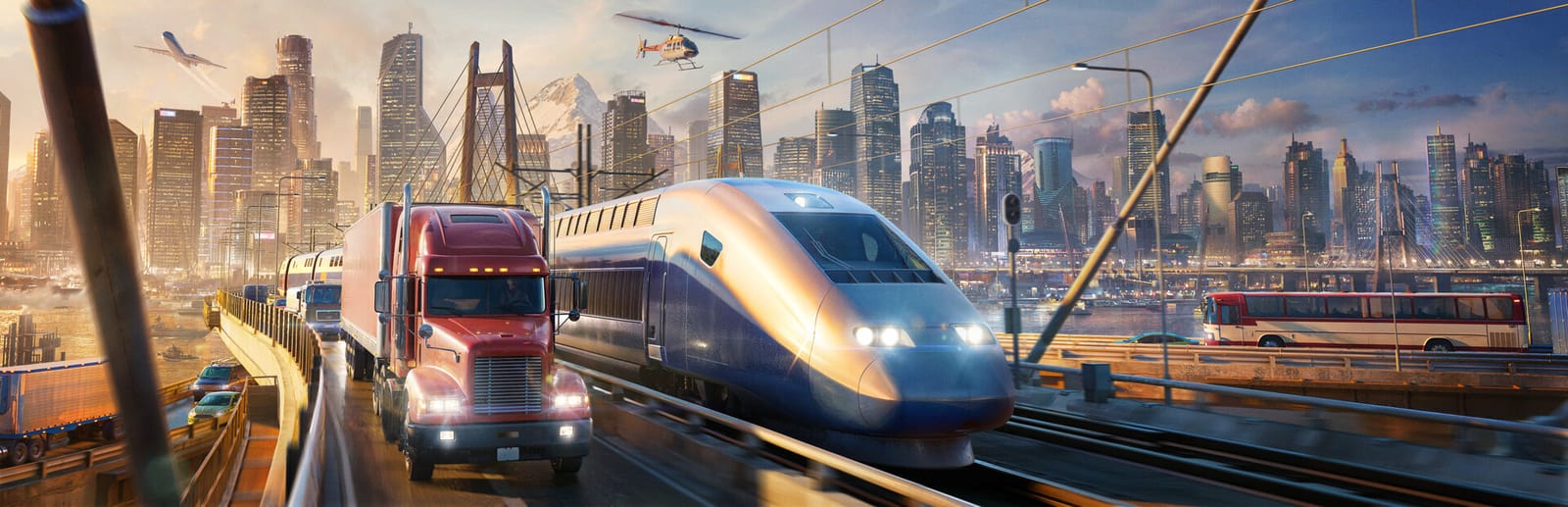
 Cover art © its publisher — for identification only. Details
The default PC key mapping for Transport Fever 3 (Urban Games / Paradox Interactive, released 29 September 2026), transcribed from the publisher's own wiki — the Key Mapping table on gamemanual:ui:controls. 79 named controls: 69 carry a default key, 10 ship unbound and are marked `unbound`. `deckWorthy` is false for the 11 held camera/terrain rows and for the 3 rows that duplicate a key another row already owns (Help=F1, Module Bulldozer=B, Camera Tool Capture=RETURN).
Transport Fever 3 controls poster
A generative poster unique to Transport Fever 3 — styled by its genre and signature colour. Pure design, zero spoilers. Free to download for your battlestation.
Free PNG is web-resolution & lightly watermarked.
Want it print-ready?
Framed-quality 300 DPI, no watermark — $2.99 (PC / keyboard edition). Drop your email and we'll send the checkout link.
All Transport Fever 3 keyboard controls
69 default keybinds across 9 categories. Most can be reassigned in Transport Fever 3's control settings.
+ 18 more controls in the table below
+ 18 more controls in the table below
69 shortcuts
Construction 12
| Action | Shortcut |
|---|---|
| Construction Option 1 | M |
| Construction Option 2 | N |
| Construction Option 3 | . |
| Construction Option 4 | , |
| Construction Option 5 | O |
| Construction Option 6 | P |
| Construction Option 7 | [ |
| Construction Option 8 | ] |
| Construction Follow Terrain | T |
| Disable Construction Snapping | C |
| Underground Mode | G |
| Roughen Terrain: Invert | LESS_THAN |
General 10
| Action | Shortcut |
|---|---|
| Guide | F1 |
| Close All | Del |
| Open Console | ` |
| Take Screenshot | F9 |
| Save | F10 |
| Show/Hide Line Manager | L |
| Activate/Deactivate Bulldozer | B |
| Show/Hide Notifications | F11 |
| Help | F1 |
| Activate/Deactivate Module Bulldozer | B |
Data Layers 10
| Action | Shortcut |
|---|---|
| Show/Hide Terrain Layer | NUMPAD_0 |
| Show/Hide Towns Layer | NUMPAD_1 |
| Show/Hide Infrastructure Layer | NUMPAD_2 |
| Show/Hide Traffic Layer | NUMPAD_3 |
| Show/Hide Passenger Flow Layer | NUMPAD_4 |
| Show/Hide Passenger Satisfaction Layer | NUMPAD_5 |
| Show/Hide Cargo Flow Layer | NUMPAD_6 |
| Show/Hide Cargo Satisfaction Layer | NUMPAD_7 |
| Show/Hide Noise Layer | NUMPAD_8 |
| Show/Hide Pollution Layer | NUMPAD_9 |
Camera 10
| Action | Shortcut |
|---|---|
| Camera Move Forward | W |
| Camera Move Backward | S |
| Camera Move Left | A |
| Camera Move Right | D |
| Camera Rotate Left | Q |
| Camera Rotate Right | E |
| Camera Tilt Up | R |
| Camera Tilt Down | F |
| Camera Zoom In | X |
| Camera Zoom Out | Y |
Menus 9
| Action | Shortcut |
|---|---|
| Show/Hide Road Menu | 1 |
| Show/Hide Rail Menu | 2 |
| Show/Hide Water Menu | 3 |
| Show/Hide Air Menu | 4 |
| Show/Hide Roads Menu | 5 |
| Show/Hide Tracks Menu | 6 |
| Show/Hide Warehouse Menu | 7 |
| Show/Hide Perks Menu | 8 |
| Show/Hide Landscaping Menu | 9 |
Statistics 7
| Action | Shortcut |
|---|---|
| Show/Hide Line Statistics | F2 |
| Show/Hide Vehicle Statistics | F3 |
| Show/Hide Station Statistics | F4 |
| Show/Hide Warehouse Statistics | F5 |
| Show/Hide Depot Statistics | F6 |
| Show/Hide Town statistics | F7 |
| Show/Hide Industry statistics | F8 |
Camera Tool 6
| Action | Shortcut |
|---|---|
| Camera Tool: Stop | Bksp |
| Camera Tool: Add Key Frame | Ins |
| Camera Tool: Clear Key Frames | Home |
| Camera Tool: Toggle Play/Pause | Space |
| Camera Tool: Start Recording | Enter |
| Camera Tool: Capture | Enter |
Cockpit 3
| Action | Shortcut |
|---|---|
| Cockpit Camera: next position | PgUp |
| Cockpit Camera: previous position | PgDn |
| Cockpit Camera: horn sound | H |
Game Speed 2
| Action | Shortcut |
|---|---|
| Pause | Space |
| Cycle Game Speed | Tab |
Sourced from wiki.transportfever3.com Last verified
Unofficial reference. ShortcutPosters is not affiliated with, endorsed by, or sponsored by Transport Fever 3. All product names, logos, and trademarks are property of their respective owners. See our licensing & trademark notice.
Transport Fever 3 controls — FAQ
- What are the default controls for Transport Fever 3?
- Transport Fever 3, a simulation game, uses 69 default keybinds across 9 categories. The complete, up-to-date list is free to read on this page.
- Can you remap Transport Fever 3 controls?
- Yes. These are the game's default bindings — nearly all of them can be reassigned from Transport Fever 3's in-game control or key-binding settings.
- Which platforms do these Transport Fever 3 controls cover?
- These keyboard controls apply on Windows and Mac and Linux. Most bindings are identical across platforms unless noted.
- Is this an official Transport Fever 3 resource?
- No. This is an unofficial reference and is not affiliated with or endorsed by Transport Fever 3 or its publisher. All trademarks belong to their respective owners.
Thanks — your feedback helps us improve.