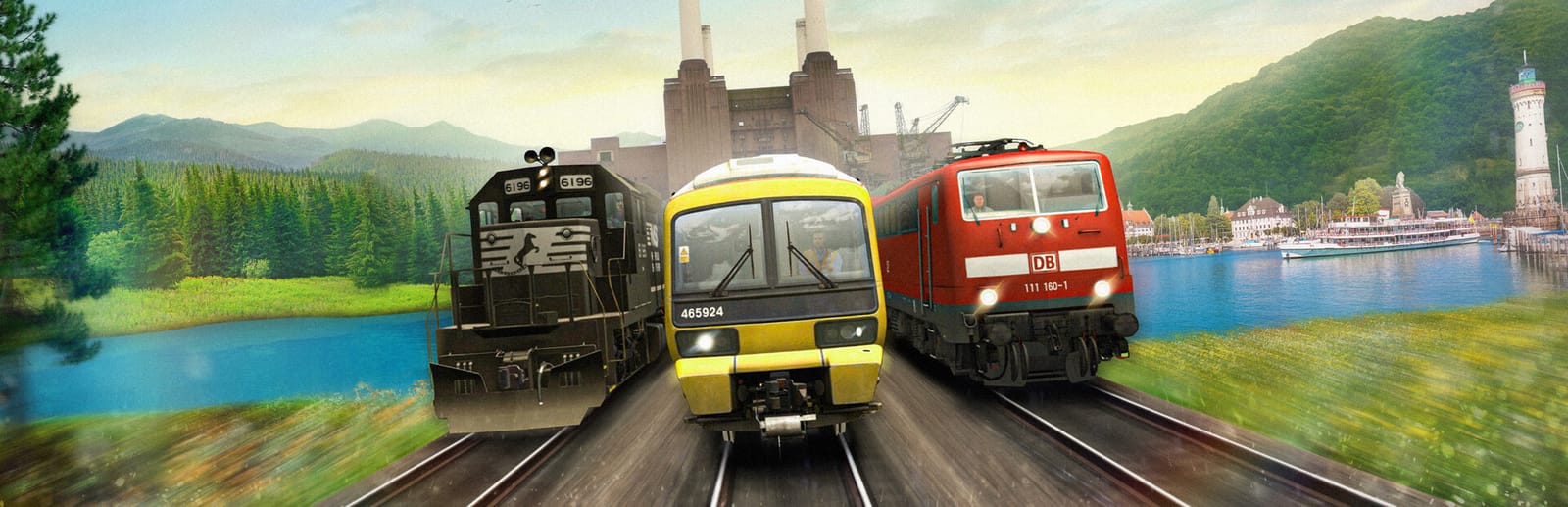
 Cover art © its publisher — for identification only. Details
Train Simulator Classic drives with four keys that behave like levers rather than switches: A and D move the power notch, S and W the reverser, and the semicolon and quote keys the brake. Dovetail's own user guide is the source, and these are the defaults every locomotive shares before its own manual adds to them.
Train Simulator Classic controls poster
A generative poster unique to Train Simulator Classic — styled by its genre and signature colour. Pure design, zero spoilers. Free to download for your battlestation.
Free PNG is web-resolution & lightly watermarked.
Want it print-ready?
Framed-quality 300 DPI, no watermark — $2.99 (PC / keyboard edition). Drop your email and we'll send the checkout link.
All Train Simulator Classic keyboard controls
22 default keybinds across 4 categories. Most can be reassigned in Train Simulator Classic's control settings.
Camera 7
| Action | Shortcut |
|---|---|
| Cab View | 1 |
| External Front Camera | 2 |
| Trackside Camera | 4 |
| Move Viewing Position Forwards / Backwards | UPthenDOWN |
| Move Viewing Position Left / Right | LEFTthenRIGHT |
| Zoom In / Out | Wheel |
| Pan Around (hold and move the mouse) | RMB |
Driving 6
| Action | Shortcut |
|---|---|
| Power Lever (decrease / increase) | AthenD |
| Direction Lever (reverser) | SthenW |
| Brake Lever | ;then' |
| Apply Emergency Brakes | Bksp |
| Driver Vigilance / Warning Response | Q |
| Load or Unload Passengers and Freight | T |
Interface 5
| Action | Shortcut |
|---|---|
| 2D Map View | 9 |
| Task List | F1 |
| Return to the Driving View | Bksp |
| Pause / Exit Menu | Esc |
| Drag the Map | LMB |
Locomotive 4
| Action | Shortcut |
|---|---|
| Sound the Horn or Whistle | Space |
| Headlights | H |
| Sound the Bell | B |
| Windscreen Wipers | V |
Sourced from store.steampowered.com, shared.fastly.steamstatic.com Last verified
Unofficial reference. ShortcutPosters is not affiliated with, endorsed by, or sponsored by Train Simulator Classic. All product names, logos, and trademarks are property of their respective owners. See our licensing & trademark notice.
Train Simulator Classic controls — FAQ
- What are the default controls for Train Simulator Classic?
- Train Simulator Classic, a simulation game, uses 22 default keybinds across 4 categories. The complete, up-to-date list is free to read on this page.
- Can you remap Train Simulator Classic controls?
- Yes. These are the game's default bindings — nearly all of them can be reassigned from Train Simulator Classic's in-game control or key-binding settings.
- Which platforms do these Train Simulator Classic controls cover?
- These keyboard controls apply on Windows. Most bindings are identical across platforms unless noted.
- Is this an official Train Simulator Classic resource?
- No. This is an unofficial reference and is not affiliated with or endorsed by Train Simulator Classic or its publisher. All trademarks belong to their respective owners.
Thanks — your feedback helps us improve.