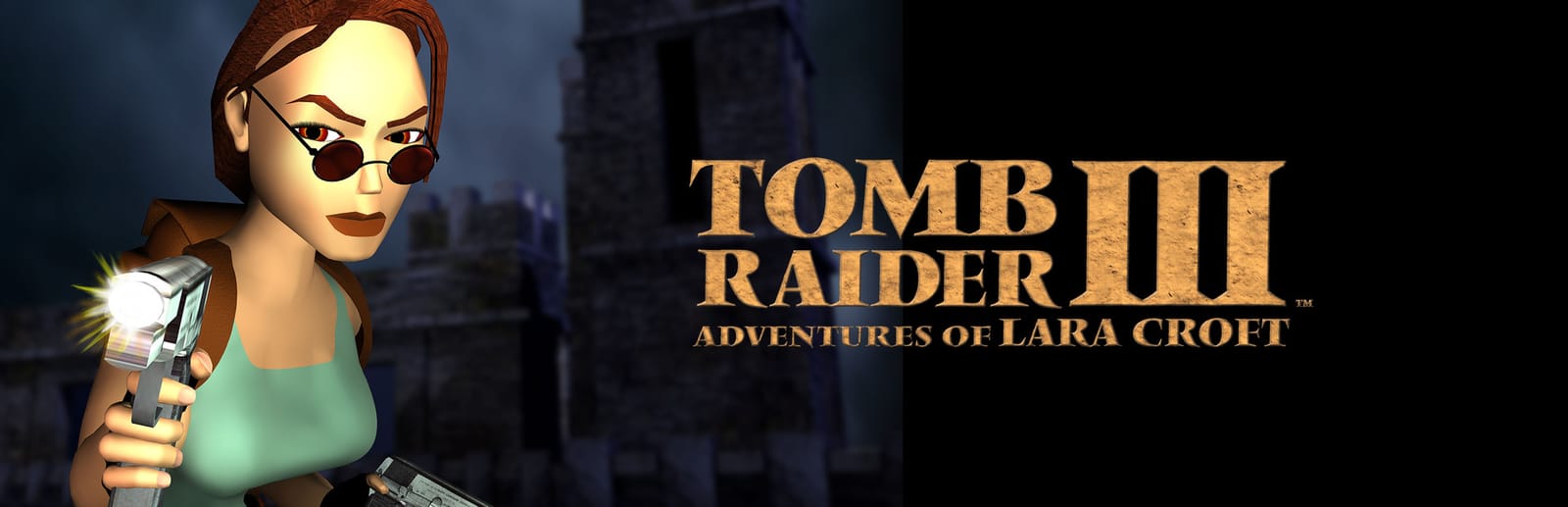
 Cover art © its publisher — for identification only. Details
Windows · 35 default keybinds
Tomb Raider III: Adventures of Lara Croft Keyboard Controls
The third outing keeps the tank-style cursor-key steering of the first two games and piles new moves on top: a sprint on the slash key, duck and crawl on full stop, flares on comma. Vehicles reuse Ctrl and Alt for throttle and reverse, and End plus a direction always gets Lara out. Taken from Core Design's PC manual, which Steam still serves.
Tomb Raider III: Adventures of Lara Croft controls poster
A generative poster unique to Tomb Raider III: Adventures of Lara Croft — styled by its genre and signature colour. Pure design, zero spoilers. Free to download for your battlestation.
Free PNG is web-resolution & lightly watermarked.
Want it print-ready?
Framed-quality 300 DPI, no watermark — $2.99 (PC / keyboard edition). Drop your email and we'll send the checkout link.
All Tomb Raider III: Adventures of Lara Croft keyboard controls
35 default keybinds across 5 categories. Most can be reassigned in Tomb Raider III: Adventures of Lara Croft's control settings.
+ 3 more controls in the table below
+ 3 more controls in the table below
35 shortcuts
Movement 12
| Action | Shortcut |
|---|---|
| Run Forward | UP |
| Jump Back | DOWN |
| Turn Left | LEFT |
| Turn Right | RIGHT |
| Walk / Side-Step (hold with cursor keys) | Shift |
| Jump | Alt |
| Roll | End |
| Sprint (while moving forward) | / |
| Duck | . |
| Crawl (hold with cursor keys) | .UP |
| Look (hold with cursor keys) | Num 0 |
| Dive Roll (while sprinting) | /Alt |
Vehicles 9
| Action | Shortcut |
|---|---|
| Get Off a Vehicle (quad, kayak, boat, cart) | EndLEFTthen/thenEndRIGHT |
| Quad Bike: Accelerate | Ctrl |
| Quad Bike: Reverse | Alt |
| Quad Bike: Hand Brake | / |
| Kayak: Paddle Turn | ShiftLEFTthen/thenShiftRIGHT |
| Underwater Propulsion Unit: Fire Harpoon | Ctrl |
| Underwater Propulsion Unit: Accelerate | Alt |
| Mine Cart: Brake | Alt |
| Mine Cart: Swing Spanner | Ctrl |
Interface 8
| Action | Shortcut |
|---|---|
| Pause / Menu Rings | Esc |
| Save Game Page | F5 |
| Load Game Page | F6 |
| Move Through Menus | UPthenDOWN |
| Toggle Category Options | LEFTthenRIGHT |
| Back to Previous Menu Screen | Space |
| Shrink Game Window | Num − |
| Enlarge Game Window | Num + |
Actions 3
| Action | Shortcut |
|---|---|
| Action (grab, pull, use, fire) | Ctrl |
| Draw Weapons | Space |
| Draw Flare | , |
Weapons & Items 3
| Action | Shortcut |
|---|---|
| Use Large Medi-Pack | 9 |
| Use Small Medi-Pack | 0 |
| Select Weapon 1–8 | 1then/then2then/then3then/then4then/then5then/then6then/then7then/then8 |
Sourced from store.steampowered.com, shared.fastly.steamstatic.com Last verified
Unofficial reference. ShortcutPosters is not affiliated with, endorsed by, or sponsored by Tomb Raider III: Adventures of Lara Croft. All product names, logos, and trademarks are property of their respective owners. See our licensing & trademark notice.
Tomb Raider III: Adventures of Lara Croft controls — FAQ
- What are the default controls for Tomb Raider III: Adventures of Lara Croft?
- Tomb Raider III: Adventures of Lara Croft, a action game, uses 35 default keybinds across 5 categories. The complete, up-to-date list is free to read on this page.
- Can you remap Tomb Raider III: Adventures of Lara Croft controls?
- Yes. These are the game's default bindings — nearly all of them can be reassigned from Tomb Raider III: Adventures of Lara Croft's in-game control or key-binding settings.
- Which platforms do these Tomb Raider III: Adventures of Lara Croft controls cover?
- These keyboard controls apply on Windows. Most bindings are identical across platforms unless noted.
- Is this an official Tomb Raider III: Adventures of Lara Croft resource?
- No. This is an unofficial reference and is not affiliated with or endorsed by Tomb Raider III: Adventures of Lara Croft or its publisher. All trademarks belong to their respective owners.
Thanks — your feedback helps us improve.
Tomb Raider collection
8 Tomb Raider games in the catalogue, every control scheme free to read.
See all 8 Tomb Raider games →