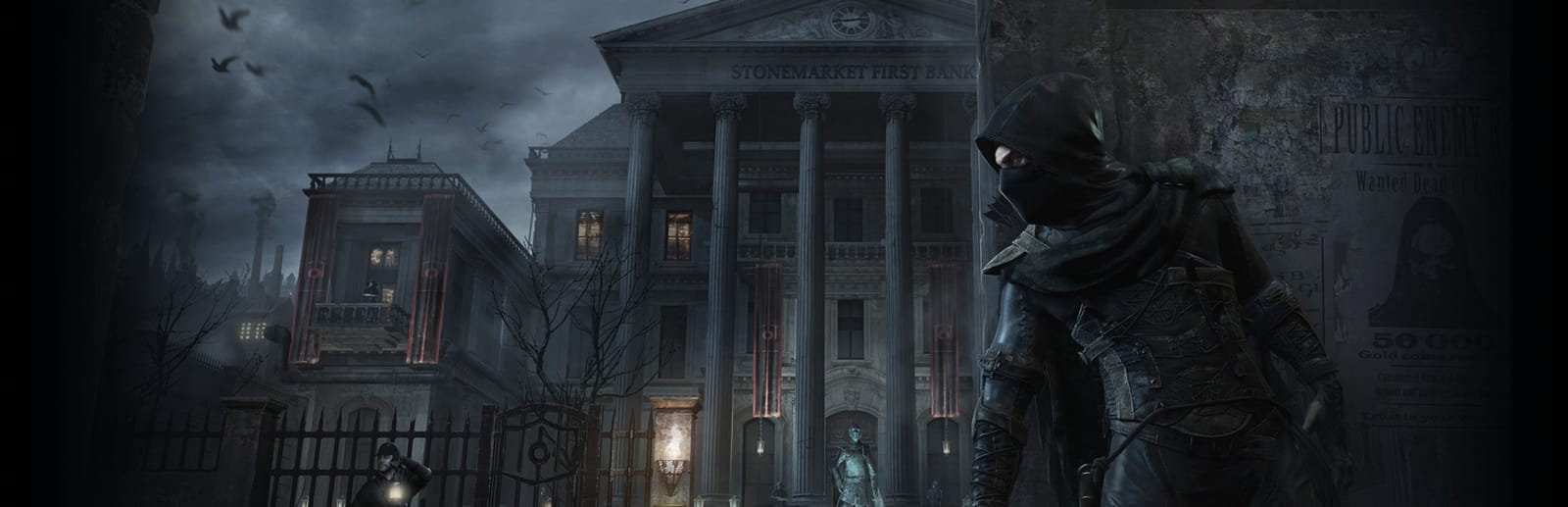
 Cover art © its publisher — for identification only. Details
Eidos Montréal's 2014 Thief hangs almost everything on one key: E steals, opens, picks pockets, enters hiding spots and picks locks, depending on what Garrett is looking at. Square Enix's digital manual is the source, arrow bar included.
Thief controls poster
A generative poster unique to Thief — styled by its genre and signature colour. Pure design, zero spoilers. Free to download for your battlestation.
Free PNG is web-resolution & lightly watermarked.
Want it print-ready?
Framed-quality 300 DPI, no watermark — $2.99 (PC / keyboard edition). Drop your email and we'll send the checkout link.
All Thief keyboard controls
40 default keybinds across 5 categories. Most can be reassigned in Thief's control settings.
+ 1 more control in the table below
+ 1 more control in the table below
40 shortcuts
Movement 10
| Action | Shortcut |
|---|---|
| Move Garrett | WthenAthenSthenD |
| Swoop | Space |
| Move the Camera | Mouse |
| Sprint | Shift |
| Sneak / Crouch | C |
| Action Key (ladders, rope, pipes, walls) | Space |
| Move Slowly | Ctrl |
| Climb Up and Down | WthenS |
| Dodge | V |
| Slide Down | X |
Arrows 10
| Action | Shortcut |
|---|---|
| Blunt Arrow | 1 |
| Broadhead Arrow | 2 |
| Water Arrow | 6 |
| Rope Arrow | 8 |
| Sawtooth Arrow | 3 |
| Fire Arrow | 4 |
| Blast Arrow | 5 |
| Choke Arrow | 7 |
| Flash Bomb | 9 |
| Throwable Item | 0 |
Stealth 9
| Action | Shortcut |
|---|---|
| Interact / Steal / Open / Pick Lock | E |
| Takedown (hold Q to grab, tap Q to take down) | Q |
| Pick Pocket (hold) | E |
| Focus Mode | F |
| Enter Hiding Spot | E |
| Look Through Keyholes (hold) | E |
| Exit Hiding Spot | RMB |
| Barge Out of Hiding Spot | Shift |
| Zoom | Y |
Combat & Items 9
| Action | Shortcut |
|---|---|
| Take Out Bow | LMB |
| Fire Bow (hold and release) | LMB |
| Use Health Item | H |
| Put Away Bow | RMB |
| Melee | R |
| Switch Between Arrows and Throwables | Wheel |
| Throw Item (hold, aim, release) | LMB |
| Use Poppy Item | G |
| Cancel Throwable Item | RMB |
Interface 2
| Action | Shortcut |
|---|---|
| Access Journal | F1 |
| Access Options Menu | Esc |
Sourced from store.steampowered.com, shared.fastly.steamstatic.com Last verified
Unofficial reference. ShortcutPosters is not affiliated with, endorsed by, or sponsored by Thief. All product names, logos, and trademarks are property of their respective owners. See our licensing & trademark notice.
Thief controls — FAQ
- What are the default controls for Thief?
- Thief, a action game, uses 40 default keybinds across 5 categories. The complete, up-to-date list is free to read on this page.
- Can you remap Thief controls?
- Yes. These are the game's default bindings — nearly all of them can be reassigned from Thief's in-game control or key-binding settings.
- Which platforms do these Thief controls cover?
- These keyboard controls apply on Windows. Most bindings are identical across platforms unless noted.
- Is this an official Thief resource?
- No. This is an unofficial reference and is not affiliated with or endorsed by Thief or its publisher. All trademarks belong to their respective owners.
Thanks — your feedback helps us improve.
More Action controls
-

 Grand Theft Auto V Keyboard + Gamepad
 -

 Super Smash Bros. Ultimate Gamepad
 -

 Vampire Survivors Keyboard + Gamepad
 -

 Hades Keyboard + Gamepad
 -

 Hades II Keyboard + Gamepad
 -

 The Binding of Isaac: Rebirth Keyboard + Gamepad
 -

 God of War Ragnarök Keyboard + Gamepad
 -

 Assassin's Creed Black Flag Resynced Keyboard + Gamepad