 Cover art © its publisher — for identification only. Details
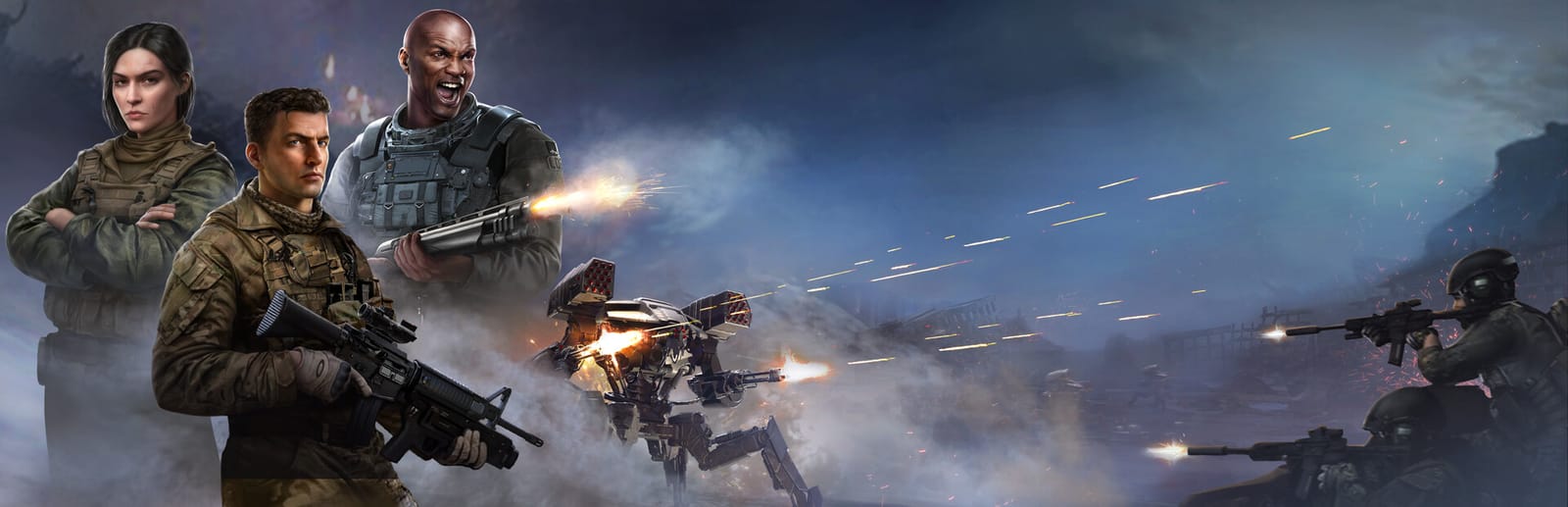
Terminator: Dark Fate - Defiance is a real-time strategy game by Cats Who Play, published by Slitherine, set in the Future War between humanity and Legion. There is no base building: you command a single attrition-bound army across a campaign map, so the shortcuts are all unit craft — stances, formations, firing modes, cover, repair, and four contextual ability slots whose meaning changes with the unit selected.
Terminator: Dark Fate - Defiance controls poster
A generative poster unique to Terminator: Dark Fate - Defiance — styled by its genre and signature colour. Pure design, zero spoilers. Free to download for your battlestation.
Free PNG is web-resolution & lightly watermarked.
Want it print-ready?
Framed-quality 300 DPI, no watermark — $2.99 (PC / keyboard edition). Drop your email and we'll send the checkout link.
All Terminator: Dark Fate - Defiance keyboard controls
45 default keybinds across 6 categories. Most can be reassigned in Terminator: Dark Fate - Defiance's control settings.
+ 6 more controls in the table below
+ 6 more controls in the table below
45 shortcuts
Groups 18
| Action | Shortcut |
|---|---|
| Select Selection Group 1 | 1 |
| Select Selection Group 2 | 2 |
| Select Selection Group 3 | 3 |
| Select Selection Group 4 | 4 |
| Select Selection Group 5 | 5 |
| Select Selection Group 6 | 6 |
| Select Selection Group 7 | 7 |
| Select Selection Group 8 | 8 |
| Select Selection Group 9 | 9 |
| Assign Selection Group 1 | Ctrl1 |
| Assign Selection Group 2 | Ctrl2 |
| Assign Selection Group 3 | Ctrl3 |
| Assign Selection Group 4 | Ctrl4 |
| Assign Selection Group 5 | Ctrl5 |
| Assign Selection Group 6 | Ctrl6 |
| Assign Selection Group 7 | Ctrl7 |
| Assign Selection Group 8 | Ctrl8 |
| Assign Selection Group 9 | Ctrl9 |
Camera 10
| Action | Shortcut |
|---|---|
| Camera Zoom In | Home |
| Camera Zoom Out | End |
| Move Camera Up | W |
| Move Camera Left | A |
| Move Camera Down | S |
| Move Camera Right | D |
| Rotate Camera Left | Del |
| Rotate Camera Right | PgDn |
| Rotate Camera Up | Ins |
| Rotate Camera Down | PgUp |
Orders 7
| Action | Shortcut |
|---|---|
| Attack With All Weapons | F |
| Move Until Engagement | Q |
| Stop | E |
| Change Behavior | G |
| Move Backwards | R |
| Firing Mode | T |
| Change Formation | N |
Actions 5
| Action | Shortcut |
|---|---|
| Capture Building / Deploy Troops | Z |
| Repair | C |
| Take Cover / Stand Up / Open Hatch / Close Hatch | V |
| Detach / Attach Trailer, Change Frontline, Land Helicopter | X |
| Exit Vehicle | B |
Abilities 4
| Action | Shortcut |
|---|---|
| Ability 1 — Charge / Smokes | F1 |
| Ability 2 — Remote-Controlled Explosives / Set Mines | F2 |
| Ability 3 — Call Airstrike / EMP Grenade | F3 |
| Ability 4 — Hack Terminator / Supply Mode / Booby Trap Terminator | F4 |
Game 1
| Action | Shortcut |
|---|---|
| Active Pause | Space |
Sourced from ftp.matrixgames.com, pcgamingwiki.com Last verified
Unofficial reference. ShortcutPosters is not affiliated with, endorsed by, or sponsored by Terminator: Dark Fate - Defiance. All product names, logos, and trademarks are property of their respective owners. See our licensing & trademark notice.
Terminator: Dark Fate - Defiance controls — FAQ
- What are the default controls for Terminator: Dark Fate - Defiance?
- Terminator: Dark Fate - Defiance, a strategy game, uses 45 default keybinds across 6 categories. The complete, up-to-date list is free to read on this page.
- Can you remap Terminator: Dark Fate - Defiance controls?
- Yes. These are the game's default bindings — nearly all of them can be reassigned from Terminator: Dark Fate - Defiance's in-game control or key-binding settings.
- Which platforms do these Terminator: Dark Fate - Defiance controls cover?
- These keyboard controls apply on Windows. Most bindings are identical across platforms unless noted.
- Is this an official Terminator: Dark Fate - Defiance resource?
- No. This is an unofficial reference and is not affiliated with or endorsed by Terminator: Dark Fate - Defiance or its publisher. All trademarks belong to their respective owners.
Thanks — your feedback helps us improve.