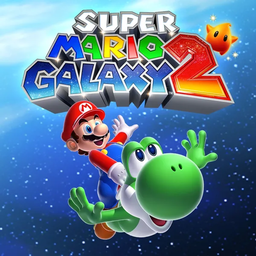
Super Mario Galaxy 2 Nintendo Switch controls
- Nintendo Switch
- 38 unconfirmed controls
- Platformer →
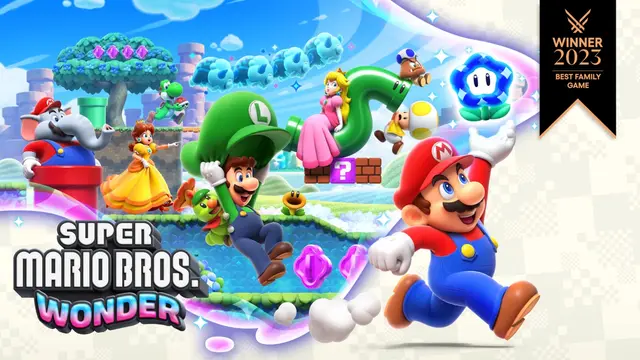
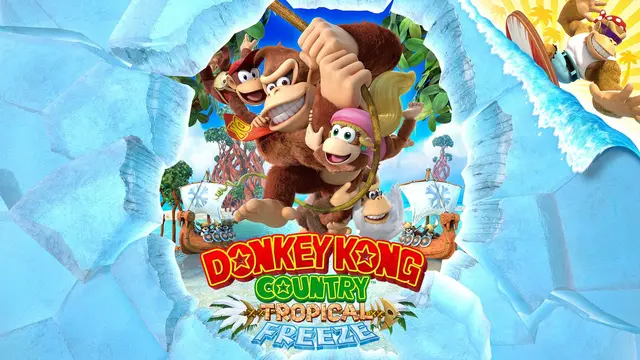
Cover art © its publisher — for identification only. Cover © its publisher. Details
Default Nintendo Switch controls for Super Mario Galaxy 2, the October 2025 port sold alone or in the Super Mario Galaxy + Super Mario Galaxy 2 bundle, with two Joy-Con or a Pro Controller. Jump works on either A or B and Spin on either X or Y; the page covers Mario's jumps and spins, Yoshi's tongue and flutter jump, the power-up forms and the Star Pointer. Shaking a Joy-Con also spins, and tilting the controller steers the Star Ball and Fluzzard.
All Super Mario Galaxy 2 controls
38 shortcuts
Movement 13
| Action | Switch |
|---|---|
| Move | L-Stick |
| Jump / Swim | B |
| Jump / Swim (alt) | A |
| Long Jump (while running) | ZLB |
| Crouch / Dive Underwater | ZL |
| Ground Pound (midair) | ZL |
| Double Jump (on landing while moving) | BthenB |
| Triple Jump (on landing while moving) | BthenBthenB |
| Backward Somersault | ZLB |
| Wall Jump (against a wall) | B |
| Side Somersault (reverse direction) | L-StickB |
| Crawl | ZLL-Stick |
| Grab / Release Pole | B |
Power-Ups 8
| Action | Switch |
|---|---|
| Cloud Mario: Create Cloud Platform | X |
| Rock Mario: Roll as a Boulder | X |
| Fire Mario: Throw Fireball | X |
| Bee Mario: Hover (hold) | B |
| Boo Mario: Float | B |
| Spring Mario: Bounce (on landing) | B |
| Dash Yoshi: Speed Boost | B |
| Blimp Yoshi: Slow the Ascent (hold) | B |
Actions 6
| Action | Switch |
|---|---|
| Spin / Throw Object / Skate | X |
| Spin (alt) | Y |
| Spin Jump (midair) | X |
| Speak / Read | A |
| Sweep Kick | ZLX |
| Homing Ground Pound (midair) | XZL |
Yoshi 5
| Action | Switch |
|---|---|
| Yoshi: Eat / Spit / Grapple (aim the tongue) | ZR |
| Yoshi: Flutter Jump (hold in midair) | B |
| Dismount Yoshi | ZLB |
| Yoshi: Pull (hold, pull back, release) | ZR |
| Yoshi: Head Shake | X |
Camera 3
| Action | Switch |
|---|---|
| Move Camera | R-Stick |
| Reset Camera | L |
| First-Person View (R-Stick up) | R-Stick |
Star Pointer 3
| Action | Switch |
|---|---|
| Shoot Star Bit (hold to repeat) | ZR |
| Enter a Pull Star (point and hold) | B |
| Fire Cannon (point and press) | B |
Sourced from mariowiki.com Last verified
Unofficial reference. ShortcutPosters is not affiliated with, endorsed by, or sponsored by Super Mario Galaxy 2. All product names, logos, and trademarks are property of their respective owners. See our licensing & trademark notice.
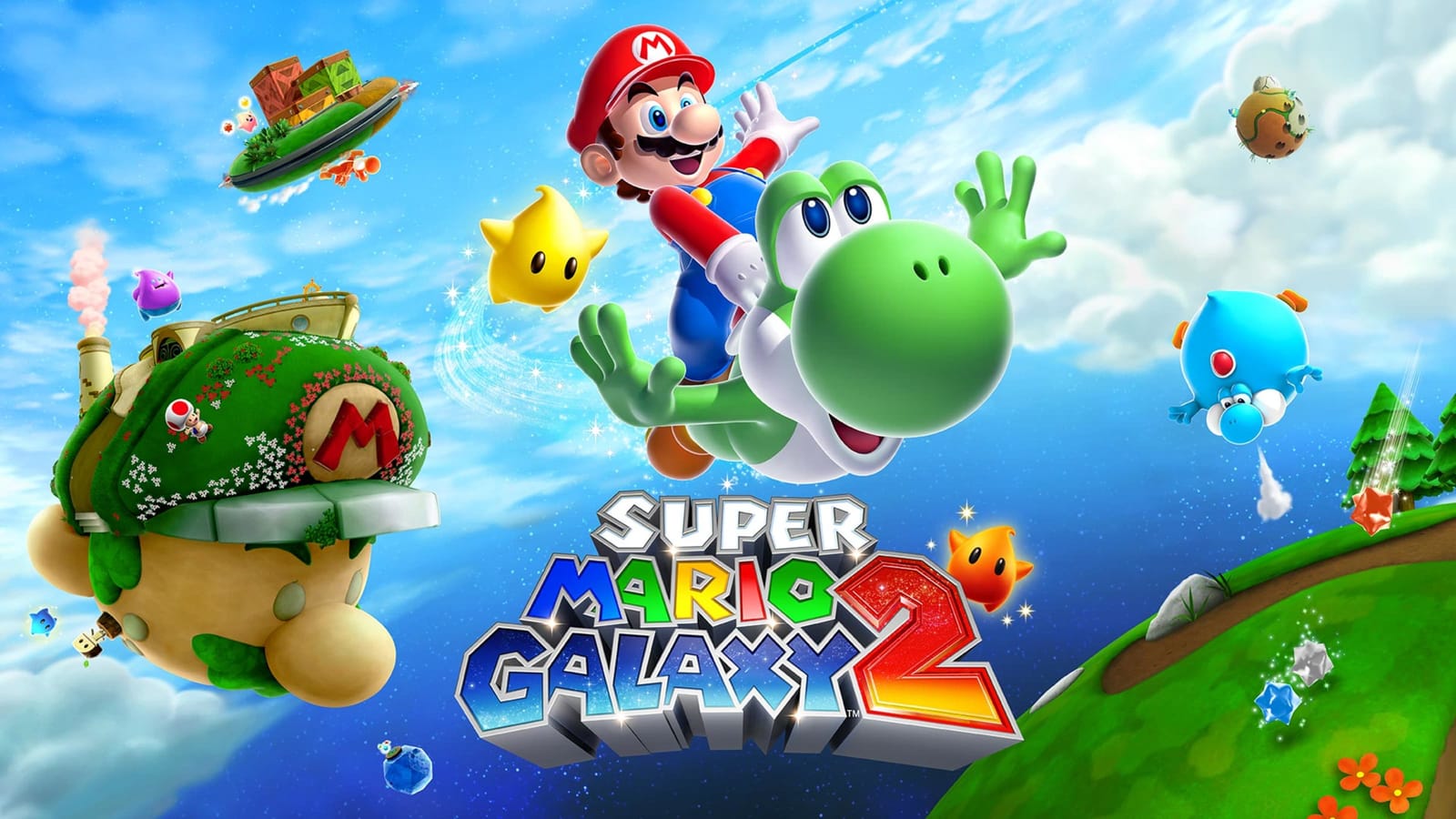
Shown at scaleNo watermark on your file
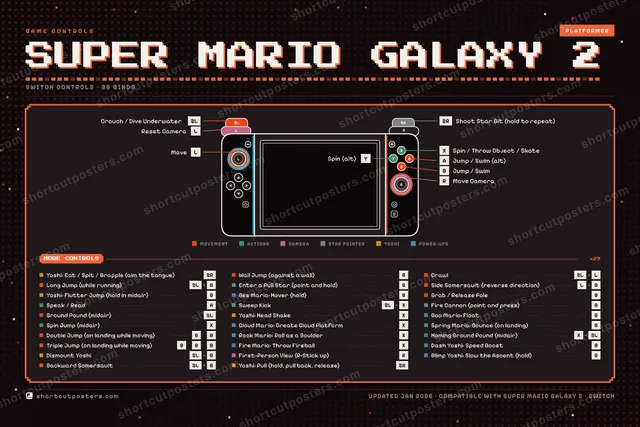
Super Mario Galaxy 2, on your wall.
Print-ready 36×24″ at 300 DPI, for your printer or any print shop.Free preview: 1600 px, watermarked.
No watermark on what you buy. It only protects this preview.
- The Switch controller poster
- 10 800 px at 300 DPI, up to 91×61 cm
- PNG + print-ready PDF, instant download
Super Mario Galaxy 2 controls poster
Super Mario Galaxy 2 controls — FAQ
- What are the default controls for Super Mario Galaxy 2?
- Super Mario Galaxy 2, a platformer game, maps 38 actions to the Nintendo Switch controller. The complete button layout is shown on this page, free to read.
- What buttons do you use in Super Mario Galaxy 2?
- Every Super Mario Galaxy 2 action is mapped to its Nintendo Switch button on this page — face buttons, triggers, sticks and the d-pad — so you can see the whole control scheme at a glance.
- Can you remap Super Mario Galaxy 2 controls?
- These are the game's default bindings. Remapping depends on the title and the Nintendo Switch's system button-mapping options.
- Is this an official Super Mario Galaxy 2 resource?
- No. This is an unofficial reference and is not affiliated with or endorsed by Super Mario Galaxy 2 or its publisher. All trademarks belong to their respective owners.
Thanks — your feedback helps us improve.