Princess Peach: Showtime! Nintendo Switch controls
- Nintendo Switch · Nintendo Switch 2
- 21 unconfirmed controls
- Platformer →
Cover art © its publisher — for identification only. Cover © its publisher. Details
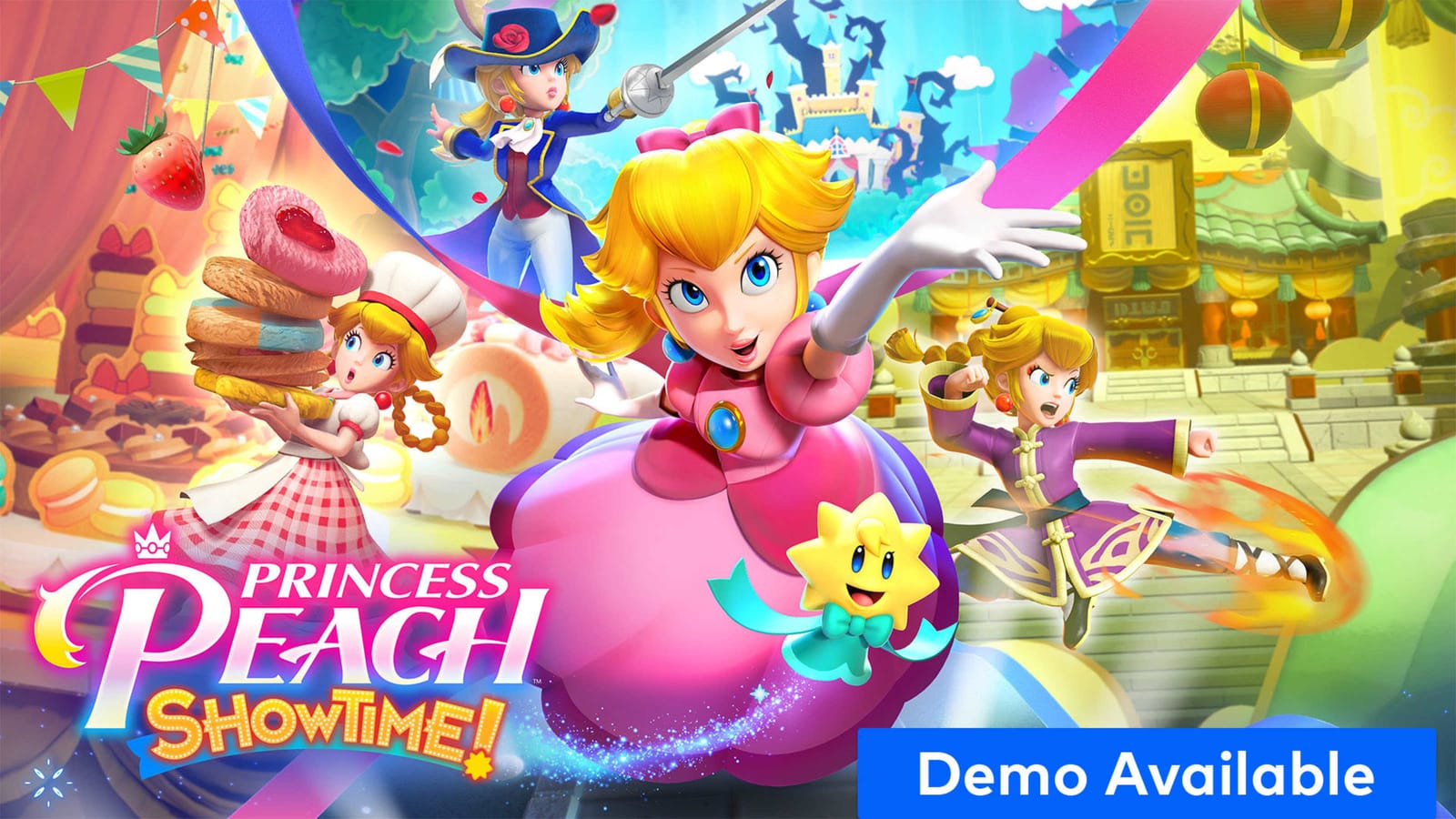
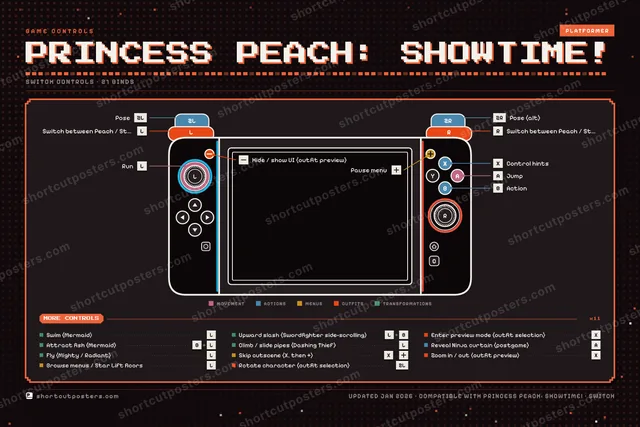
Princess Peach: Showtime! is Nintendo and Good-Feel's 2024 action game in which Peach and Stella take back the Sparkle Theater, with a new transformation on every stage. This page lists the default Nintendo Switch controller layout (two Joy-Con or a Pro Controller): jump and the one Action button whose move changes with each costume, posing, the stage-specific moves of the Swordfighter, Dashing Thief and Mermaid, and the outfit-selection and menu buttons. Jump and Action can be swapped in the game's settings. Nintendo's own tips page confirms only a few of these, so the mapping is transcribed from Super Mario Wiki and marked provisional.
All Princess Peach: Showtime! controls
Outfits 6
| Action | Switch |
|---|---|
| Switch between Peach / Stella (outfit selection) | L |
| Switch between Peach / Stella (alt) | R |
| Rotate character (outfit selection) | ZL |
| Enter preview mode (outfit selection) | X |
| Zoom in / out (outfit preview) | X |
| Hide / show UI (outfit preview) | − |
Actions 5
| Action | Switch |
|---|---|
| Action (changes with each transformation) | B |
| Pose (transformations only) | ZL |
| Control hints (when prompted) | X |
| Pose (alt) | ZR |
| Reveal Ninja curtain (postgame) | A |
Transformations 5
| Action | Switch |
|---|---|
| Upward slash (Swordfighter side-scrolling) | L-StickB |
| Swim (Mermaid) | L-Stick |
| Attract fish (Mermaid) | BL-Stick |
| Fly (Mighty / Radiant) | L-Stick |
| Climb / slide pipes (Dashing Thief) | L-Stick |
Menus 3
| Action | Switch |
|---|---|
| Pause menu | + |
| Browse menus / Star Lift floors | L-Stick |
| Skip cutscene (X, then +) | Xthen+ |
Movement 2
| Action | Switch |
|---|---|
| Run | L-Stick |
| Jump | A |
Sourced from mariowiki.com, nintendo.com Last verified
Unofficial reference. ShortcutPosters is not affiliated with, endorsed by, or sponsored by Princess Peach: Showtime!. All product names, logos, and trademarks are property of their respective owners. See our licensing & trademark notice.
Shown at scaleNo watermark on your file
Princess Peach: Showtime!, on your wall.
Print-ready 36×24″ at 300 DPI, for your printer or any print shop.Free preview: 1600 px, watermarked.
No watermark on what you buy. It only protects this preview.
- The Switch controller poster
- 10 800 px at 300 DPI, up to 91×61 cm
- PNG + print-ready PDF, instant download
Princess Peach: Showtime! controls poster
Princess Peach: Showtime! controls — FAQ
- What are the default controls for Princess Peach: Showtime!?
- Princess Peach: Showtime!, a platformer game, maps 21 actions to the Nintendo Switch controller. The complete button layout is shown on this page, free to read.
- What buttons do you use in Princess Peach: Showtime!?
- Every Princess Peach: Showtime! action is mapped to its Nintendo Switch button on this page — face buttons, triggers, sticks and the d-pad — so you can see the whole control scheme at a glance.
- Can you remap Princess Peach: Showtime! controls?
- These are the game's default bindings. Remapping depends on the title and the Nintendo Switch's system button-mapping options.
- Is this an official Princess Peach: Showtime! resource?
- No. This is an unofficial reference and is not affiliated with or endorsed by Princess Peach: Showtime! or its publisher. All trademarks belong to their respective owners.
Thanks — your feedback helps us improve.