 Get the poster
Cover art © its publisher — for identification only. Cover © its publisher. Details
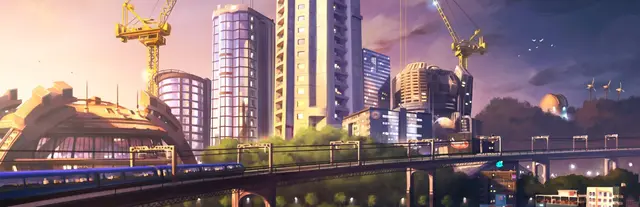
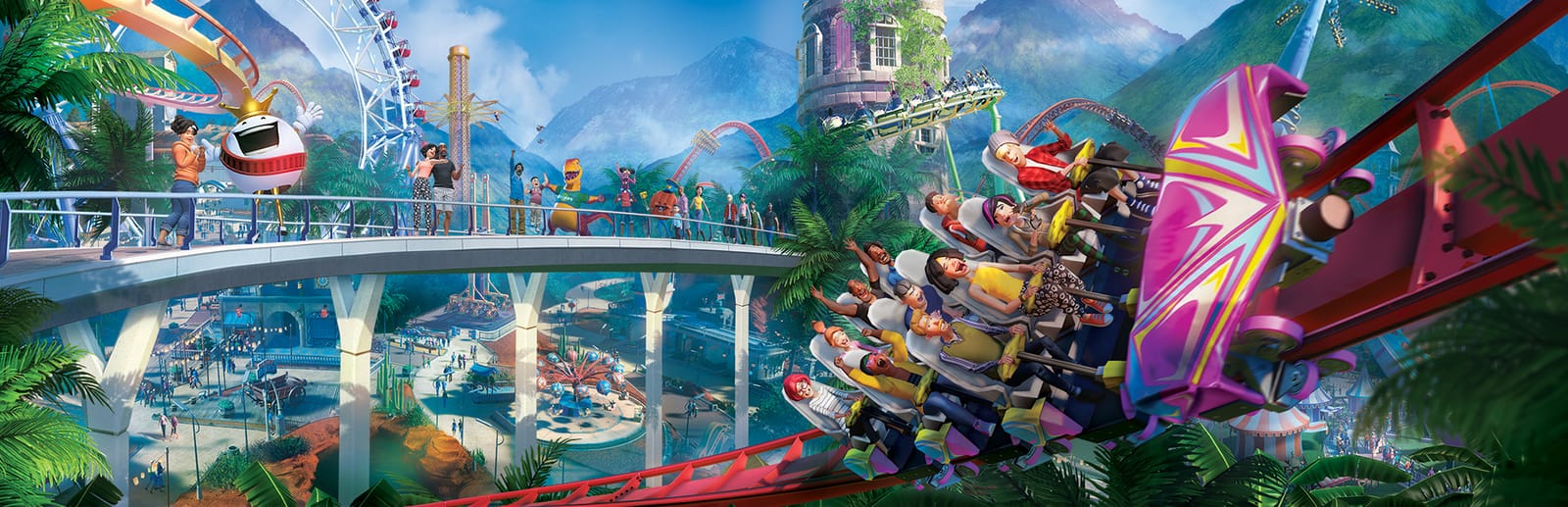
Planet Coaster is Frontier's 2016 theme-park sim, the spiritual successor to RollerCoaster Tycoon, where you sculpt terrain, lay paths and piece coasters together by hand. Because almost everything is built with the mouse, the keyboard is what keeps you fast: steering and rotating the camera, snapping and rotating pieces as you place them, switching to free-look, and undoing a mistake before it costs you.
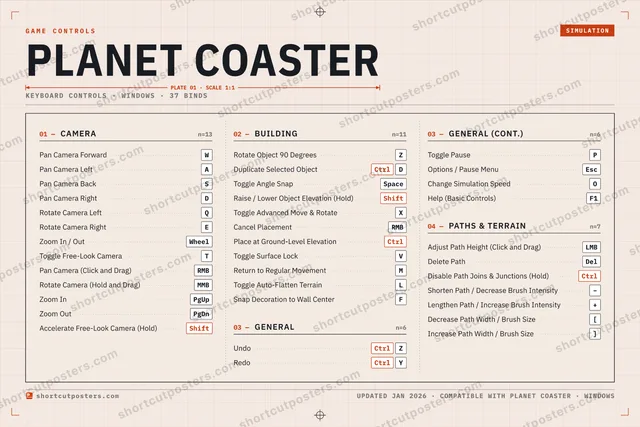
All Planet Coaster keyboard controls
+ 6 more controls in the table below
+ 6 more controls in the table below
Tip Hover or tap a key to see what it does. Most of these 37 keybinds can be reassigned in Planet Coaster's control settings.
37 shortcuts
Camera 13
| Action | Shortcut |
|---|---|
| Pan Camera Forward | W |
| Pan Camera Left | A |
| Pan Camera Back | S |
| Pan Camera Right | D |
| Rotate Camera Left | Q |
| Rotate Camera Right | E |
| Zoom In / Out | Wheel |
| Toggle Free-Look Camera | T |
| Pan Camera (Click and Drag) | RMB |
| Rotate Camera (Hold and Drag) | MMB |
| Zoom In | PgUp |
| Zoom Out | PgDn |
| Accelerate Free-Look Camera (Hold) | Shift |
Building 11
| Action | Shortcut |
|---|---|
| Rotate Object 90 Degrees | Z |
| Duplicate Selected Object | CtrlD |
| Toggle Angle Snap | Space |
| Raise / Lower Object Elevation (Hold) | Shift |
| Toggle Advanced Move & Rotate | X |
| Cancel Placement | RMB |
| Place at Ground-Level Elevation (Hold and Drag) | Ctrl |
| Toggle Surface Lock | V |
| Return to Regular Movement | M |
| Toggle Auto-Flatten Terrain | L |
| Snap Decoration to Wall Center | F |
Paths & Terrain 7
| Action | Shortcut |
|---|---|
| Adjust Path Height (Click and Drag) | LMB |
| Delete Path | Del |
| Disable Path Joins & Junctions (Hold) | Ctrl |
| Shorten Path / Decrease Brush Intensity | − |
| Lengthen Path / Increase Brush Intensity | + |
| Decrease Path Width / Brush Size | [ |
| Increase Path Width / Brush Size | ] |
General 6
| Action | Shortcut |
|---|---|
| Undo | CtrlZ |
| Redo | CtrlY |
| Toggle Pause | P |
| Options / Pause Menu | Esc |
| Change Simulation Speed | O |
| Help (Basic Controls) | F1 |
Sourced from gameskinny.com Last verified
Unofficial reference. ShortcutPosters is not affiliated with, endorsed by, or sponsored by Planet Coaster. All product names, logos, and trademarks are property of their respective owners. See our licensing & trademark notice.
Shown at scaleNo watermark on your file
Planet Coaster, on your wall.
Print-ready 36×24″ at 300 DPI, for your printer or any print shop.Free preview: 1600 px, watermarked.
No watermark on what you buy. It only protects this preview.
- The keyboard poster
- 10 800 px at 300 DPI, up to 91×61 cm
- PNG + print-ready PDF, instant download
Planet Coaster controls poster
Planet Coaster controls — FAQ
- What are the default controls for Planet Coaster?
- Planet Coaster, a simulation game, uses 37 default keybinds across 4 categories. The complete, up-to-date list is free to read on this page.
- Can you remap Planet Coaster controls?
- Yes. These are the game's default bindings — nearly all of them can be reassigned from Planet Coaster's in-game control or key-binding settings.
- Which platforms do these Planet Coaster controls cover?
- These keyboard controls apply on Windows. Most bindings are identical across platforms unless noted.
- Is this an official Planet Coaster resource?
- No. This is an unofficial reference and is not affiliated with or endorsed by Planet Coaster or its publisher. All trademarks belong to their respective owners.
Thanks — your feedback helps us improve.