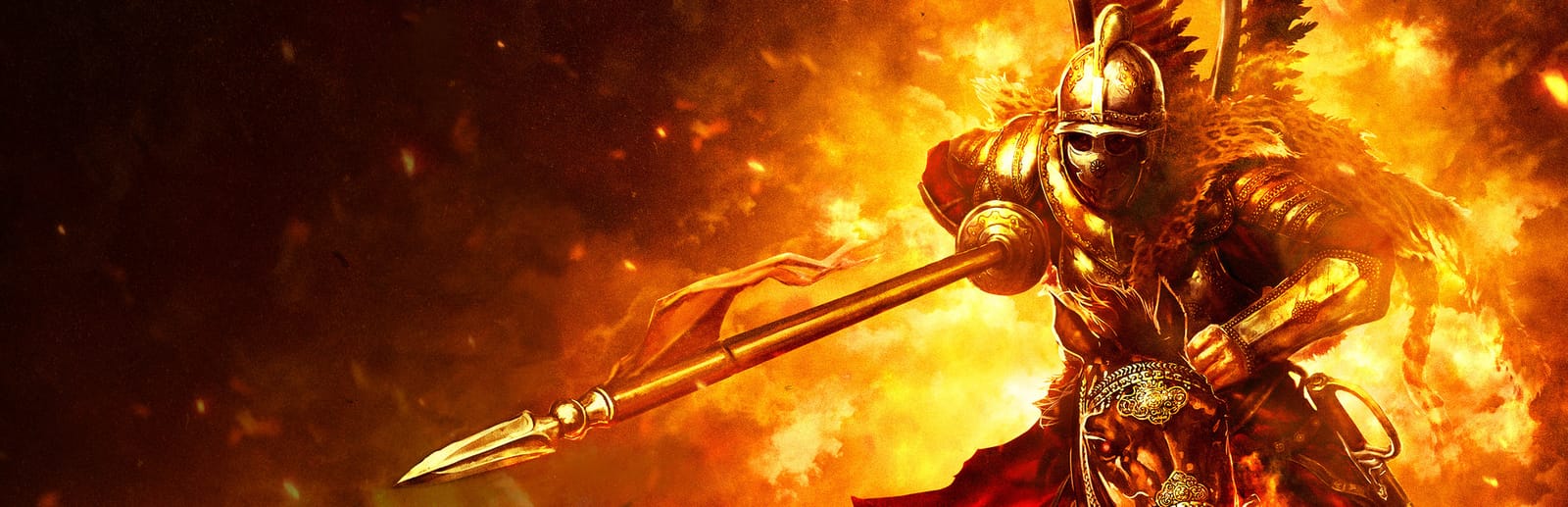
 Cover art © its publisher — for identification only. Details
Windows · 40 default keybinds
Mount & Blade: With Fire & Sword Keyboard Controls
Mount & Blade: With Fire & Sword is the 2011 standalone spin-off by Sich Studio and TaleWorlds that moves the series to 17th-century Eastern Europe and adds muskets, pistols and grenades to lance-and-sabre combat. These are the default keyboard and mouse controls from Paradox's official manual, including the single F-key battle orders this game uses in place of Warband's two-step menus.
Mount & Blade: With Fire & Sword controls poster
A generative poster unique to Mount & Blade: With Fire & Sword — styled by its genre and signature colour. Pure design, zero spoilers. Free to download for your battlestation.
Free PNG is web-resolution & lightly watermarked.
Want it print-ready?
Framed-quality 300 DPI, no watermark — $2.99 (PC / keyboard edition). Drop your email and we'll send the checkout link.
All Mount & Blade: With Fire & Sword keyboard controls
40 default keybinds across 6 categories. Most can be reassigned in Mount & Blade: With Fire & Sword's control settings.
40 shortcuts
Battle Orders 16
| Action | Shortcut |
|---|---|
| Hold Position | F1 |
| Charge | F3 |
| Select All Troops | 1 |
| Follow Me | F2 |
| Select Archers | 2 |
| Select Infantry | 3 |
| Select Cavalry | 4 |
| Open Fire / Cease Fire | F5 |
| Dismount / Mount Up | F4 |
| Advance Ten Paces | F6 |
| Fall Back Ten Paces | F7 |
| Select Companions | 5 |
| Add Group to Selection | Ctrl2 |
| Close Ranks | F8 |
| Spread Out | F9 |
| Select Everyone Not in the Current Group | 6 |
Movement 7
| Action | Shortcut |
|---|---|
| Walk Forward / Spur Horse | W |
| Action (use what the keyword names) | F |
| Walk Backward / Rein In Horse | S |
| Sidestep Left / Turn Horse Left | A |
| Sidestep Right / Turn Horse Right | D |
| Leave Area / Retreat from Battle | Tab |
| Jump (character or horse) | Space |
Combat 6
| Action | Shortcut |
|---|---|
| Quick Attack | LMB |
| Defend with Shield or Weapon (hold) | RMB |
| Hold Melee Stroke / Aim Ranged Weapon (hold) | LMB |
| Cycle Weapons | Wheel ↑ |
| Switch Firearm to Melee | X |
| Raise / Lower Shield | Wheel ↓ |
Menus 6
| Action | Shortcut |
|---|---|
| Inventory Window | I |
| Character Window | C |
| Party Window | P |
| Quicksave | F12 |
| Game Menu (save, quit, options) | Esc |
| Log | L |
World Map 3
| Action | Shortcut |
|---|---|
| Pause Time / Cancel Destination | Space |
| Pass Time (hold) | Space |
| Send Item to Other Side | CtrlLMB |
Camera 2
| Action | Shortcut |
|---|---|
| Zoom In / Show Grenade Arc (hold) | Shift |
| Toggle First / Third Person | R |
Sourced from moddb.com Last verified
Unofficial reference. ShortcutPosters is not affiliated with, endorsed by, or sponsored by Mount & Blade: With Fire & Sword. All product names, logos, and trademarks are property of their respective owners. See our licensing & trademark notice.
Mount & Blade: With Fire & Sword controls — FAQ
- What are the default controls for Mount & Blade: With Fire & Sword?
- Mount & Blade: With Fire & Sword, a rpg game, uses 40 default keybinds across 6 categories. The complete, up-to-date list is free to read on this page.
- Can you remap Mount & Blade: With Fire & Sword controls?
- Yes. These are the game's default bindings — nearly all of them can be reassigned from Mount & Blade: With Fire & Sword's in-game control or key-binding settings.
- Which platforms do these Mount & Blade: With Fire & Sword controls cover?
- These keyboard controls apply on Windows. Most bindings are identical across platforms unless noted.
- Is this an official Mount & Blade: With Fire & Sword resource?
- No. This is an unofficial reference and is not affiliated with or endorsed by Mount & Blade: With Fire & Sword or its publisher. All trademarks belong to their respective owners.
Thanks — your feedback helps us improve.
Mount & Blade collection
4 Mount & Blade games in the catalogue, every control scheme free to read.
See all 4 Mount & Blade games →