Manor Lords Keyboard controls
- Windows
- 22 default keybinds
- Strategy →
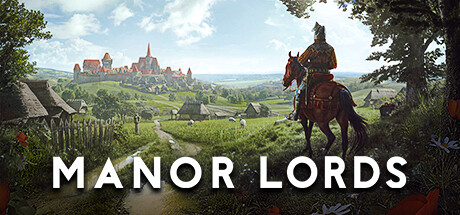
Cover art © its publisher — for identification only. Cover © its publisher. Details
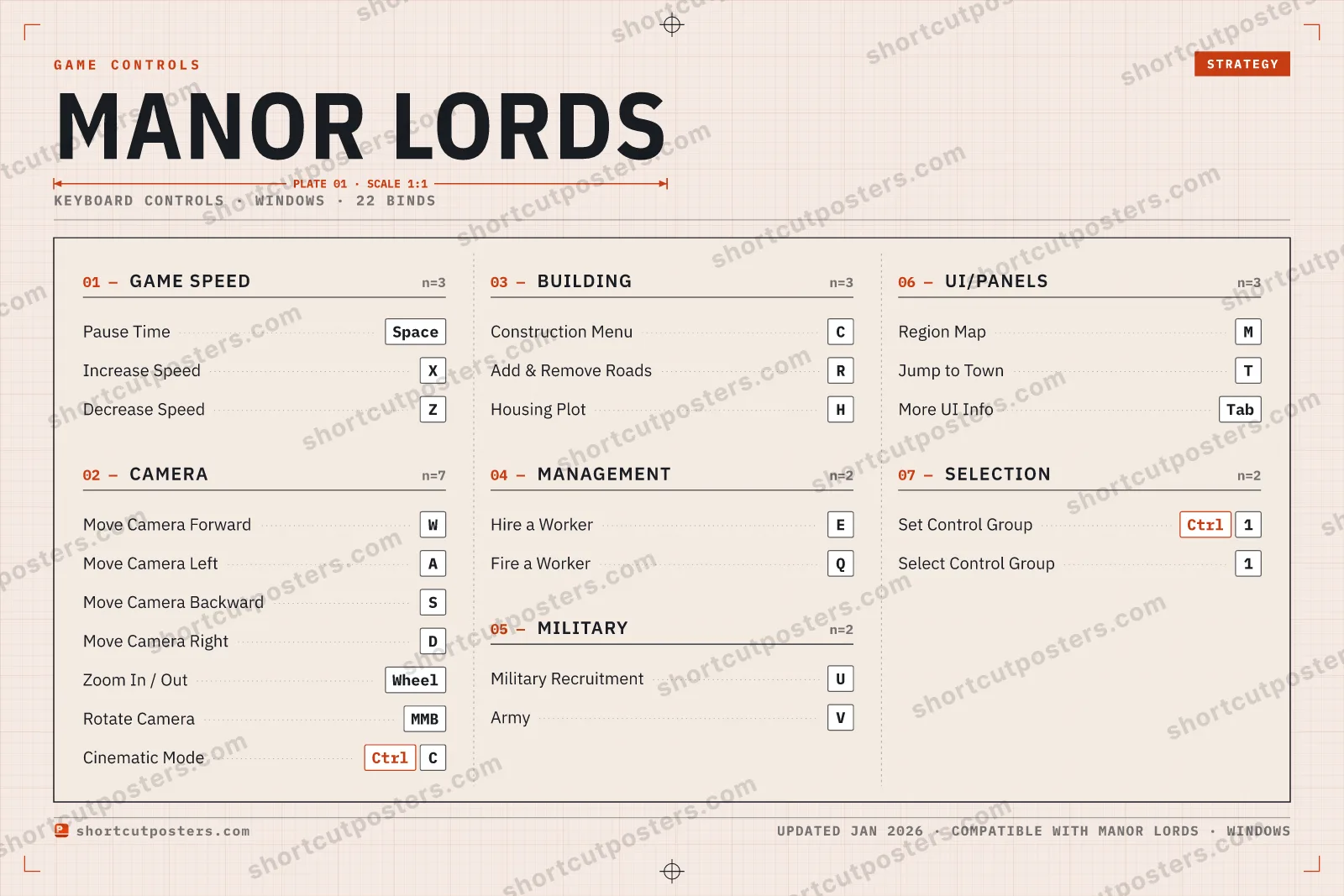
A reference to the default PC keyboard and mouse hotkeys for Manor Lords, the medieval city-building strategy game by Slavic Magic. These cover camera movement, game speed, construction, worker management, and panel navigation, and can be rebound from Main menu > Options > Control Settings.
All Manor Lords keyboard controls
Camera 7
| Action | Shortcut |
|---|---|
| Move Camera Forward | W |
| Move Camera Left | A |
| Move Camera Backward | S |
| Move Camera Right | D |
| Zoom In / Out | Wheel |
| Rotate Camera | MMB |
| Cinematic Mode | CtrlC |
Game Speed 3
| Action | Shortcut |
|---|---|
| Pause Time | Space |
| Increase Speed | X |
| Decrease Speed | Z |
Building 3
| Action | Shortcut |
|---|---|
| Construction Menu | C |
| Add & Remove Roads | R |
| Housing Plot | H |
UI/Panels 3
| Action | Shortcut |
|---|---|
| Region Map | M |
| Jump to Town | T |
| More UI Info | Tab |
Management 2
| Action | Shortcut |
|---|---|
| Hire a Worker | E |
| Fire a Worker | Q |
Military 2
| Action | Shortcut |
|---|---|
| Military Recruitment | U |
| Army | V |
Selection 2
| Action | Shortcut |
|---|---|
| Set Control Group | Ctrl1 |
| Select Control Group | 1 |
Sourced from magicgameworld.com, gamepressure.com, steamcommunity.com Last verified Shortcuts last changed
22 default keybinds across 7 categories. Most can be reassigned in Manor Lords's control settings.
Unofficial reference. ShortcutPosters is not affiliated with, endorsed by, or sponsored by Manor Lords. All product names, logos, and trademarks are property of their respective owners. See our licensing & trademark notice.
Manor Lords, framed.
Every bind, razor-sharp.
Print-ready 36×24″ at 300 DPI. No watermark. Hang it, gift it, or turn it into a desk mat.
Free preview: 1600 px, watermarked.
- Free preview
- 1600 px · watermarked
- Print-ready
- 10 800 px · frame quality
- Frame it36×24″, A1 or A2
- Desk matany print shop
- Gift itfor your duo or squad
Manor Lords controls — FAQ
- What are the default controls for Manor Lords?
- Manor Lords, a strategy game, uses 22 default keybinds across 7 categories. The complete, up-to-date list is free to read on this page.
- Can you remap Manor Lords controls?
- Yes. These are the game's default bindings — nearly all of them can be reassigned from Manor Lords's in-game control or key-binding settings.
- Which platforms do these Manor Lords controls cover?
- These keyboard controls apply on Windows. Most bindings are identical across platforms unless noted.
- Is this an official Manor Lords resource?
- No. This is an unofficial reference and is not affiliated with or endorsed by Manor Lords or its publisher. All trademarks belong to their respective owners.
Thanks — your feedback helps us improve.