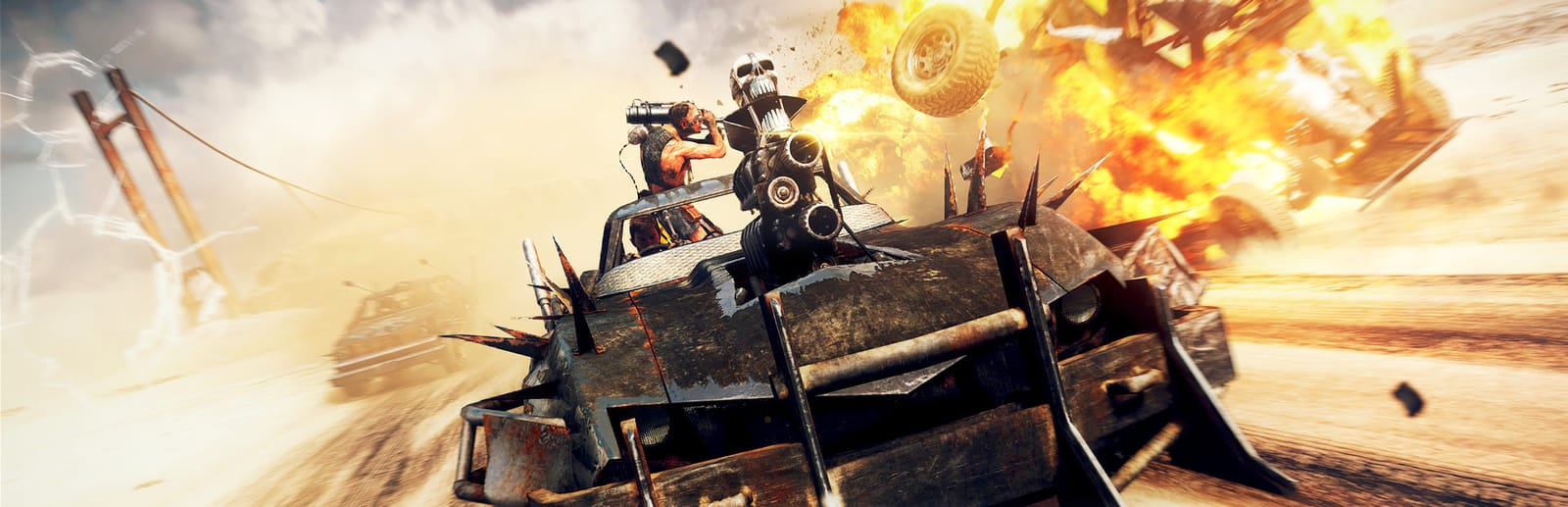
 Cover art © its publisher — for identification only. Details
Mad Max Keyboard & Controller Controls
Mad Max is Avalanche Studios' 2015 open-world car-combat game for Warner Bros., set in a post-apocalyptic wasteland where Max builds up his Magnum Opus. Its default controls split into brawling on foot and driving with the car's harpoon, shotgun and boost. The controller column shows the default gamepad layout (not the alternate scheme), which also applies on Steam Deck.
Mad Max controls poster
A generative poster unique to Mad Max — styled by its genre and signature colour. Pure design, zero spoilers. Free to download for your battlestation.
Free PNG is web-resolution & lightly watermarked.
Want it print-ready?
Framed-quality 300 DPI, no watermark — $2.99 (PC / keyboard edition). Drop your email and we'll send the checkout link.
🎮 Controller / gamepad poster — coming soon.
All Mad Max controls
43 default keybinds across 6 categories. Most can be reassigned in Mad Max's control settings. Switch to Gamepad to see Xbox, PlayStation and Steam Deck buttons side by side.
+ 1 more control in the table below
+ 1 more control in the table below
43 shortcuts
Vehicle 10
| Action | Shortcut |
|---|---|
| Accelerate | W |
| Brake / Reverse | S |
| Steer | AthenD |
| Boost | Space |
| Exit Vehicle | R |
| Handbrake | Shift |
| Ram (side ram attack) | MMB |
| Repair Vehicle (Chumbucket, when stopped) | E |
| Look Back (hold) | C |
| Toggle First-Person Camera | V |
On Foot 9
| Action | Shortcut |
|---|---|
| Move | WthenAthenSthenD |
| Jump | Ctrl |
| Action / Interact (hold) | E |
| Enter Vehicle (hold) | R |
| Sprint | Shift |
| Refuel | F |
| Cancel Action | Q |
| Select a Different Vehicle | T |
| Instant Repair of the Magnum Opus (costs scrap, when prompted) | G |
Combat 7
| Action | Shortcut |
|---|---|
| Attack / Counter | LMB |
| Parry | RMB |
| Evade | Space |
| Aim (hold) | RMB |
| Fire Weapon / Throw (while aiming) | RMBLMB |
| Heavy Strike (hold) | LMB |
| Quickfire | MMB |
Vehicle Weapons 7
| Action | Shortcut |
|---|---|
| Fire Vehicle Weapon (Quickfire) | LMB |
| Select Left / Right Weapon | Wheel |
| Select Harpoon | 3 |
| Enter / Exit Sniper (hold) | 1 |
| Select Shotgun | 2 |
| Select Thunderpoon | 4 |
| Select Sideburner | 5 |
Menus & Camera 6
| Action | Shortcut |
|---|---|
| Look / Move Camera | Mouse |
| Map | Tab |
| Pause Menu | Esc |
| Fast Travel (on the map) | R |
| Location Info (hold) | X |
| Reset Camera | C |
Gear & Items 4
| Action | Shortcut |
|---|---|
| Call Chumbucket (Magnum Opus) | 2 |
| Canteen | 4 |
| Binoculars | 1 |
| Flashlight | 3 |
Sourced from feralinteractive.com, store.steampowered.com, wbgamessupport.wbgames.com Last verified
31 shortcuts
Vehicle 9
| Action | XboxPlayStationSteam Deck |
|---|---|
| Accelerate | RTR2R2 |
| Brake / Reverse | LTL2L2 |
| Steer | L-Stick |
| Boost | A✕A |
| Exit Vehicle | Y▲Y |
| Ram (side ram attack) | X■X |
| Repair Vehicle (Chumbucket, when stopped) | D-Pad ↑ |
| Look Back (hold) | RSR3R3 |
| Toggle First-Person Camera | D-Pad ↓thenD-Pad ↓ |
On Foot 5
| Action | XboxPlayStationSteam Deck |
|---|---|
| Move | L-Stick |
| Jump | LTL2L2 |
| Action / Interact (hold) | A✕A |
| Enter Vehicle (hold) | Y▲Y |
| Sprint | RTR2R2 |
Combat 6
| Action | XboxPlayStationSteam Deck |
|---|---|
| Attack / Counter | X■X |
| Parry | Y▲Y |
| Evade | RBR1R1 |
| Aim (hold) | LBL1L1 |
| Fire Weapon / Throw (while aiming) | LBL1L1RTR2R2 |
| Heavy Strike (hold) | X■X |
Vehicle Weapons 3
| Action | XboxPlayStationSteam Deck |
|---|---|
| Fire Vehicle Weapon (Quickfire) | B●B |
| Select Left / Right Weapon | D-Pad ← |
| Enter / Exit Sniper (hold) | D-Pad ↓ |
Menus & Camera 5
| Action | XboxPlayStationSteam Deck |
|---|---|
| Look / Move Camera | R-Stick |
| Map | ViewShareView |
| Pause Menu | MenuOptionsMenu |
| Location Info (hold) | LSL3L3 |
| Reset Camera | RSR3R3 |
Gear & Items 3
| Action | XboxPlayStationSteam Deck |
|---|---|
| Canteen | D-Pad ↑ |
| Binoculars | D-Pad ↓ |
| Flashlight | D-Pad ← |
Sourced from feralinteractive.com, store.steampowered.com, wbgamessupport.wbgames.com Last verified
Unofficial reference. ShortcutPosters is not affiliated with, endorsed by, or sponsored by Mad Max. All product names, logos, and trademarks are property of their respective owners. See our licensing & trademark notice.
Mad Max controls — FAQ
- What are the default controls for Mad Max?
- Mad Max, a action game, uses 43 default keybinds across 6 categories — on keyboard and controller. The complete, up-to-date list is free to read on this page.
- Can you remap Mad Max controls?
- Yes. These are the game's default bindings — nearly all of them can be reassigned from Mad Max's in-game control or key-binding settings.
- Does Mad Max support a controller?
- Yes — Mad Max has full gamepad support. The Xbox, PlayStation and Steam Deck button maps are shown on this page alongside the keyboard controls.
- Which platforms do these Mad Max controls cover?
- These keyboard controls apply on Windows and Linux. Mad Max also released on Xbox and PlayStation, and this page carries those controller bindings too. Most bindings are identical across platforms unless noted.
- Is this an official Mad Max resource?
- No. This is an unofficial reference and is not affiliated with or endorsed by Mad Max or its publisher. All trademarks belong to their respective owners.
Thanks — your feedback helps us improve.
More Action controls
-

 Grand Theft Auto V Keyboard + Gamepad
 -
 Super Smash Bros. Ultimate Gamepad
 -

 Vampire Survivors Keyboard + Gamepad
 -

 Hades Keyboard + Gamepad
 -
 Hades II Keyboard + Gamepad
 -

 The Binding of Isaac: Rebirth Keyboard + Gamepad
 -

 God of War Ragnarök Keyboard + Gamepad
 -

 Assassin's Creed Black Flag Resynced Keyboard + Gamepad