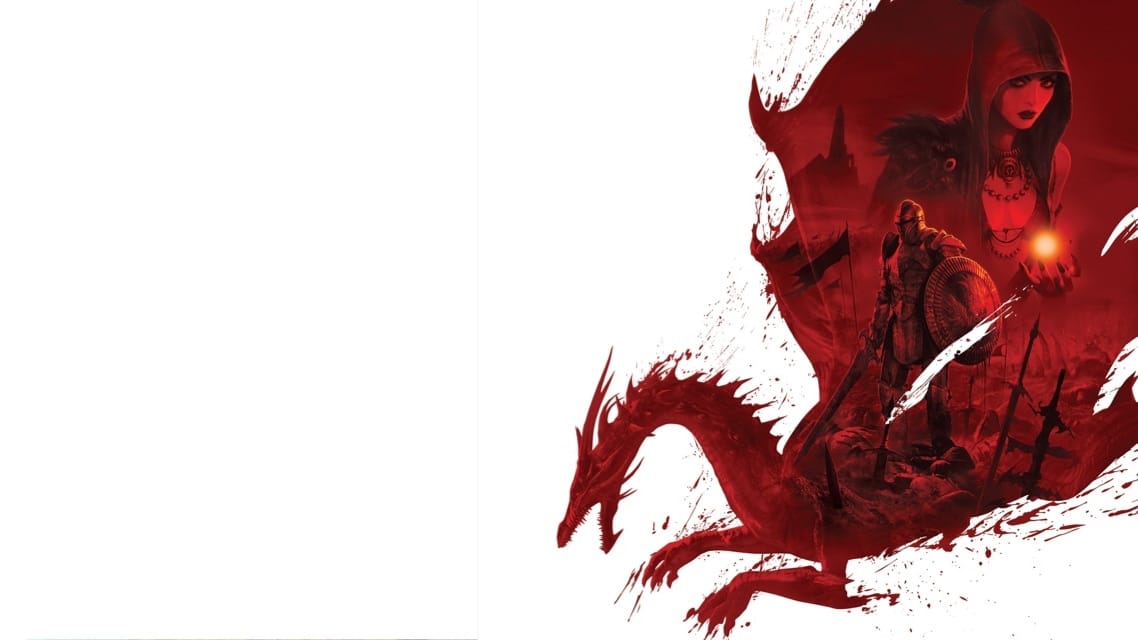
 Cover art © its publisher — for identification only. Details
Windows · 40 default keybinds
Dragon Age: Origins - Ultimate Edition Keyboard Controls
Default PC keyboard and mouse controls for Dragon Age: Origins, BioWare's 2009 party-based fantasy RPG. Covers the zoomable tactical camera, spacebar pause and the quickbar, selecting and ordering party members, and the character, inventory, journal and tactics screens.
Dragon Age: Origins - Ultimate Edition controls poster
A generative poster unique to Dragon Age: Origins - Ultimate Edition — styled by its genre and signature colour. Pure design, zero spoilers. Free to download for your battlestation.
Free PNG is web-resolution & lightly watermarked.
Want it print-ready?
Framed-quality 300 DPI, no watermark — $2.99 (PC / keyboard edition). Drop your email and we'll send the checkout link.
All Dragon Age: Origins - Ultimate Edition keyboard controls
40 default keybinds across 4 categories. Most can be reassigned in Dragon Age: Origins - Ultimate Edition's control settings.
+ 4 more controls in the table below
+ 4 more controls in the table below
40 shortcuts
General 14
| Action | Shortcut |
|---|---|
| Main Menu | Esc |
| Quick Save | F5 |
| Highlight Objects | Tab |
| Inventory | I |
| Quick Load | F9 |
| Character Record | C |
| Journal | J |
| Spells / Talents | P |
| Area Map | M |
| Skills | K |
| Tactics | \ |
| World Map | N |
| Hide Main Interface | V |
| Take Screenshot | PrtSc |
Movement/Camera 11
| Action | Shortcut |
|---|---|
| Run Forward | W |
| Run Backward | S |
| Run Left / Right | QthenE |
| Rotate Camera Left / Right | AthenD |
| Zoom Camera | Wheel |
| Rotate Camera (drag) | RMBDrag |
| Pan Camera (zoomed out) | UPthenDOWNthenLEFTthenRIGHT |
| Pan Camera (drag, zoomed out) | MMBDrag |
| Rotate Camera Up / Down | HomethenEnd |
| Zoom In | PgDn |
| Zoom Out | PgUp |
Mouse 8
| Action | Shortcut |
|---|---|
| Act on Target (attack, talk, loot, open) | RMB |
| Confirm Spell / Talent Target | LMB |
| Move to Location | RMB |
| Select Party Member | LMB |
| Cancel Spell / Talent Targeting | RMB |
| Box-select Party Members | LMBDrag |
| Equip / Use Item (inventory) | LMBthenLMB |
| Item Radial Menu (inventory, hold) | RMB |
Combat/Party 7
| Action | Shortcut |
|---|---|
| Pause (tactical pause) | Space |
| Use Quickbar Ability 1-10 | 1then2then3then4then5then6then7then8then9then0 |
| Select One Character | F1thenF2thenF3thenF4 |
| Swap Weapon Sets | / |
| Select Full Party | = |
| Party Move / Hold Position | H |
| Add Character to Selection | ShiftF1thenShiftF2thenShiftF3thenShiftF4 |
Sourced from store.steampowered.com, shared.fastly.steamstatic.com Last verified
Unofficial reference. ShortcutPosters is not affiliated with, endorsed by, or sponsored by Dragon Age: Origins - Ultimate Edition. All product names, logos, and trademarks are property of their respective owners. See our licensing & trademark notice.
Dragon Age: Origins - Ultimate Edition controls — FAQ
- What are the default controls for Dragon Age: Origins - Ultimate Edition?
- Dragon Age: Origins - Ultimate Edition, a rpg game, uses 40 default keybinds across 4 categories. The complete, up-to-date list is free to read on this page.
- Can you remap Dragon Age: Origins - Ultimate Edition controls?
- Yes. These are the game's default bindings — nearly all of them can be reassigned from Dragon Age: Origins - Ultimate Edition's in-game control or key-binding settings.
- Which platforms do these Dragon Age: Origins - Ultimate Edition controls cover?
- These keyboard controls apply on Windows. Most bindings are identical across platforms unless noted.
- Is this an official Dragon Age: Origins - Ultimate Edition resource?
- No. This is an unofficial reference and is not affiliated with or endorsed by Dragon Age: Origins - Ultimate Edition or its publisher. All trademarks belong to their respective owners.
Thanks — your feedback helps us improve.
Dragon Age collection
4 Dragon Age games in the catalogue, every control scheme free to read.
See all 4 Dragon Age games →