Crysis 3 Keyboard controls
- Windows
- 25 default keybinds
- Shooter →
- Crysis collection →
Cover art © its publisher — for identification only. Cover © its publisher. Details
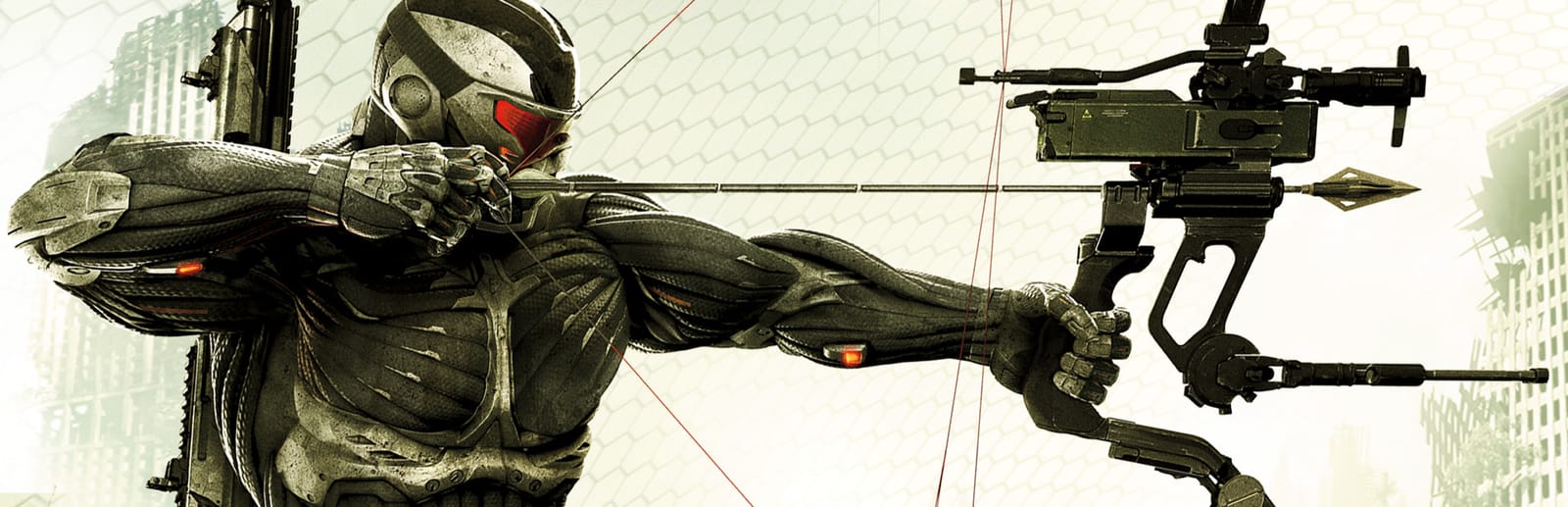
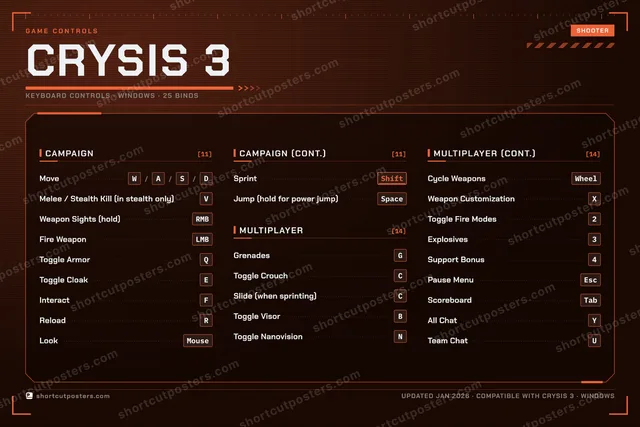
Crysis 3 keeps the two-key Nanosuit of Crysis 2 and folds the stealth kill into the melee key. EA's manual prints the campaign and multiplayer schemes separately; the multiplayer one adds the slide, the support bonus and the chat keys.
All Crysis 3 keyboard controls
+ 1 more control in the table below
+ 1 more control in the table below
Tip Hover or tap a key to see what it does. Most of these 25 keybinds can be reassigned in Crysis 3's control settings.
25 shortcuts
Multiplayer 14
| Action | Shortcut |
|---|---|
| Grenades | G |
| Toggle Crouch | C |
| Slide (when sprinting) | C |
| Toggle Visor | B |
| Toggle Nanovision | N |
| Cycle Weapons | Wheel |
| Weapon Customization | X |
| Toggle Fire Modes | 2 |
| Explosives | 3 |
| Support Bonus | 4 |
| Pause Menu | Esc |
| Scoreboard | Tab |
| All Chat | Y |
| Team Chat | U |
Campaign 11
| Action | Shortcut |
|---|---|
| Move | WthenAthenSthenD |
| Melee / Stealth Kill (in stealth only) | V |
| Weapon Sights (hold) | RMB |
| Fire Weapon | LMB |
| Toggle Armor | Q |
| Toggle Cloak | E |
| Interact | F |
| Reload | R |
| Look | Mouse |
| Sprint | Shift |
| Jump (hold for power jump) | Space |
Sourced from eaassets-a.akamaihd.net Last verified
Unofficial reference. ShortcutPosters is not affiliated with, endorsed by, or sponsored by Crysis 3. All product names, logos, and trademarks are property of their respective owners. See our licensing & trademark notice.
Shown at scaleNo watermark on your file
Crysis 3, on your wall.
Print-ready 36×24″ at 300 DPI, for your printer or any print shop.Free preview: 1600 px, watermarked.
No watermark on what you buy. It only protects this preview.
- The keyboard poster
- 10 800 px at 300 DPI, up to 91×61 cm
- PNG + print-ready PDF, instant download
Crysis 3 controls poster
Crysis 3 controls — FAQ
- What are the default controls for Crysis 3?
- Crysis 3, a shooter game, uses 25 default keybinds across 2 categories. The complete, up-to-date list is free to read on this page.
- Can you remap Crysis 3 controls?
- Yes. These are the game's default bindings — nearly all of them can be reassigned from Crysis 3's in-game control or key-binding settings.
- Which platforms do these Crysis 3 controls cover?
- These keyboard controls apply on Windows. Most bindings are identical across platforms unless noted.
- Is this an official Crysis 3 resource?
- No. This is an unofficial reference and is not affiliated with or endorsed by Crysis 3 or its publisher. All trademarks belong to their respective owners.
Thanks — your feedback helps us improve.
Crysis collection
4 Crysis games in the catalogue, every control scheme free to read.
See all 4 Crysis games →