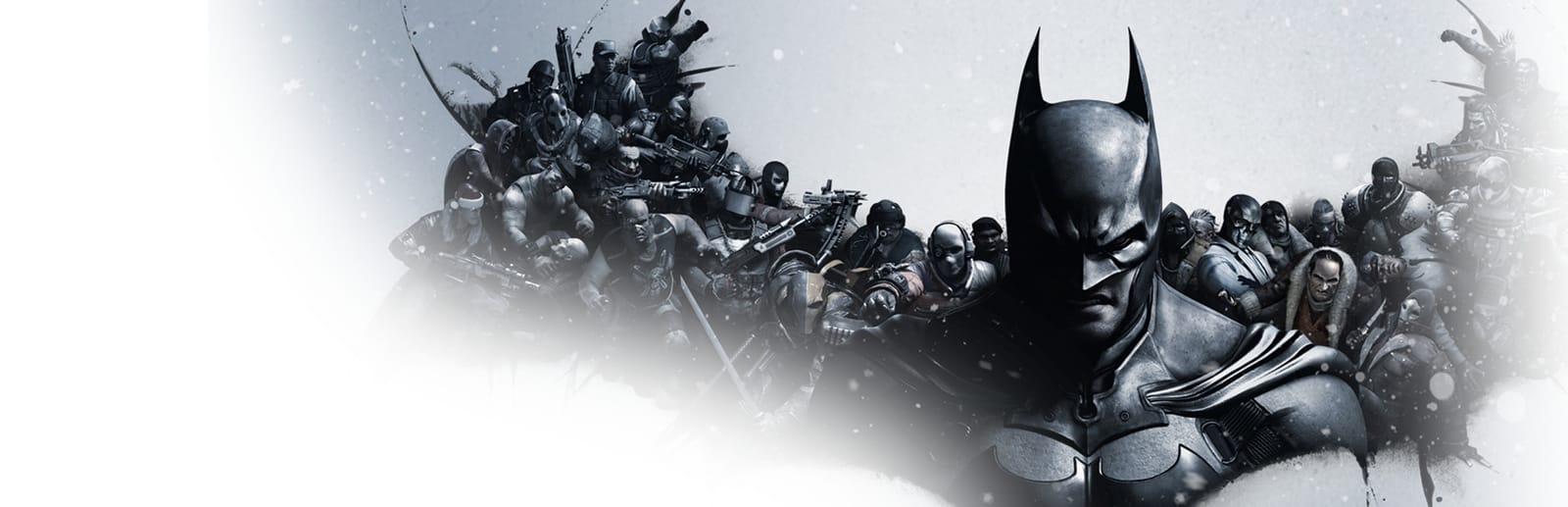
 Cover art © its publisher — for identification only. Details
Batman: Arkham Origins Keyboard & Controller Controls
Batman: Arkham Origins is the 2013 Arkham prequel by WB Games Montreal, set over one brutal Christmas Eve in Gotham and released on PC, Xbox 360, PlayStation 3 and Wii U. These are the default PC keyboard-and-mouse bindings from the game's own instruction manual, paired with the Xbox 360 controller scheme from its console manual, covering free-flow combat, Invisible Predator takedowns, quickfire gadgets and the Batcomputer.
Batman: Arkham Origins controls poster
A generative poster unique to Batman: Arkham Origins — styled by its genre and signature colour. Pure design, zero spoilers. Free to download for your battlestation.
Free PNG is web-resolution & lightly watermarked.
Want it print-ready?
Framed-quality 300 DPI, no watermark — $2.99 (PC / keyboard edition). Drop your email and we'll send the checkout link.
🎮 Controller / gamepad poster — coming soon.
All Batman: Arkham Origins controls
46 default keybinds across 6 categories. Most can be reassigned in Batman: Arkham Origins's control settings. Switch to Gamepad to see the Steam Deck buttons.
+ 1 more control in the table below
+ 1 more control in the table below
43 shortcuts
Gadgets 12
| Action | Shortcut |
|---|---|
| Aim Gadget (hold) | RMB |
| Use Gadget | LMB |
| Quickfire Batarang | 1 |
| Select Gadget | Wheel |
| Detonate Explosive Gel | RMBMMB |
| Quickfire Batclaw | 2 |
| Quickfire Explosive Gel | 3 |
| Quickfire Glue Grenade | 5 |
| Drop Smoke Pellet at Feet | 6 |
| Remote Batarang - Boost | LMB |
| Remote Batarang - Brake | RMB |
| Remote Batarang - U-Turn | LMBRMB |
Movement 10
| Action | Shortcut |
|---|---|
| Move | WthenAthenSthenD |
| Run (hold) | Space |
| Grapnel Gun | F |
| Look Around | Mouse |
| Evade (tap twice) | SpacethenSpace |
| Crouch (hold) | Ctrl |
| Glide (hold in air) | Space |
| Slide (while running) | Ctrl |
| Disengage Grapnel (mid-line) | Ctrl |
| Zoom | Z |
Combat 6
| Action | Shortcut |
|---|---|
| Strike | LMB |
| Counter | RMB |
| Cape Stun | MMB |
| Drop Attack | LMB |
| Glide Kick | LMB |
| Activate Shock Gloves (in combat) | RMBLMB |
Predator 6
| Action | Shortcut |
|---|---|
| Silent Takedown | RMB |
| Corner Cover (while crouching) | Space |
| Corner Cover Takedown | RMB |
| Ledge / Inverted / Grate Takedown | RMB |
| Knockout Smash (during Silent Takedown) | LMB |
| Double Takedown | RMB |
Detective Vision 5
| Action | Shortcut |
|---|---|
| Detective Vision (tap) | X |
| Scan for Clues (hold) | X |
| Crime Scene - Recreate (hold) | Space |
| Crime Scene - Scrub Back (hold) | LMB |
| Crime Scene - Scrub Forward (hold) | RMB |
Menus 4
| Action | Shortcut |
|---|---|
| Batcomputer / WayneTech | Tab |
| Pause Menu | Esc |
| Cycle Batcomputer Functions | QthenE |
| Set Waypoint on Map | Bksp |
Sourced from store.steampowered.com, shared.akamai.steamstatic.com, archive.org Last verified
44 shortcuts
Gadgets 12
| Action | Steam Deck |
|---|---|
| Aim Gadget (hold) | L2 |
| Use Gadget | R2 |
| Quickfire Batarang | L2 |
| Detonate Explosive Gel | L2R1 |
| Quickfire Batclaw | L2Y |
| Quickfire Explosive Gel | L2X |
| Quickfire Glue Grenade | R2thenR2 |
| Quickfire Concussion Detonator | L2B |
| Drop Smoke Pellet at Feet | R1 |
| Remote Batarang - Boost | R2 |
| Remote Batarang - Brake | L2 |
| Remote Batarang - U-Turn | L2R2 |
Movement 12
| Action | Steam Deck |
|---|---|
| Move | L-Stick |
| Run (hold) | A |
| Grapnel Gun | R1 |
| Look Around | R-Stick |
| Evade (tap twice) | AthenA |
| Crouch (hold) | R2 |
| Glide (hold in air) | A |
| Slide (while running) | R2 |
| Disengage Grapnel (mid-line) | B |
| Dive Bomb (hold while gliding) | R2 |
| Zoom | R3 |
| Centre Camera | L3 |
Combat 6
| Action | Steam Deck |
|---|---|
| Strike | X |
| Counter | Y |
| Cape Stun | B |
| Drop Attack | X |
| Glide Kick | X |
| Activate Shock Gloves (in combat) | L3R3 |
Predator 6
| Action | Steam Deck |
|---|---|
| Silent Takedown | Y |
| Corner Cover (while crouching) | A |
| Corner Cover Takedown | Y |
| Ledge / Inverted / Grate Takedown | Y |
| Knockout Smash (during Silent Takedown) | X |
| Double Takedown | Y |
Detective Vision 5
| Action | Steam Deck |
|---|---|
| Detective Vision (tap) | L1 |
| Scan for Clues (hold) | L1 |
| Crime Scene - Recreate (hold) | A |
| Crime Scene - Scrub Back (hold) | L2 |
| Crime Scene - Scrub Forward (hold) | R2 |
Menus 3
| Action | Steam Deck |
|---|---|
| Batcomputer / WayneTech | View |
| Pause Menu | Menu |
| Set Waypoint on Map | Y |
Sourced from store.steampowered.com, shared.akamai.steamstatic.com, archive.org Last verified
Unofficial reference. ShortcutPosters is not affiliated with, endorsed by, or sponsored by Batman: Arkham Origins. All product names, logos, and trademarks are property of their respective owners. See our licensing & trademark notice.
Batman: Arkham Origins controls — FAQ
- What are the default controls for Batman: Arkham Origins?
- Batman: Arkham Origins, a action game, uses 46 default keybinds across 6 categories — on keyboard and controller. The complete, up-to-date list is free to read on this page.
- Can you remap Batman: Arkham Origins controls?
- Yes. These are the game's default bindings — nearly all of them can be reassigned from Batman: Arkham Origins's in-game control or key-binding settings.
- Does Batman: Arkham Origins support a controller?
- Yes — Batman: Arkham Origins has full gamepad support. The Steam Deck button map is shown on this page alongside the keyboard controls.
- Which platforms do these Batman: Arkham Origins controls cover?
- These keyboard controls apply on Windows. Most bindings are identical across platforms unless noted.
- Is this an official Batman: Arkham Origins resource?
- No. This is an unofficial reference and is not affiliated with or endorsed by Batman: Arkham Origins or its publisher. All trademarks belong to their respective owners.
Thanks — your feedback helps us improve.
Batman: Arkham collection
4 Batman: Arkham games in the catalogue, every control scheme free to read.
See all 4 Batman: Arkham games →