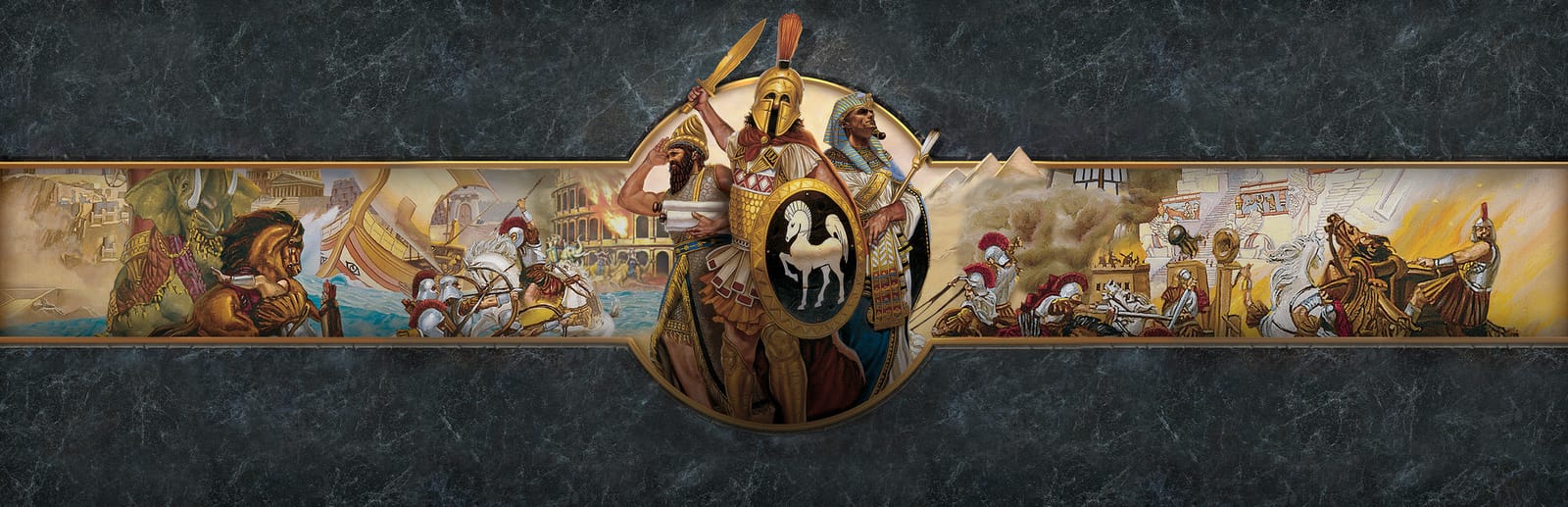
 Cover art © its publisher — for identification only. Details
Windows · 36 default keybinds
Age of Empires: Definitive Edition Keyboard Controls
A reference to the default PC hotkeys for Age of Empires: Definitive Edition, the 2018 remaster of the original 1997 RTS. Covers idle-unit selection, building cycling, the classic B-menu construction keys and unit stances, so you can run your economy and army without hunting through the command panel.
Age of Empires: Definitive Edition controls poster
A generative poster unique to Age of Empires: Definitive Edition — styled by its genre and signature colour. Pure design, zero spoilers. Free to download for your battlestation.
Free PNG is web-resolution & lightly watermarked.
Want it print-ready?
Framed-quality 300 DPI, no watermark — $2.99 (PC / keyboard edition). Drop your email and we'll send the checkout link.
All Age of Empires: Definitive Edition keyboard controls
36 default keybinds across 5 categories. Most can be reassigned in Age of Empires: Definitive Edition's control settings.
36 shortcuts
Buildings 13
| Action | Shortcut |
|---|---|
| Go to Town Center | H |
| Cycle Barracks | CtrlB |
| Cycle Archery Range | CtrlA |
| Cycle Stable | CtrlL |
| Cycle Siege Workshop | CtrlK |
| Cycle Dock | CtrlD |
| Cycle Temple | CtrlP |
| Cycle Granary | CtrlG |
| Cycle Storage Pit | CtrlS |
| Cycle Academy | CtrlY |
| Cycle Market | CtrlM |
| Cycle Government Center | CtrlC |
| Cycle Wonder | CtrlO |
Selection 8
| Action | Shortcut |
|---|---|
| Go to Next Idle Villager | . |
| Select All Idle Villagers | CtrlShift. |
| Go to Next Idle Military Unit | , |
| Select All Idle Military Units | CtrlShift, |
| Go to Previous Idle Villager | Shift. |
| Cycle Selection Forward | Tab |
| Go to Previous Idle Military Unit | Shift, |
| Cycle Selection Backward | CtrlTab |
Construction 8
| Action | Shortcut |
|---|---|
| Open Build Menu (Villager) | B |
| Build House | BthenE |
| Build Farm | BthenF |
| Build Granary | BthenG |
| Build Storage Pit | BthenS |
| Build Barracks | BthenB |
| Build Dock | BthenD |
| Build Town Center | BthenN |
Units 5
| Action | Shortcut |
|---|---|
| Attack Move | A |
| Aggressive Stance | Q |
| Defensive Stance | W |
| Stand Ground | E |
| No Attack Stance | R |
Game Control 2
| Action | Shortcut |
|---|---|
| Pause Game | F3 |
| Save Game | F12 |
Sourced from ageofempires.fandom.com, aoe.heavengames.com Last verified
Unofficial reference. ShortcutPosters is not affiliated with, endorsed by, or sponsored by Age of Empires: Definitive Edition. All product names, logos, and trademarks are property of their respective owners. See our licensing & trademark notice.
Age of Empires: Definitive Edition controls — FAQ
- What are the default controls for Age of Empires: Definitive Edition?
- Age of Empires: Definitive Edition, a strategy game, uses 36 default keybinds across 5 categories. The complete, up-to-date list is free to read on this page.
- Can you remap Age of Empires: Definitive Edition controls?
- Yes. These are the game's default bindings — nearly all of them can be reassigned from Age of Empires: Definitive Edition's in-game control or key-binding settings.
- Which platforms do these Age of Empires: Definitive Edition controls cover?
- These keyboard controls apply on Windows. Most bindings are identical across platforms unless noted.
- Is this an official Age of Empires: Definitive Edition resource?
- No. This is an unofficial reference and is not affiliated with or endorsed by Age of Empires: Definitive Edition or its publisher. All trademarks belong to their respective owners.
Thanks — your feedback helps us improve.
Age of Empires collection
4 Age of Empires games in the catalogue, every control scheme free to read.
See all 4 Age of Empires games →