 Get the poster
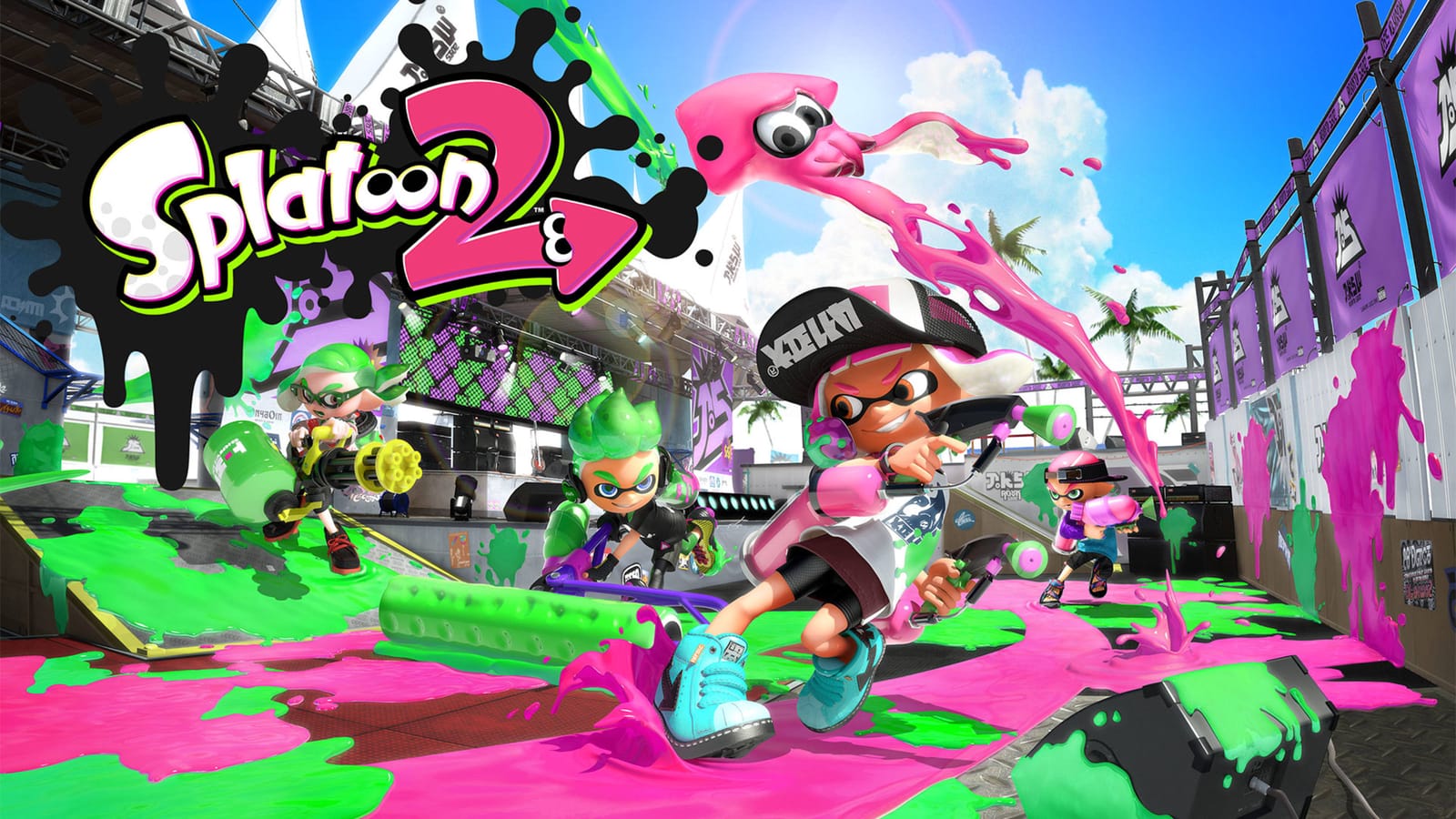
Cover art © its publisher — for identification only. Cover © its publisher. Details
Default Nintendo Switch controller layout for Splatoon 2, Nintendo's ink-splatting third-person shooter. Covers movement and squid-form swimming, firing the main weapon, sub and special weapons, jumping, the Turf Map, camera reset and teammate signals. Splatoon 2 aims primarily with motion/gyro controls, which have no standard controller equivalent and are left out here; this page lists the stick-and-button bindings only.
All Splatoon 2 controls
Combat 4
| Action | Switch |
|---|---|
| Fire main weapon (ZR) | ZR |
| Throw sub weapon (R) | R |
| Activate special weapon (right stick click) | RS |
| Throw clams / Golden Eggs (L) | L |
Movement 3
| Action | Switch |
|---|---|
| Move | L-Stick |
| Swim / squid form (ZL) | ZL |
| Jump (B) | B |
Camera 2
| Action | Switch |
|---|---|
| Aim / look camera (right stick) | R-Stick |
| Reset / center camera (Y) | Y |
Signals 2
| Action | Switch |
|---|---|
| Signal teammates — up (D-Pad) | D-Pad ↑ |
| Signal teammates — down (D-Pad) | D-Pad ↓ |
Map 1
| Action | Switch |
|---|---|
| Open Turf Map (X) | X |
Menus 1
| Action | Switch |
|---|---|
| Confirm / select menu option (A) | A |
Sourced from splatoonwiki.org, vgsettings.wiki.gg Last verified
Unofficial reference. ShortcutPosters is not affiliated with, endorsed by, or sponsored by Splatoon 2. All product names, logos, and trademarks are property of their respective owners. See our licensing & trademark notice.
Shown at scaleNo watermark on your file
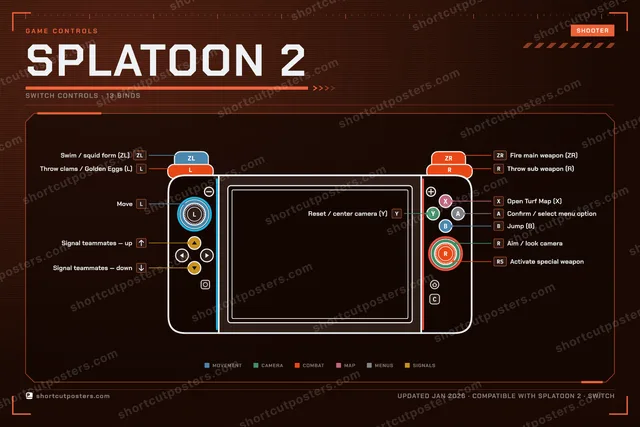
Splatoon 2, on your wall.
Print-ready 36×24″ at 300 DPI, for your printer or any print shop.Free preview: 1600 px, watermarked.
No watermark on what you buy. It only protects this preview.
- The Switch controller poster
- 10 800 px at 300 DPI, up to 91×61 cm
- PNG + print-ready PDF, instant download
Splatoon 2 controls poster
Splatoon 2 controls — FAQ
- What are the default controls for Splatoon 2?
- Splatoon 2, a shooter game, maps 13 actions to the Nintendo Switch controller. The complete button layout is shown on this page, free to read.
- What buttons do you use in Splatoon 2?
- Every Splatoon 2 action is mapped to its Nintendo Switch button on this page — face buttons, triggers, sticks and the d-pad — so you can see the whole control scheme at a glance.
- Can you remap Splatoon 2 controls?
- These are the game's default bindings. Remapping depends on the title and the Nintendo Switch's system button-mapping options.
- Is this an official Splatoon 2 resource?
- No. This is an unofficial reference and is not affiliated with or endorsed by Splatoon 2 or its publisher. All trademarks belong to their respective owners.
Thanks — your feedback helps us improve.